

 مدير الملفات
  الآلة الحاسبة
  المترجم
  الملاحظات
  العملات
  كلمة المرور
  العد التنازلي
  الإعدادات السريعة
  الماسح الضوئي
  إعداد GPS
  صفارة الطوارئ
  معدل ضربات القلب
  الدماغ الذكي
  المجال المغناطيسي
  مقياس الصوت
  الاهتزاز
  المسافة
  السفر
السفر  عداد الخطوات
  بيانو
بيانو  غطاء مفتاح ASMR
 لقطات الشاشة
الميزات الرئيسية
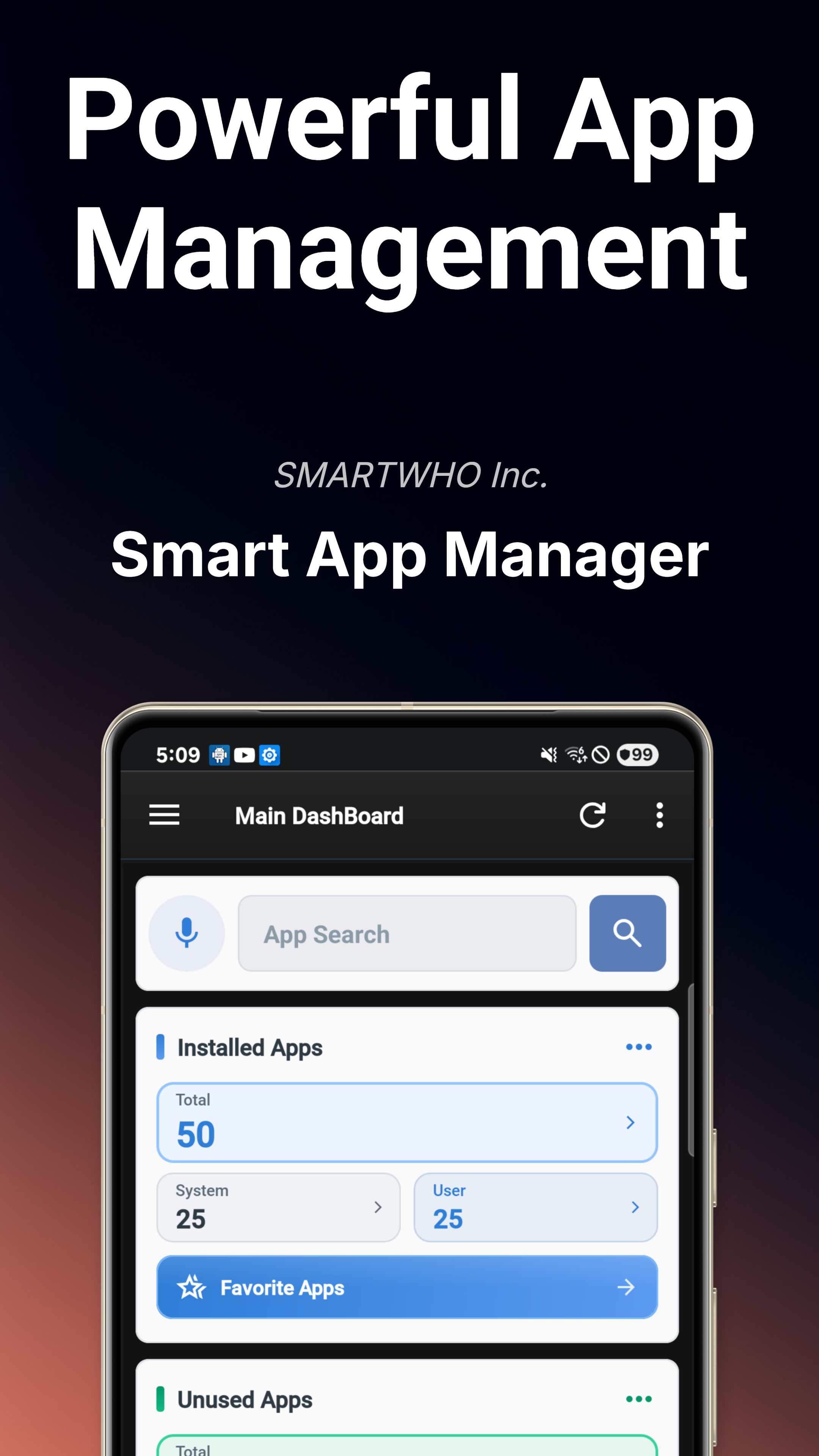
لوحة التحكم الرئيسية
نظرة عامة فورية على حالة الجهاز تعرض حالة النظام والمخاطر الأمنية وتدقيق الأذونات واتجاهات الإشعارات في لمحة واحدة.
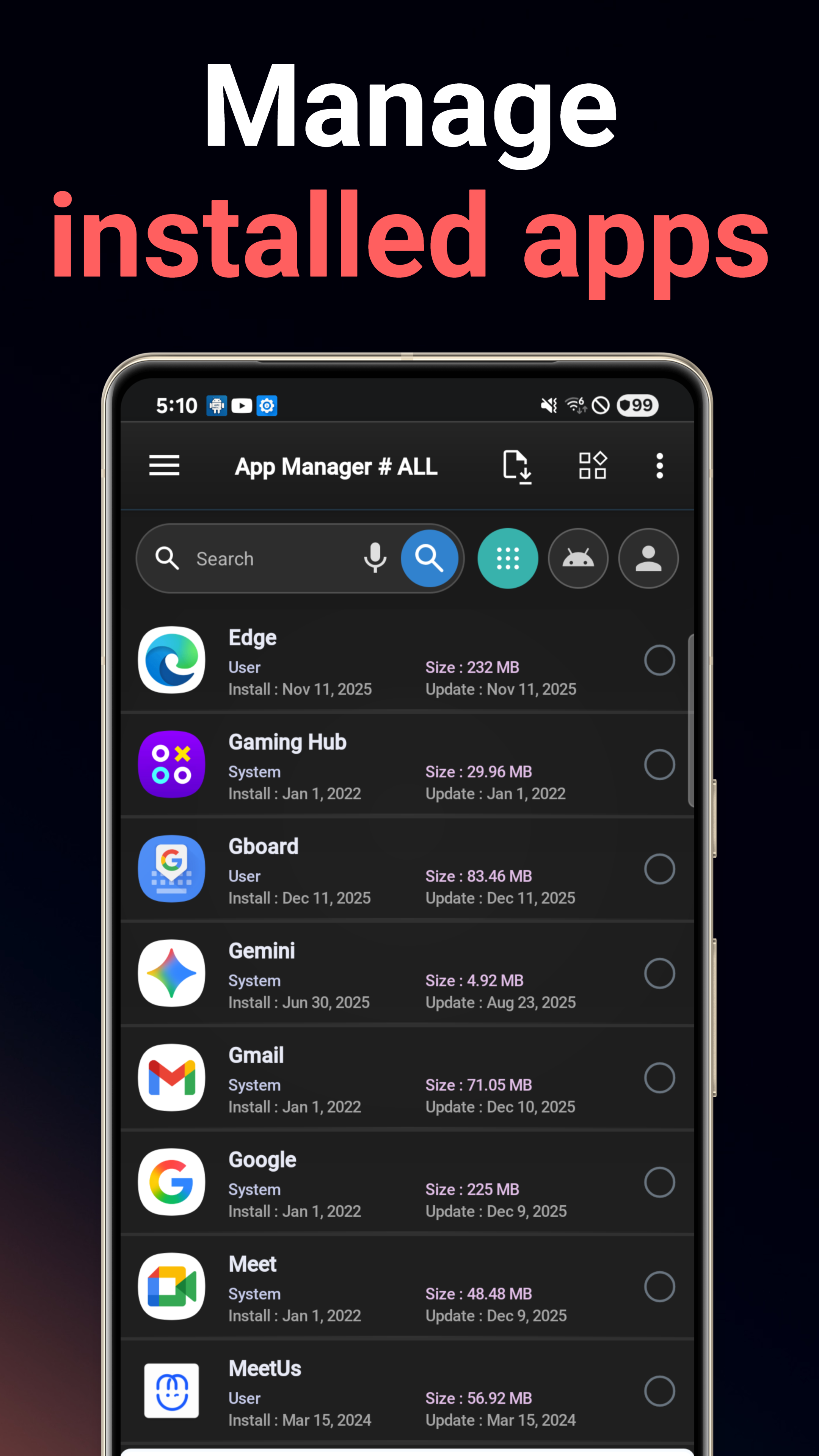
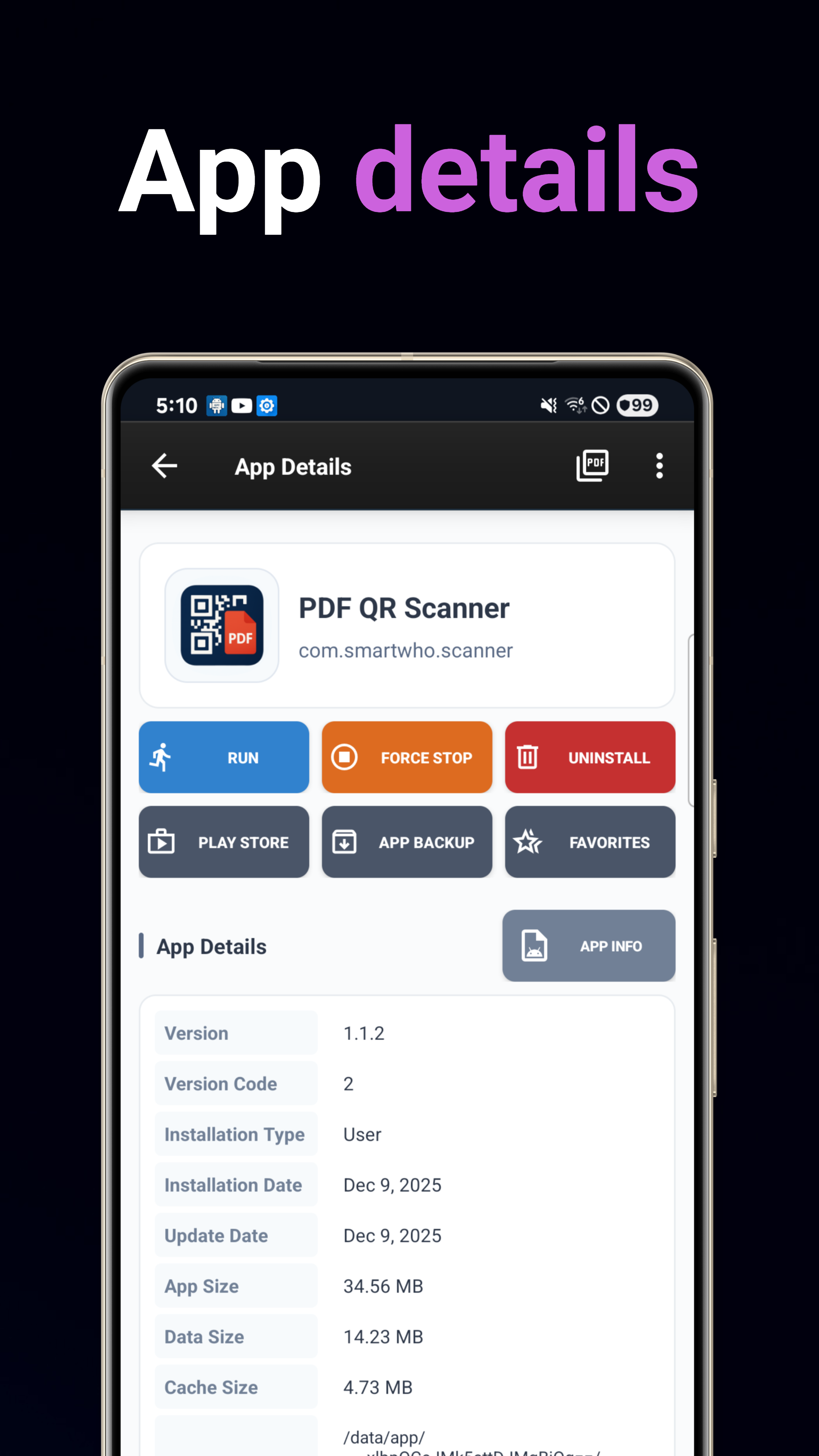
مدير التطبيقات
تثبيت التطبيقات وإلغاء تثبيتها ونسخها احتياطيًا واستعادتها. بحث متقدم مع فرز متعدد المعايير حسب الاسم أو التاريخ أو الحجم أو الاستخدام.
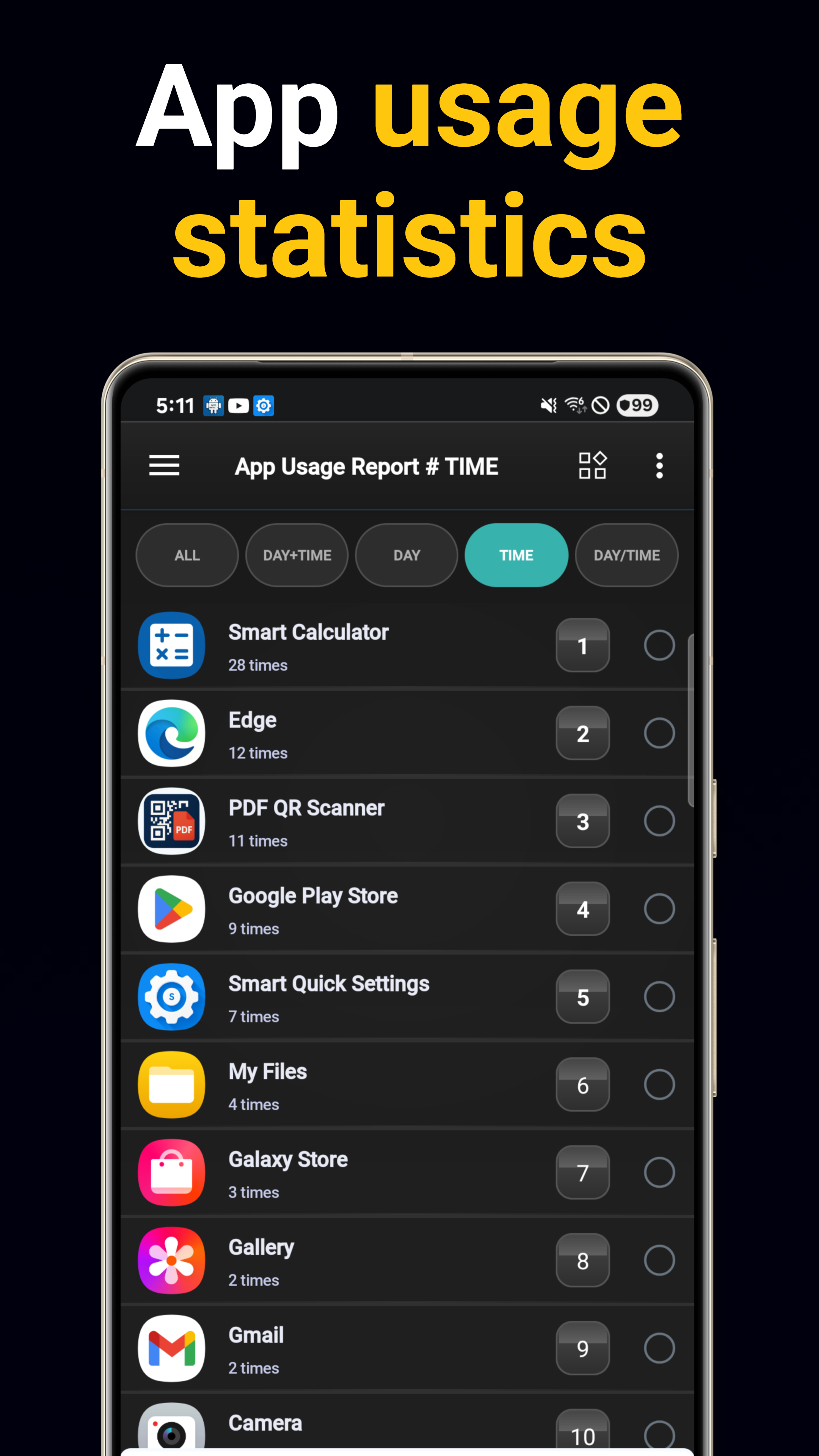
تحليل الاستخدام
تقارير استخدام يومية وكل ساعة مع تتبع معدل تشغيل التطبيقات. تعرّف على التطبيقات الأكثر استخدامًا.
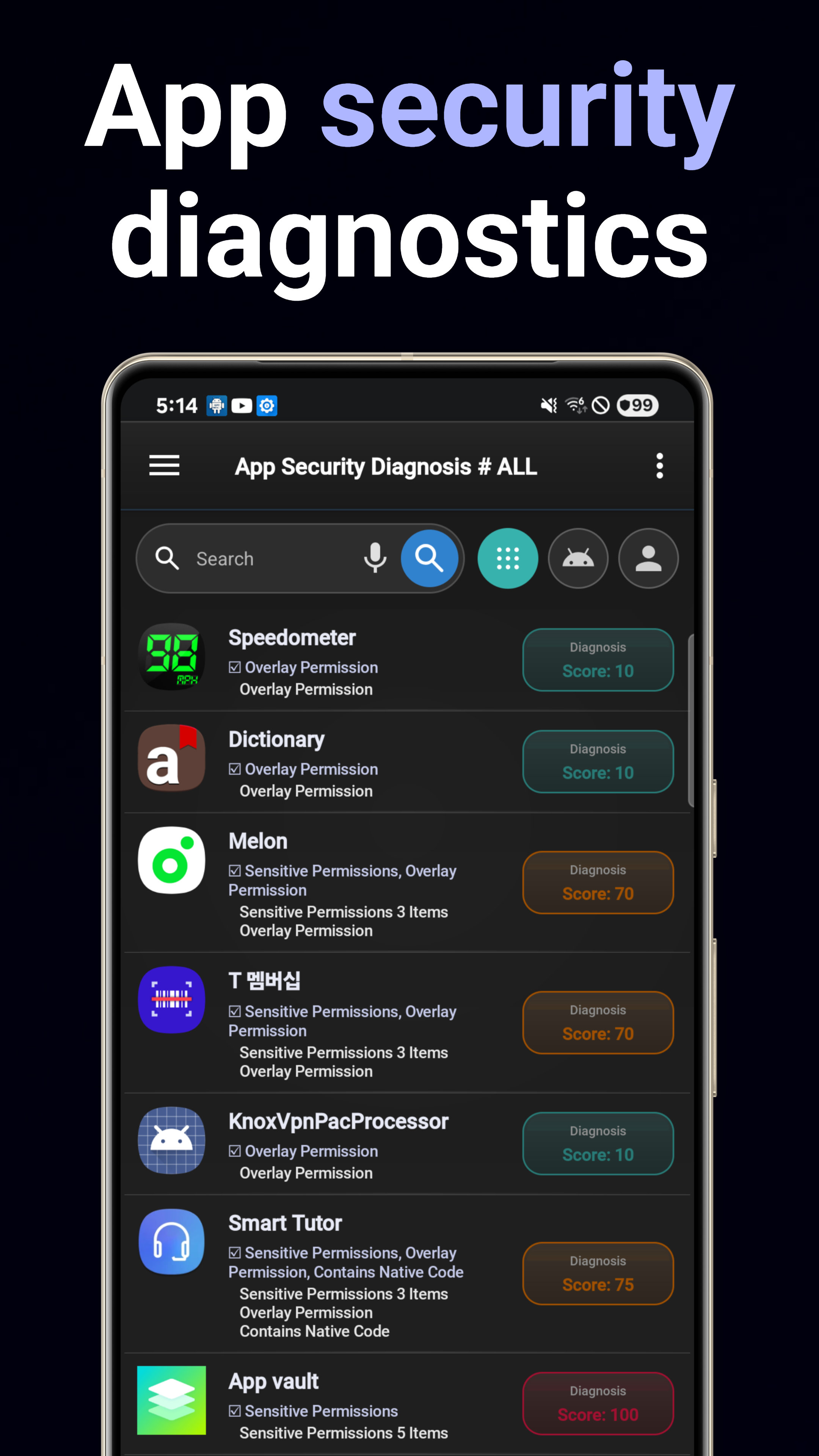
التشخيص الأمني
فحص المخاطر الأمنية والثغرات والسلوكيات المشبوهة وقدرات التتبع في جميع التطبيقات المثبتة.
تدقيق الأذونات
تحليل شامل لأذونات التطبيقات. عرض مرئي للأذونات الحساسة والتركيبات الخطيرة.
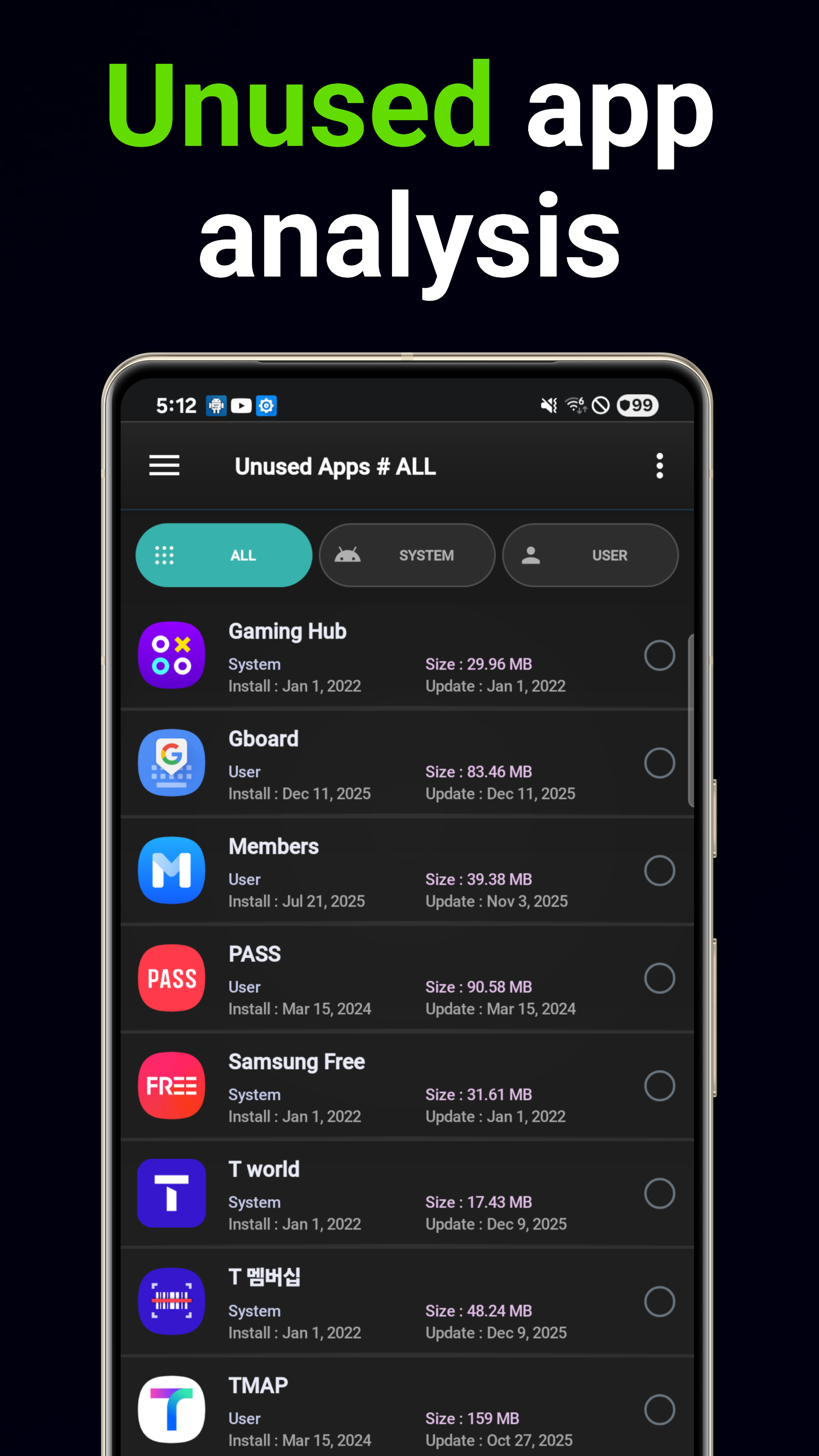
إلغاء التثبيت الذكي
توصيات للحذف مدعومة بالذكاء الاصطناعي بناءً على أنماط الاستخدام وأثرها على التخزين. اكتشف التطبيقات غير المستخدمة تلقائيًا.
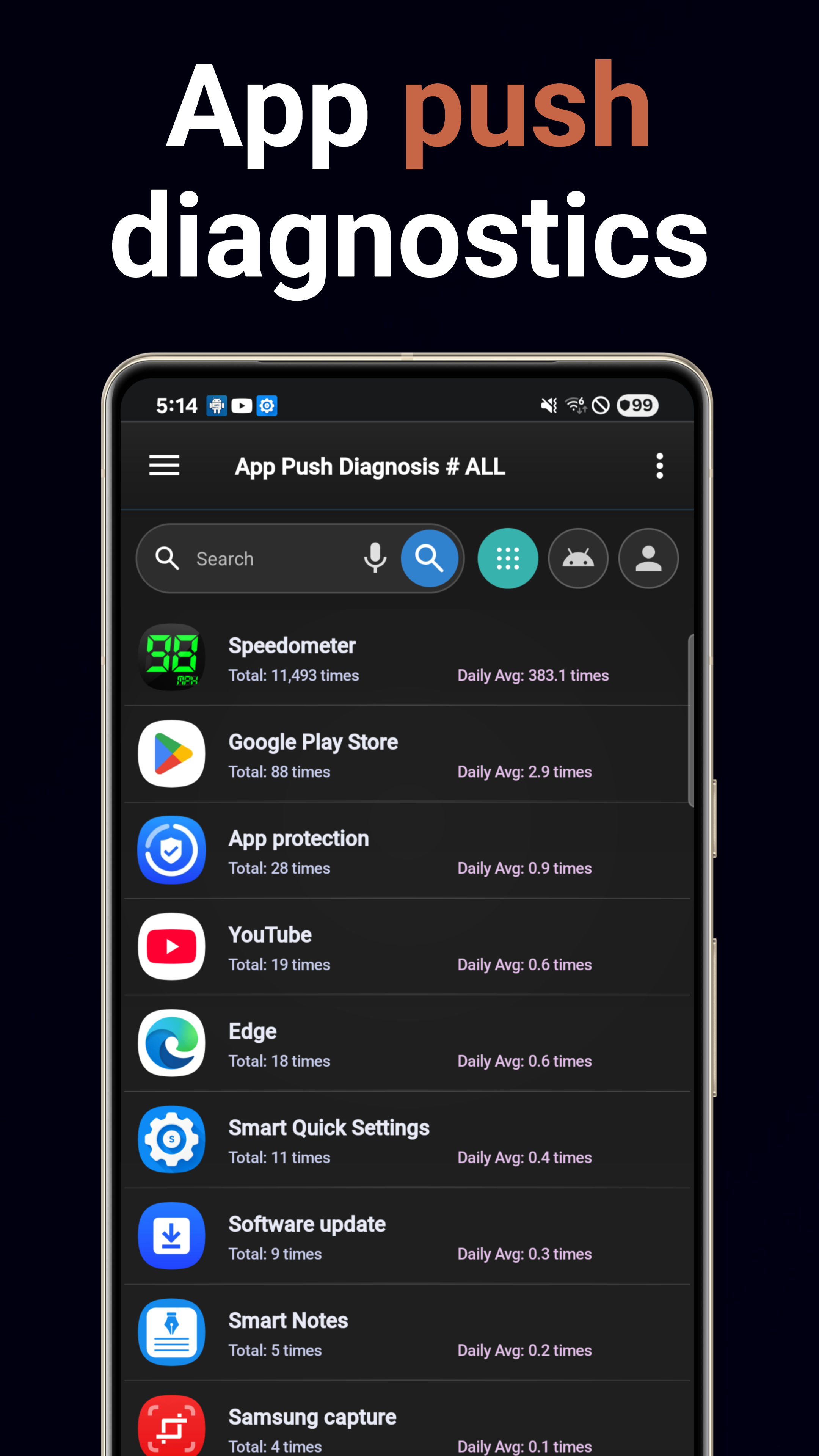
تحليل الإشعارات
تتبّع حجم الإشعارات لكل تطبيق. حدّد التطبيقات كثيرة الإشعارات وافهم أنماط الإشعارات.
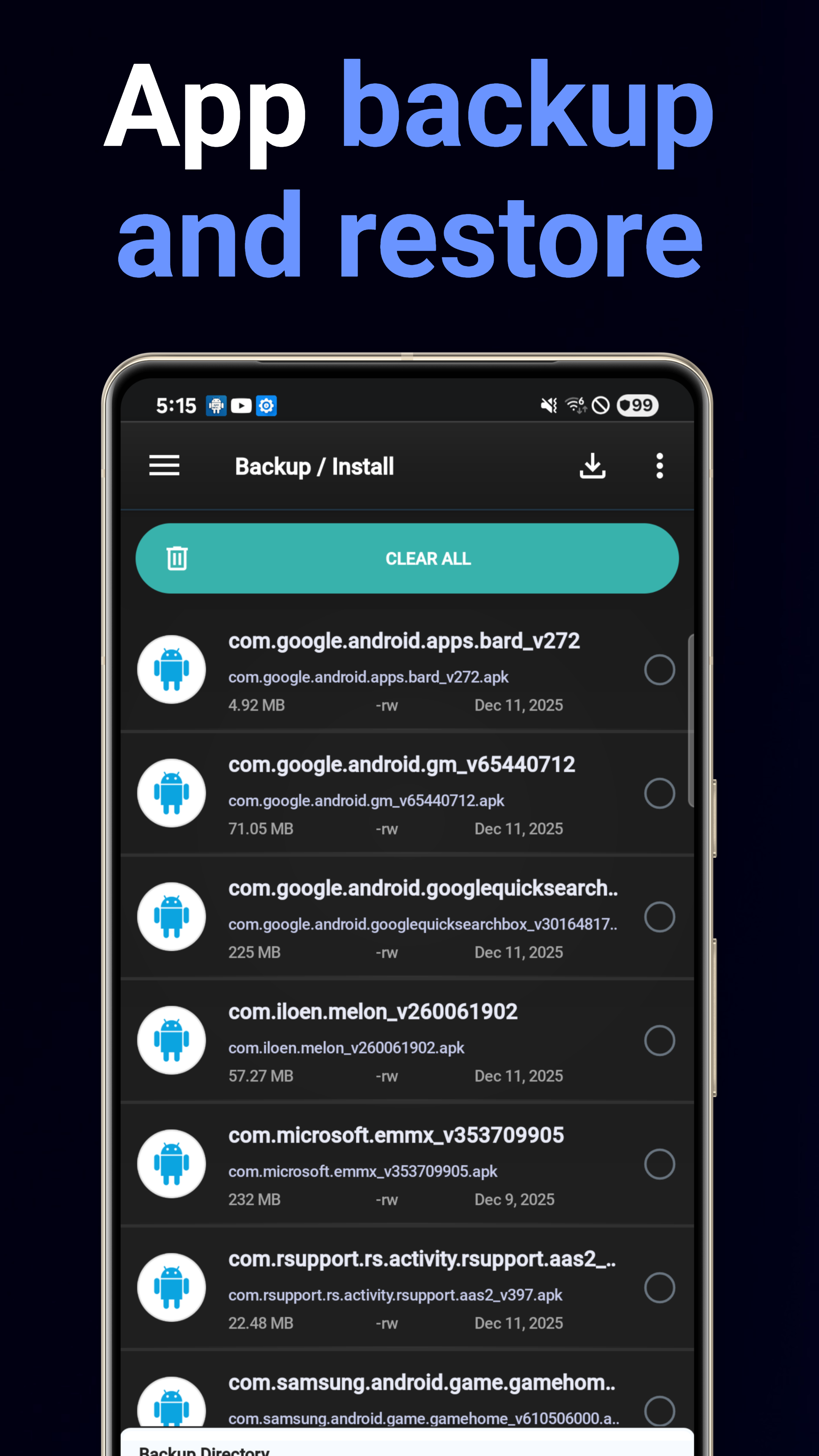
النسخ الاحتياطي & الاستعادة
نسخ احتياطي مجمّع لملفات APK إلى وحدة التخزين مع استعادة سهلة بلمسة واحدة. لن تفقد أي تطبيق بعد الآن.
معلومات النظام
لوحة مواصفات الجهاز: المعالج والذاكرة والتخزين والبطارية وتفاصيل الشاشة مع إمكانية التصدير بصيغة PDF.
5 أدوات للشاشة الرئيسية
أدوات تفاصيل النظام، وملخص النظام، ومستشار التطبيقات، والبحث عن التطبيقات، والمفضلة للوصول السريع.
محلل استهلاك البطارية
اعرف أي التطبيقات تستنزف بطاريتك. تفصيل استهلاك البطارية لكل تطبيق مع اتجاهات يومية.
محلل استهلاك البيانات
تتبّع استهلاك Wi-Fi وبيانات الجوال لكل تطبيق. حدّد التطبيقات الشرهة للبيانات وتحكّم في الاستخدام في الخلفية.
تنزيل الآن
متاح مجانًا على Google Play.
تنزيل من Google Play