

 File Manager
  Calculator
  Translator
  Notes
Notes  Currency
  Password
  D-Day
D-Day  Quick Settings
  Scanner
  GPS Set
  Siren SOS
  Heart Rate
  Smart Brain
  Magnetic Field
  Sound Meter
  Vibration
  Distance
  Travel
  Pedometer
  Piano
Piano  Keycap ASMR
 App Screenshots
Key Features
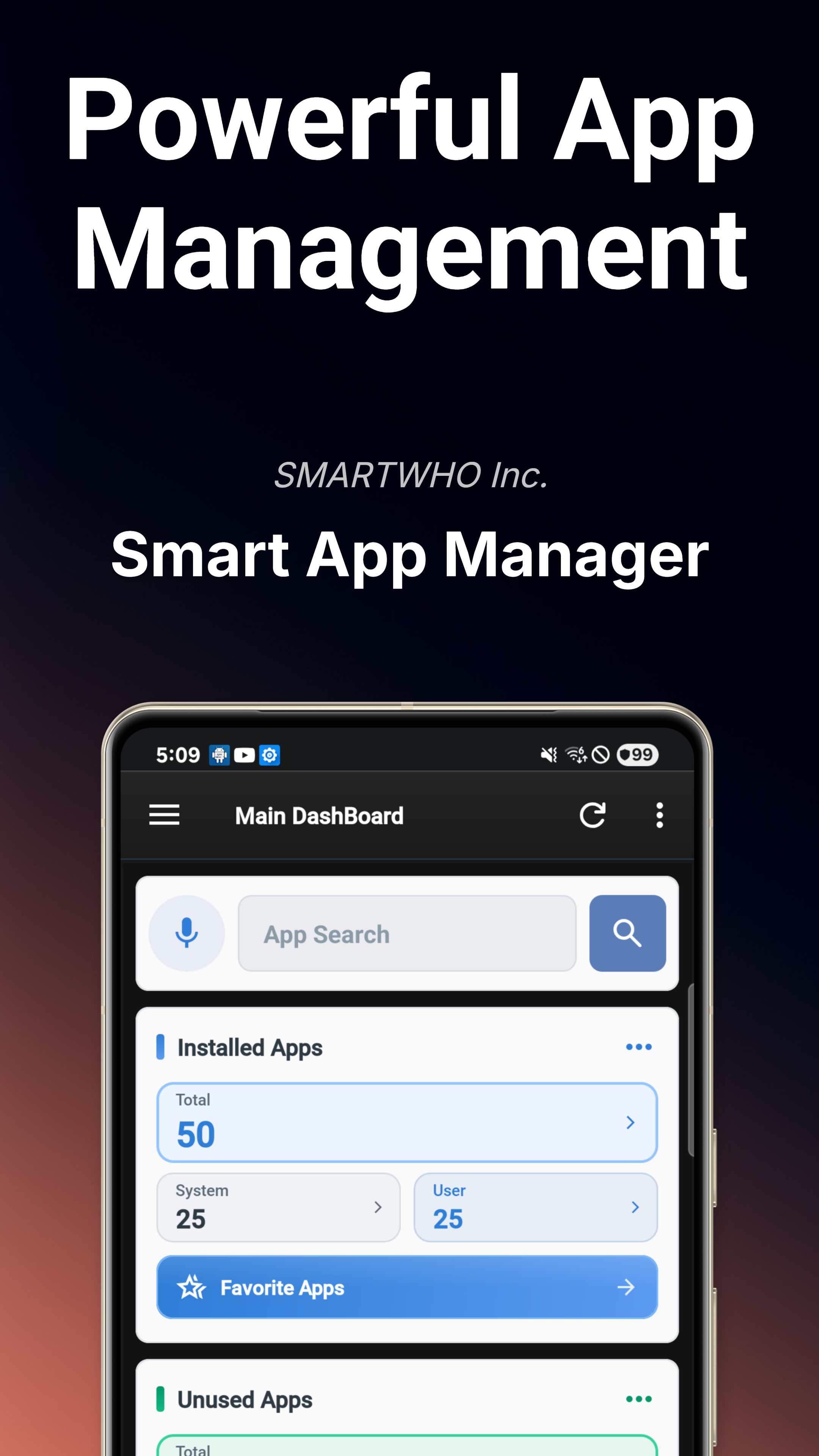
Main Dashboard
Real-time device health overview with system status, security risks, permission audit, and notification trends at a glance.
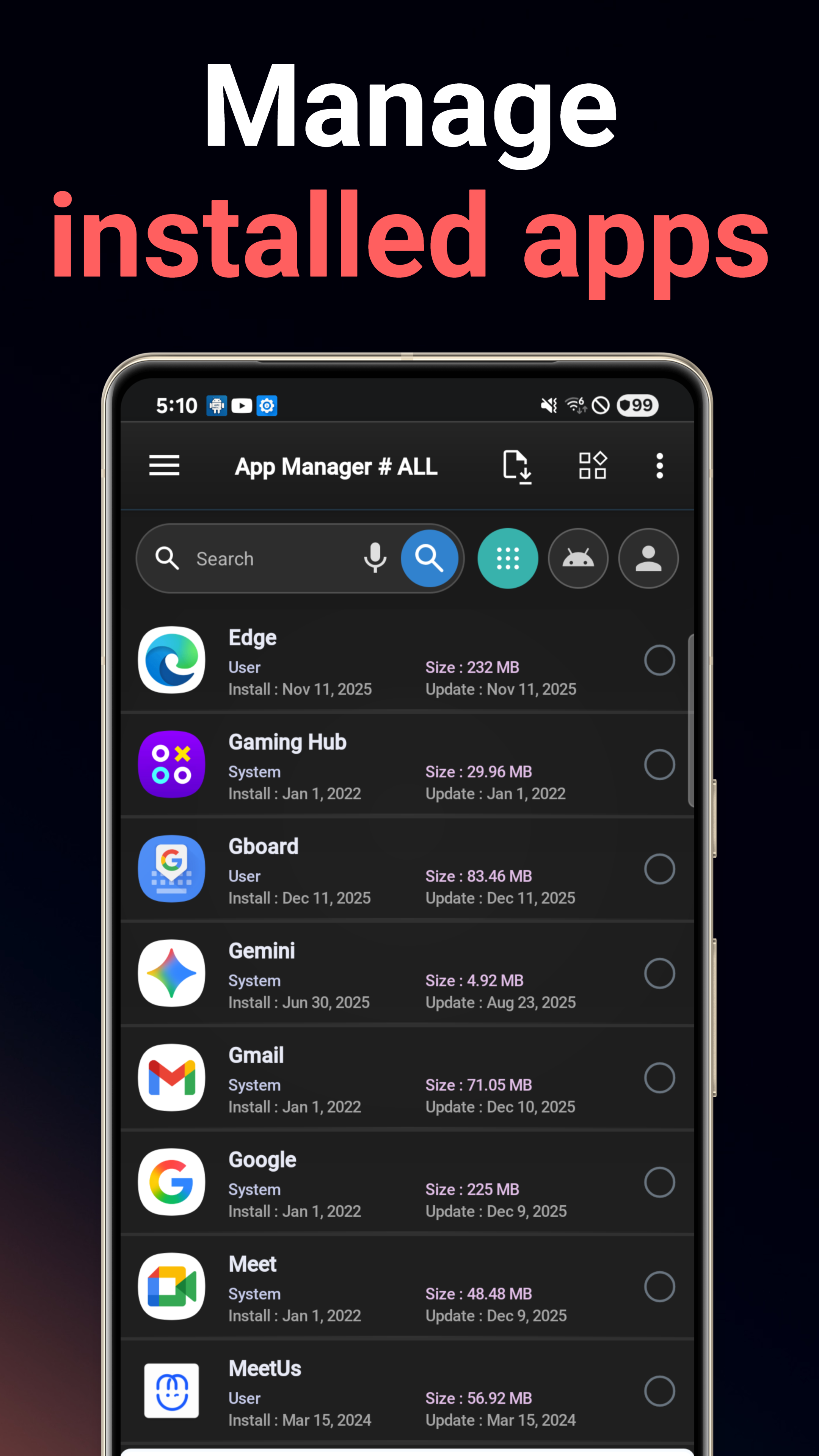
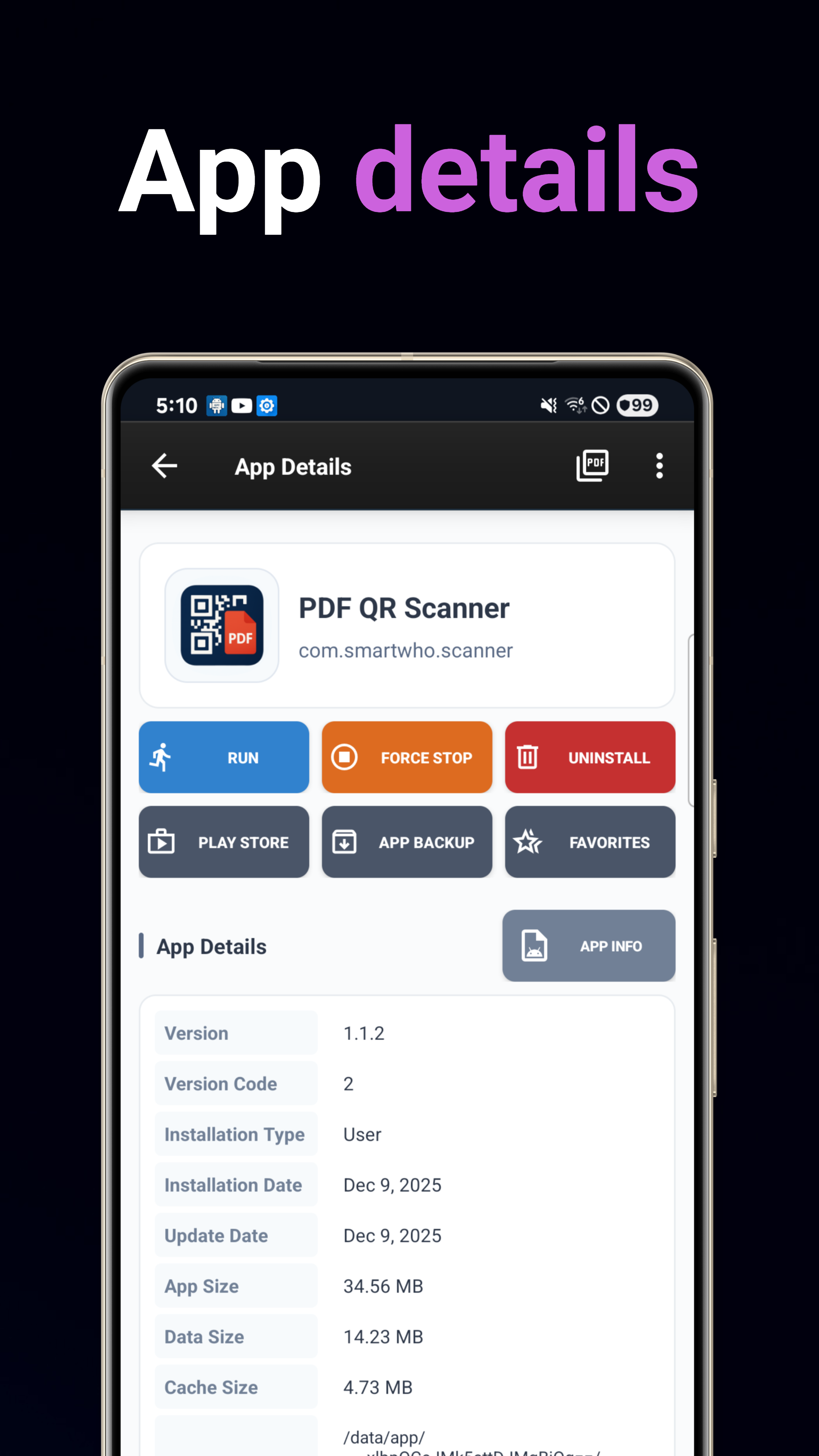
App Manager
Install, uninstall, backup, and restore apps. Advanced search with multi-criteria sorting by name, date, size, or usage.
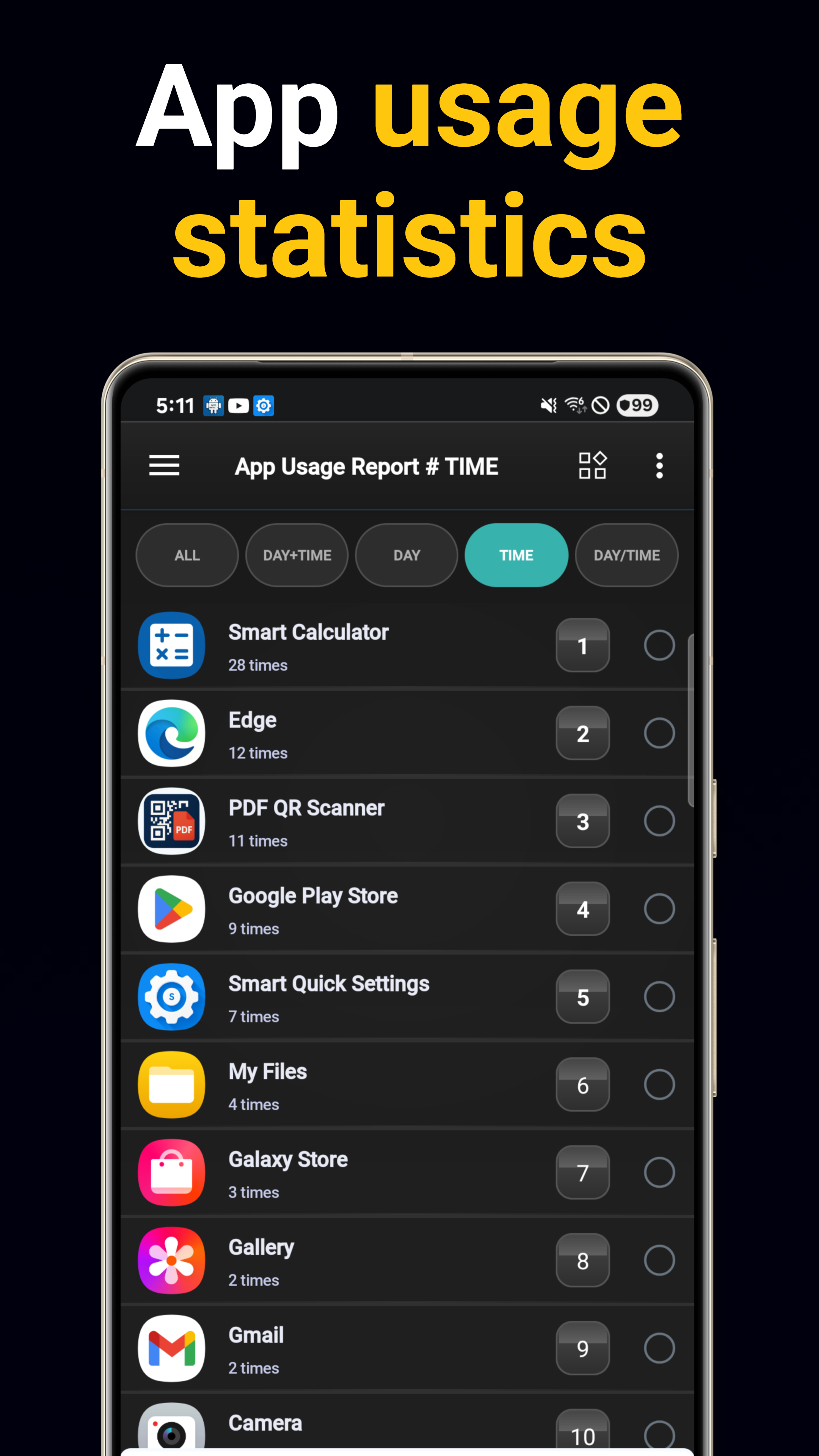
Usage Analytics
Daily and hourly usage reports with app launch frequency tracking. Identify your most-used apps.
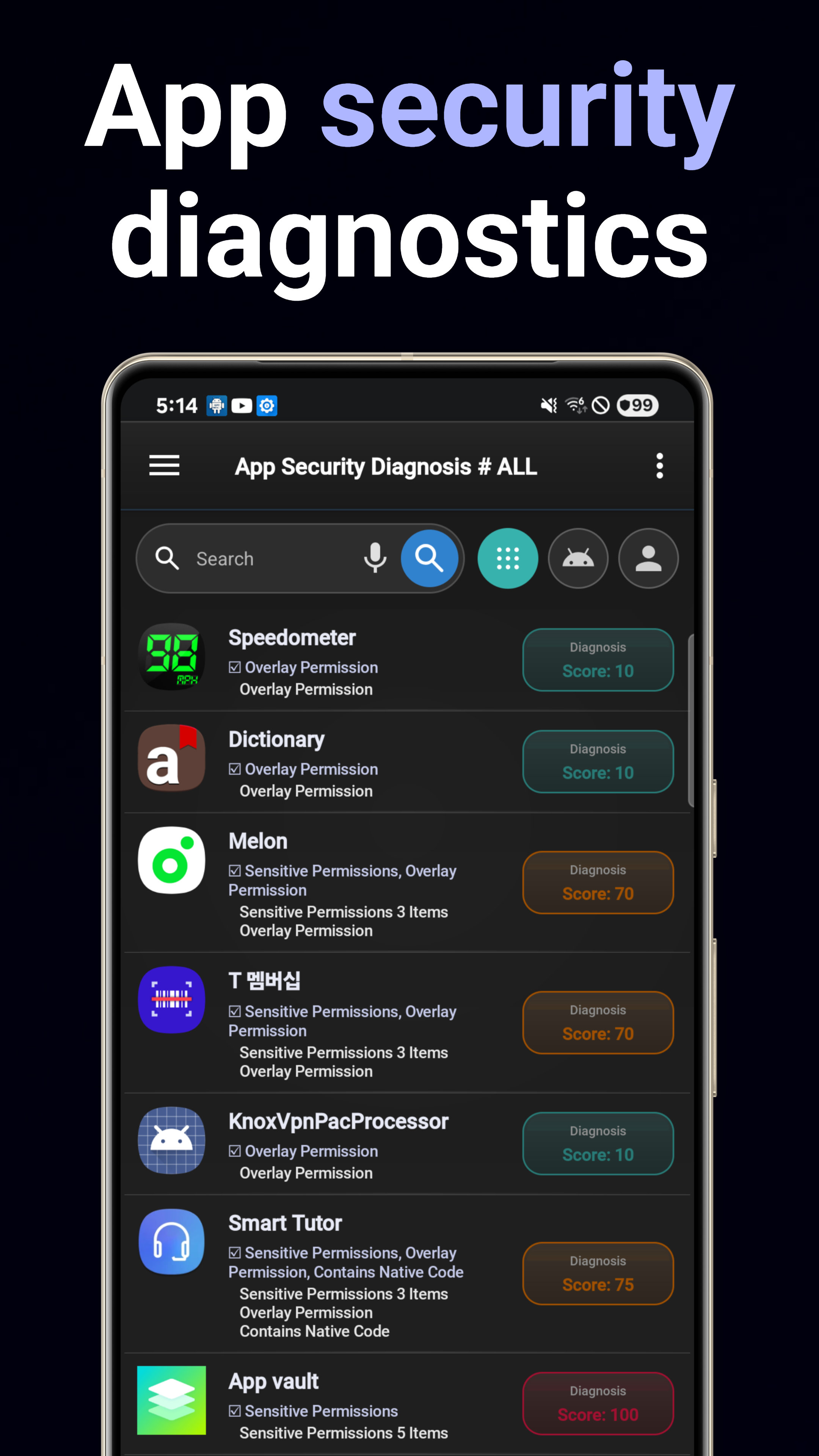
Security Diagnosis
Scan for security risks, vulnerabilities, suspicious behaviors, and tracking capabilities across all installed apps.
Permission Audit
Comprehensive analysis of app permissions. Visual breakdown of sensitive permissions and dangerous combinations.
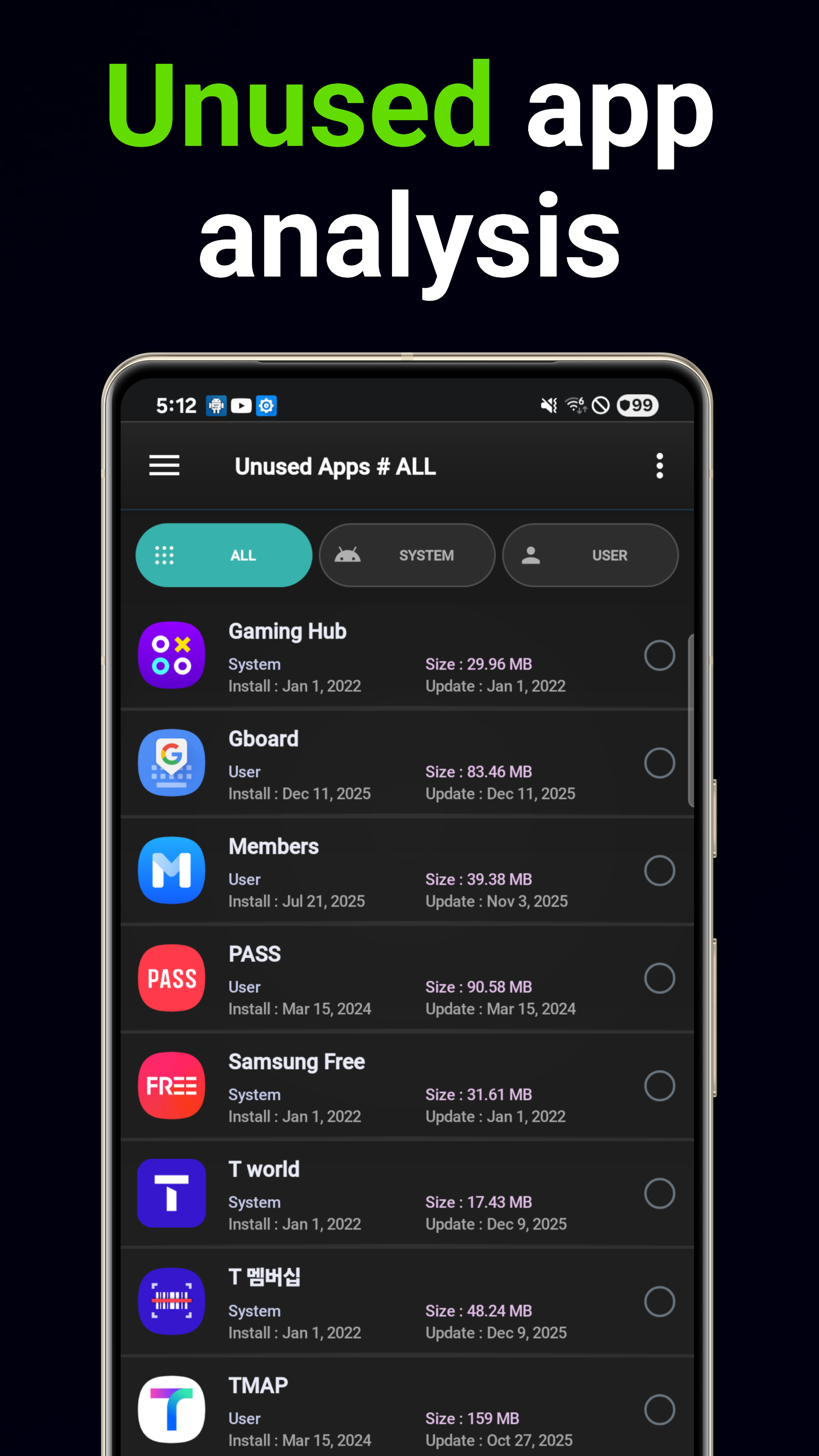
Smart Uninstall
AI-driven deletion recommendations based on usage patterns and storage impact. Find unused apps automatically.
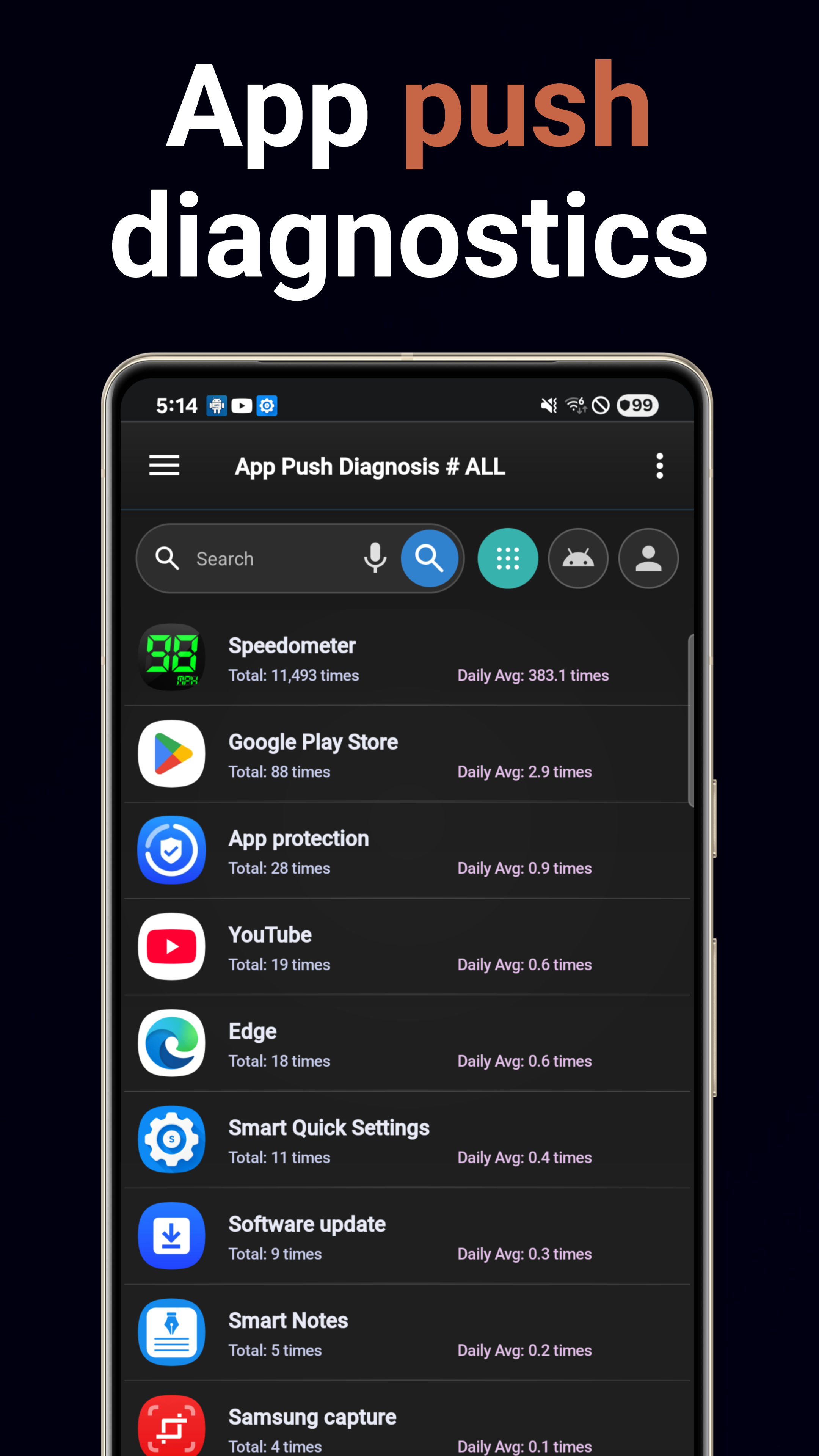
Notification Analytics
Track notification volume per app. Identify noisy apps and understand notification patterns.
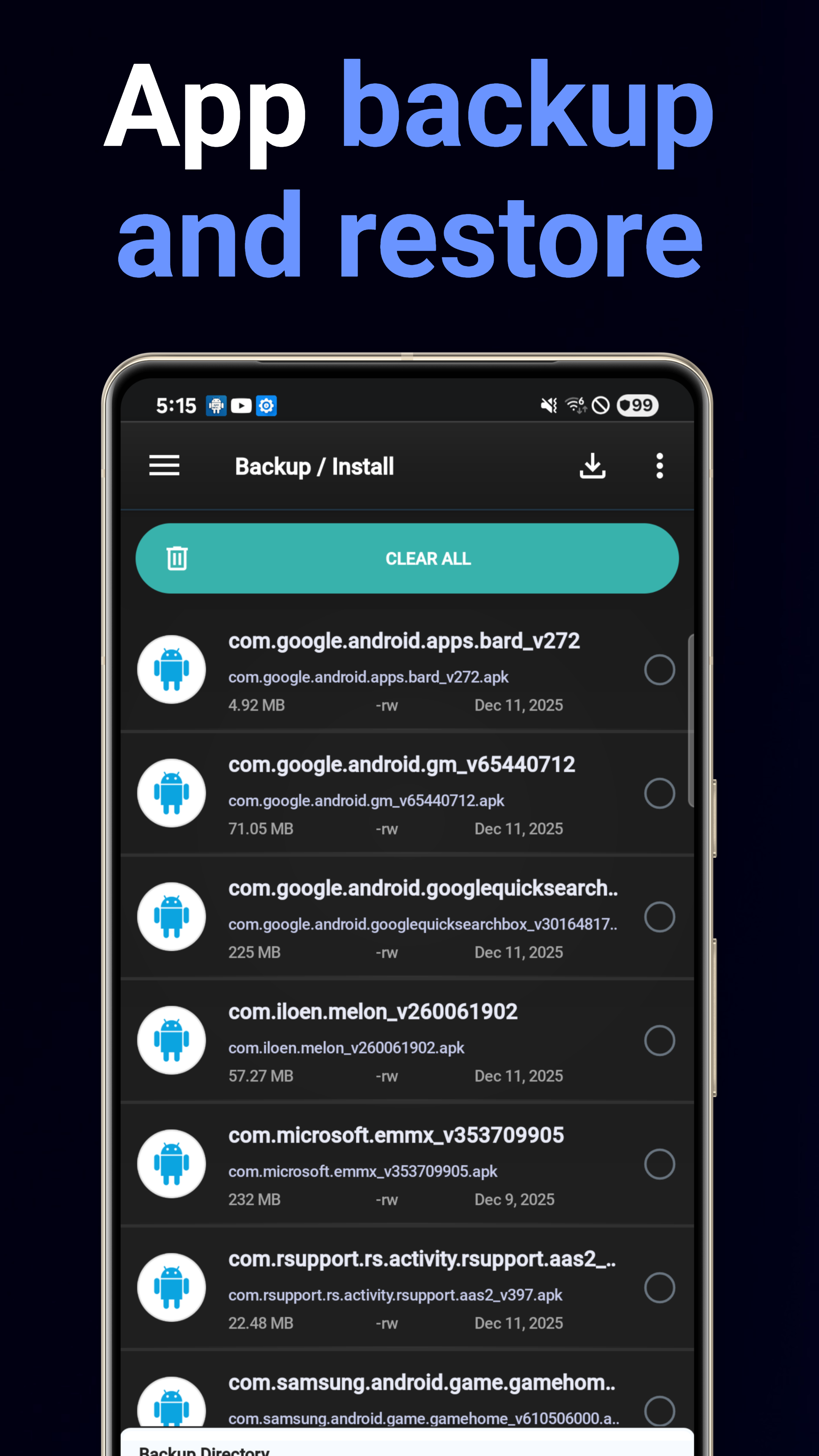
Backup & Restore
Batch APK backup to storage with easy one-tap restoration. Never lose an app again.
System Information
Device specs dashboard: CPU, memory, storage, battery, display details with PDF export capability.
5 Home Screen Widgets
System Details, System Summary, App Advisor, App Search, and Favorites widgets for quick access.
Battery Usage Analyzer
See which apps drain your battery. Per-app battery consumption breakdown with daily trends.
Data Usage Analyzer
Track Wi-Fi and mobile data per app. Identify data-hungry apps and control background usage.
Download Now
Available on Google Play for free.
Get it on Google Play