

 Quản Lý Tệp
  Máy Tính
  Dịch Thuật
  Ghi Chú
  Tiền Tệ
  Mật Khẩu
  Đếm Ngược
  Cài Đặt Nhanh
  Máy Quét
  Cài Đặt GPS
  Còi Khẩn Cấp
  Nhịp Tim
  Trí Tuệ Thông Minh
  Từ Trường
  Đo Âm Thanh
  Rung Động
  Khoảng Cách
  Du Lịch
  Máy Đếm Bước
  Piano
Piano  ASMR phím bấm
 Ảnh chụp màn hình
Tính năng chính
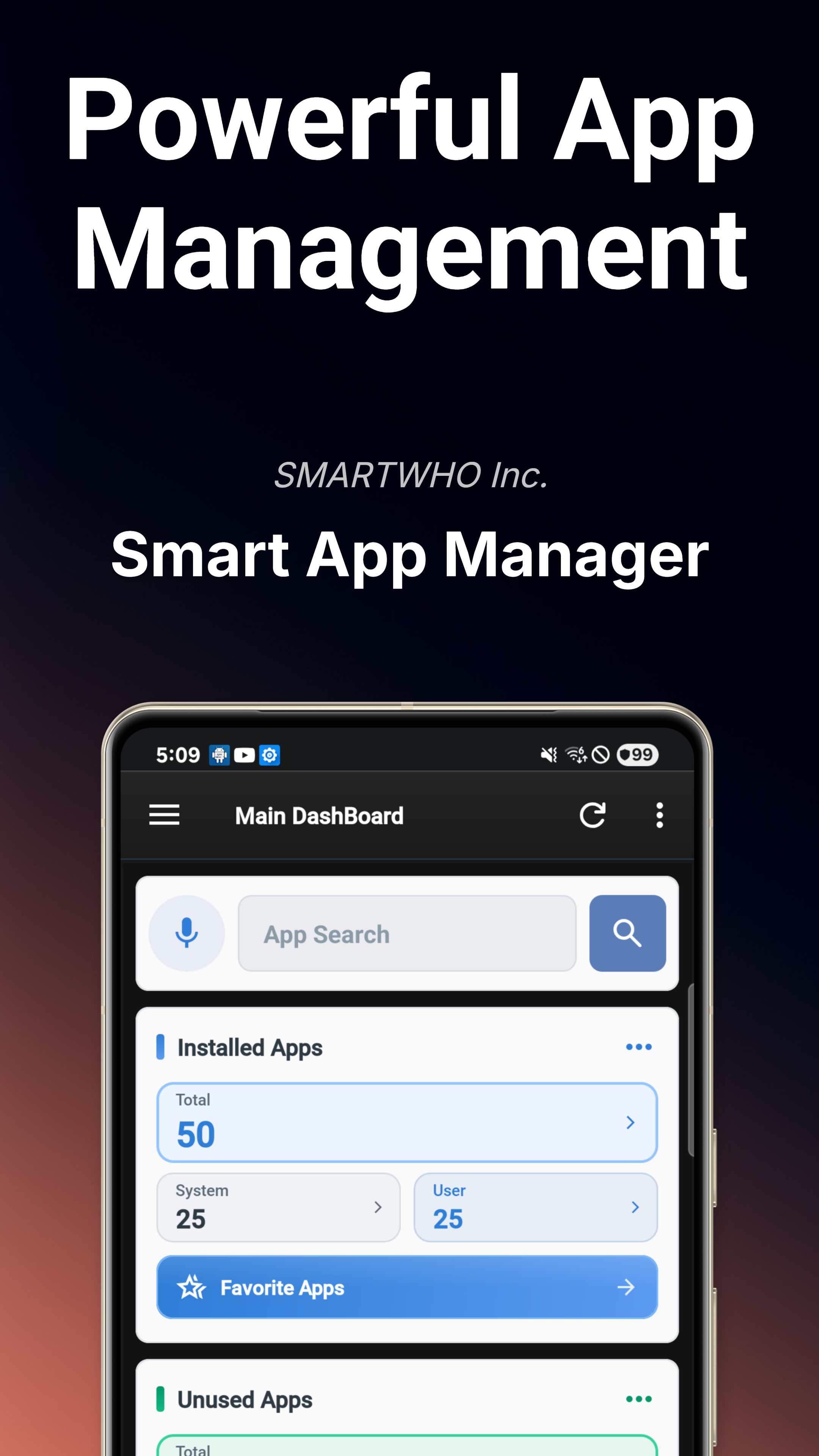
Bảng điều khiển chính
Tổng quan tình trạng thiết bị theo thời gian thực với trạng thái hệ thống, rủi ro bảo mật, kiểm tra quyền truy cập và xu hướng thông báo trong nháy mắt.
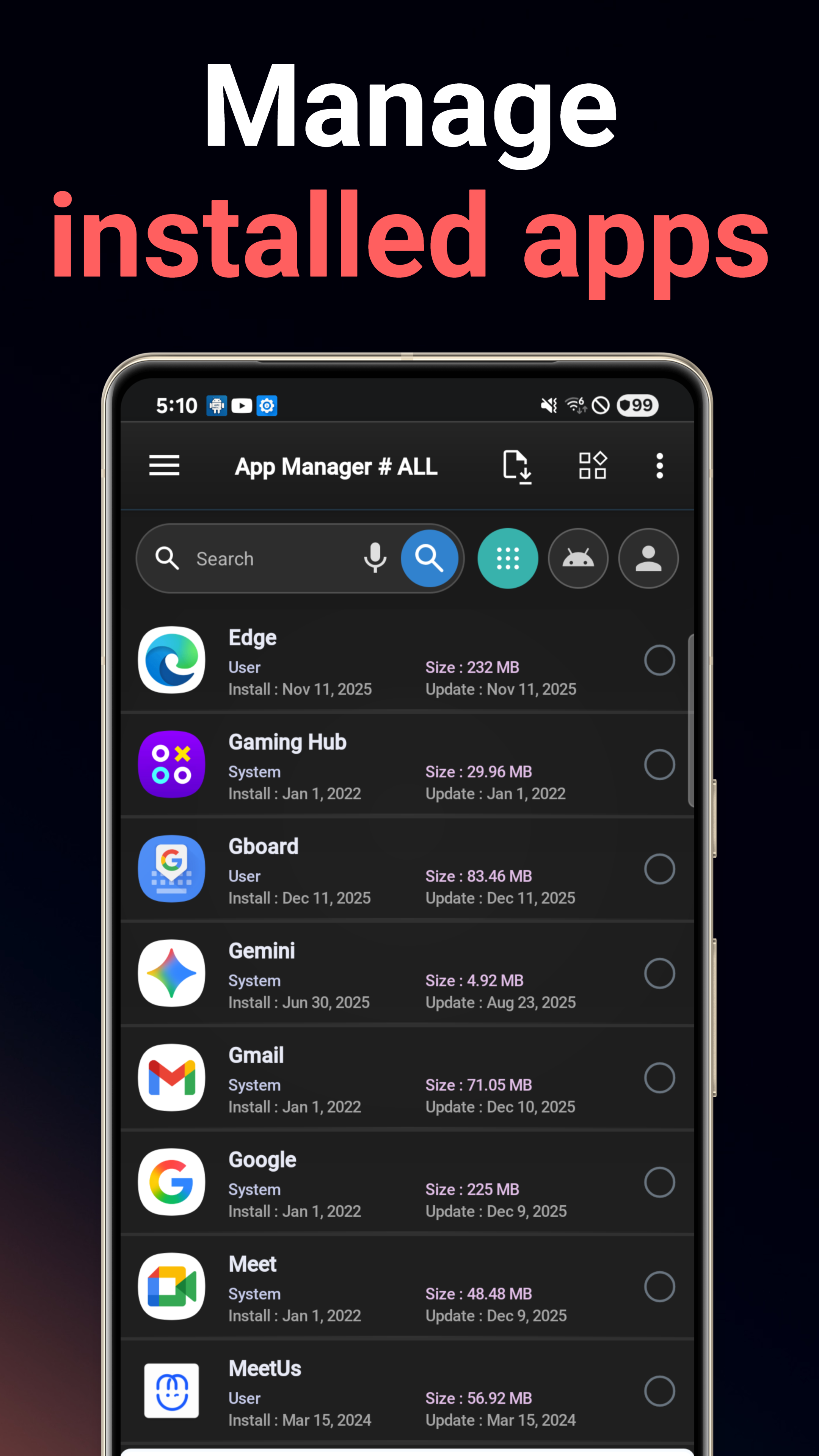
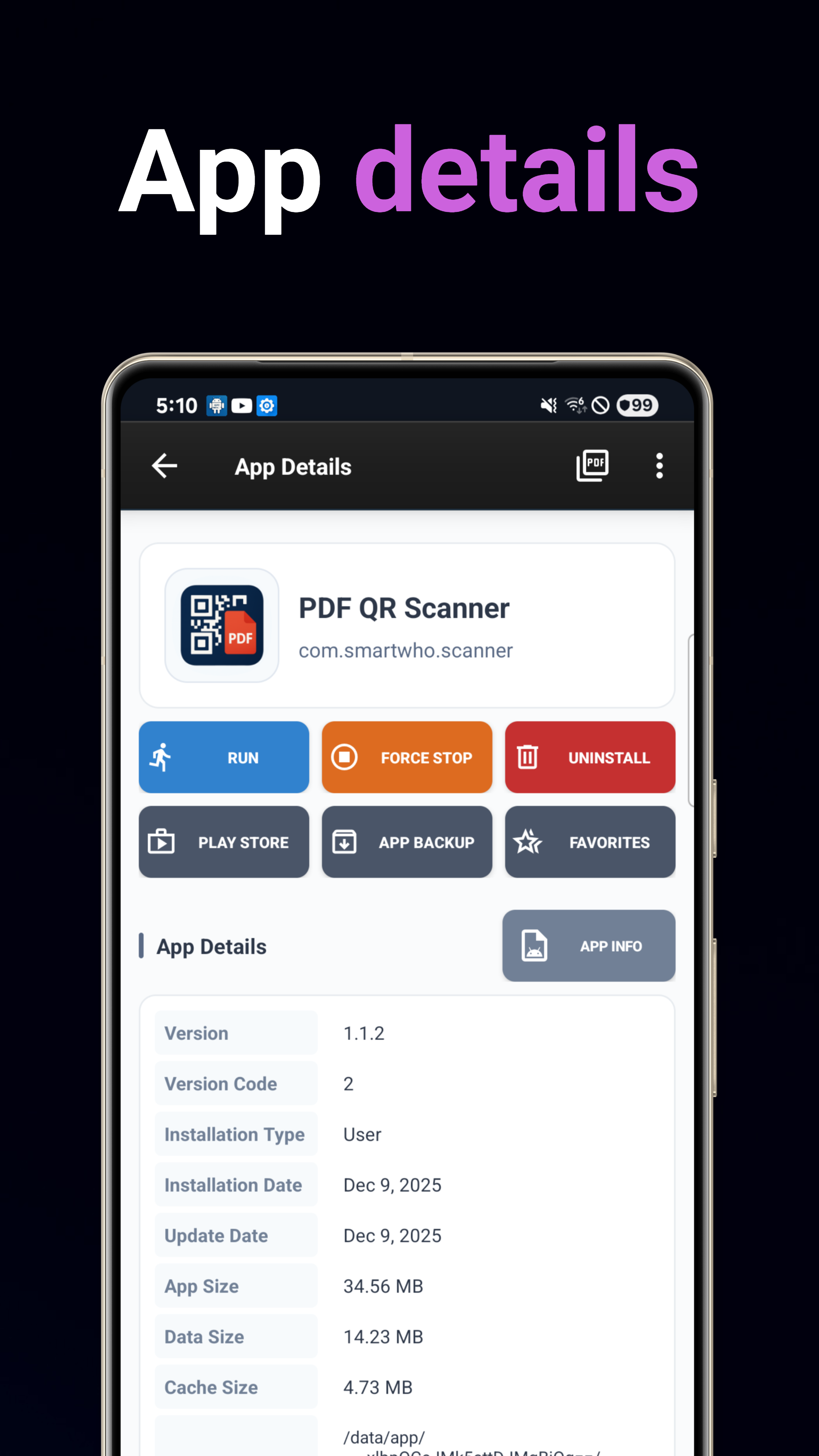
Trình quản lý ứng dụng
Cài đặt, gỡ cài đặt, sao lưu và khôi phục ứng dụng. Tìm kiếm nâng cao với sắp xếp đa tiêu chí theo tên, ngày, kích thước hoặc mức sử dụng.
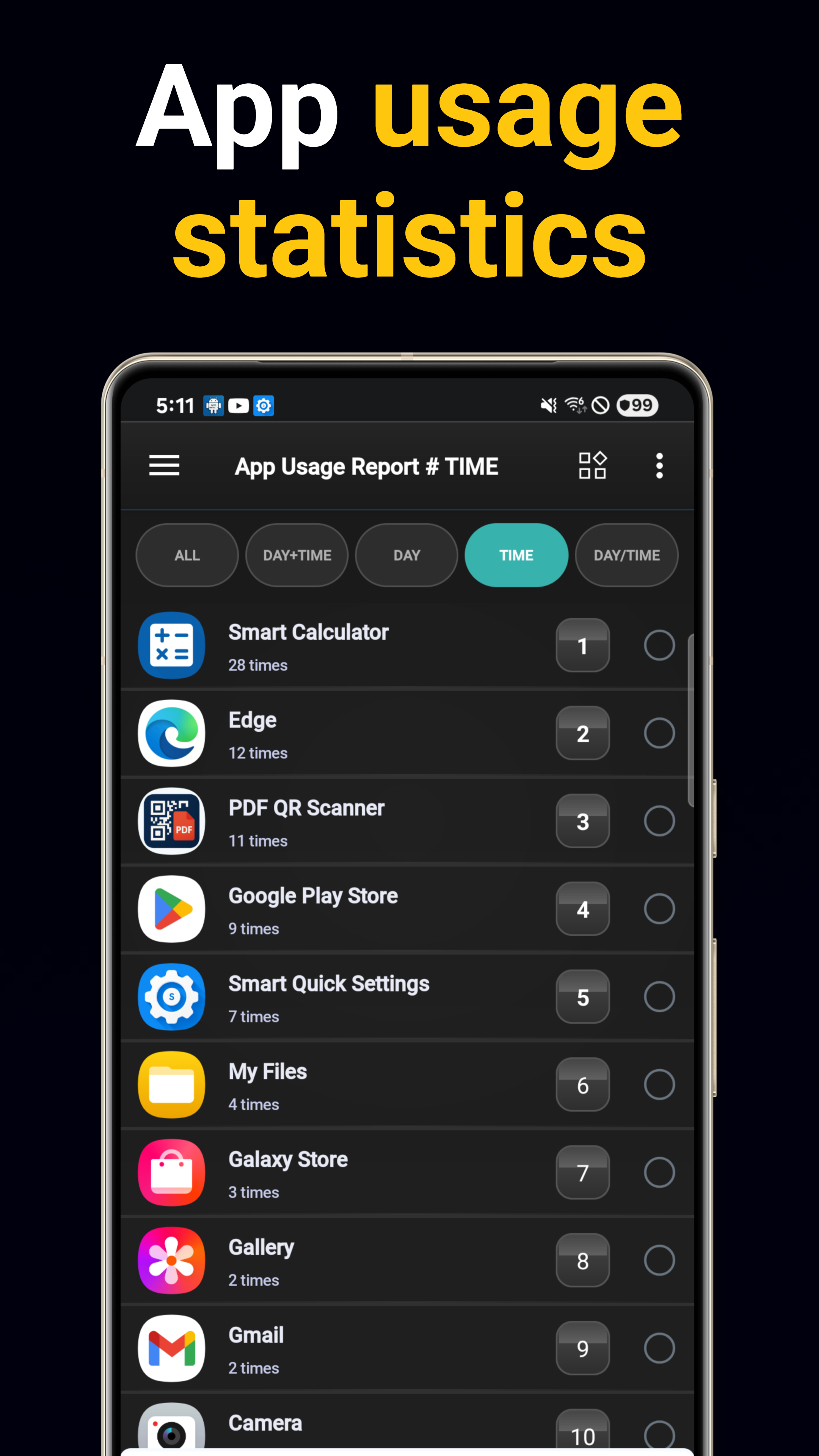
Phân tích sử dụng
Báo cáo sử dụng hàng ngày và hàng giờ kèm theo dõi tần suất khởi chạy ứng dụng. Xác định những ứng dụng bạn dùng nhiều nhất.
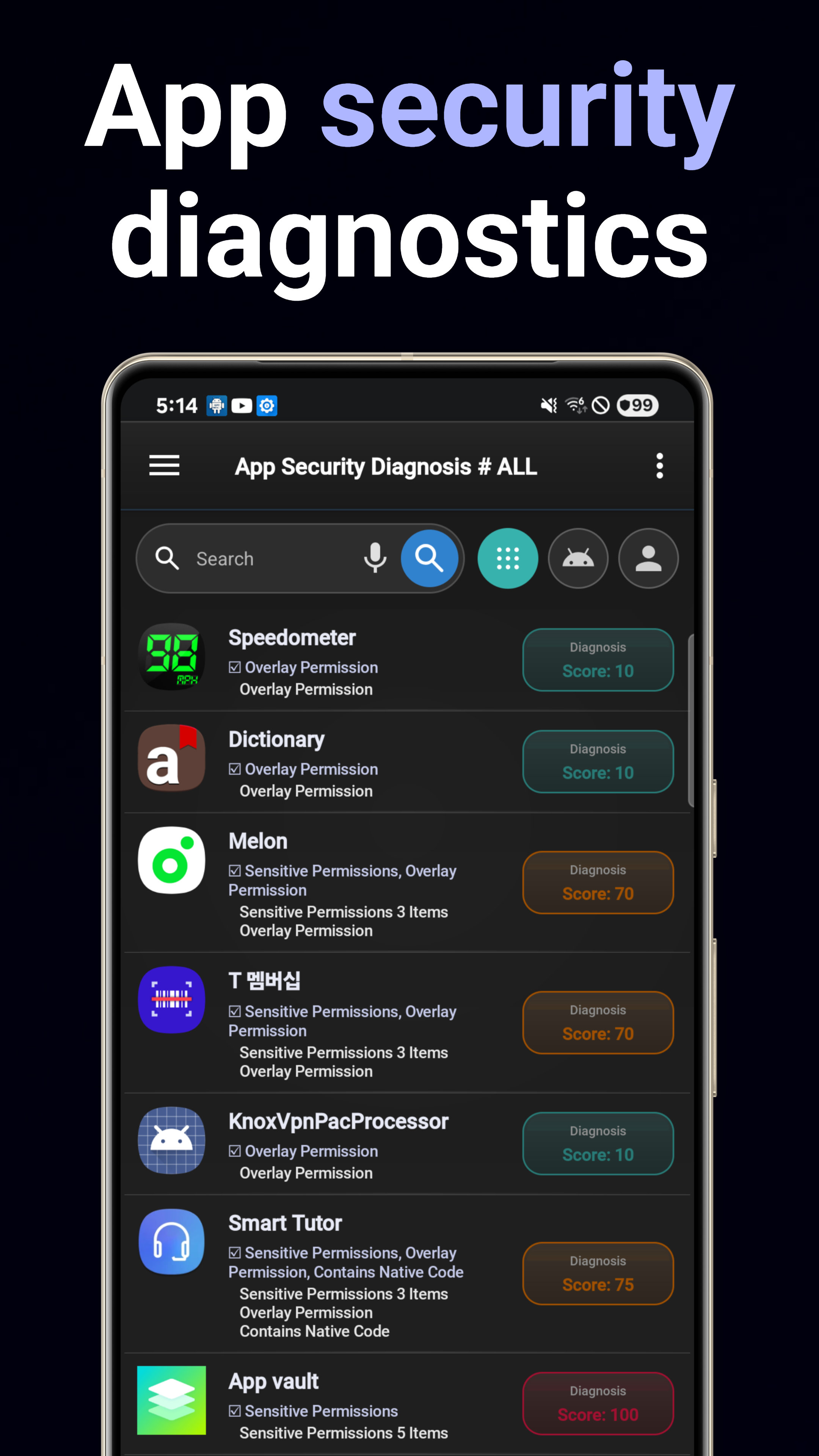
Chẩn đoán bảo mật
Quét các rủi ro bảo mật, lỗ hổng, hành vi đáng ngờ và khả năng theo dõi trên tất cả ứng dụng đã cài đặt.
Kiểm tra quyền truy cập
Phân tích toàn diện các quyền truy cập của ứng dụng. Phân tích trực quan các quyền nhạy cảm và tổ hợp nguy hiểm.
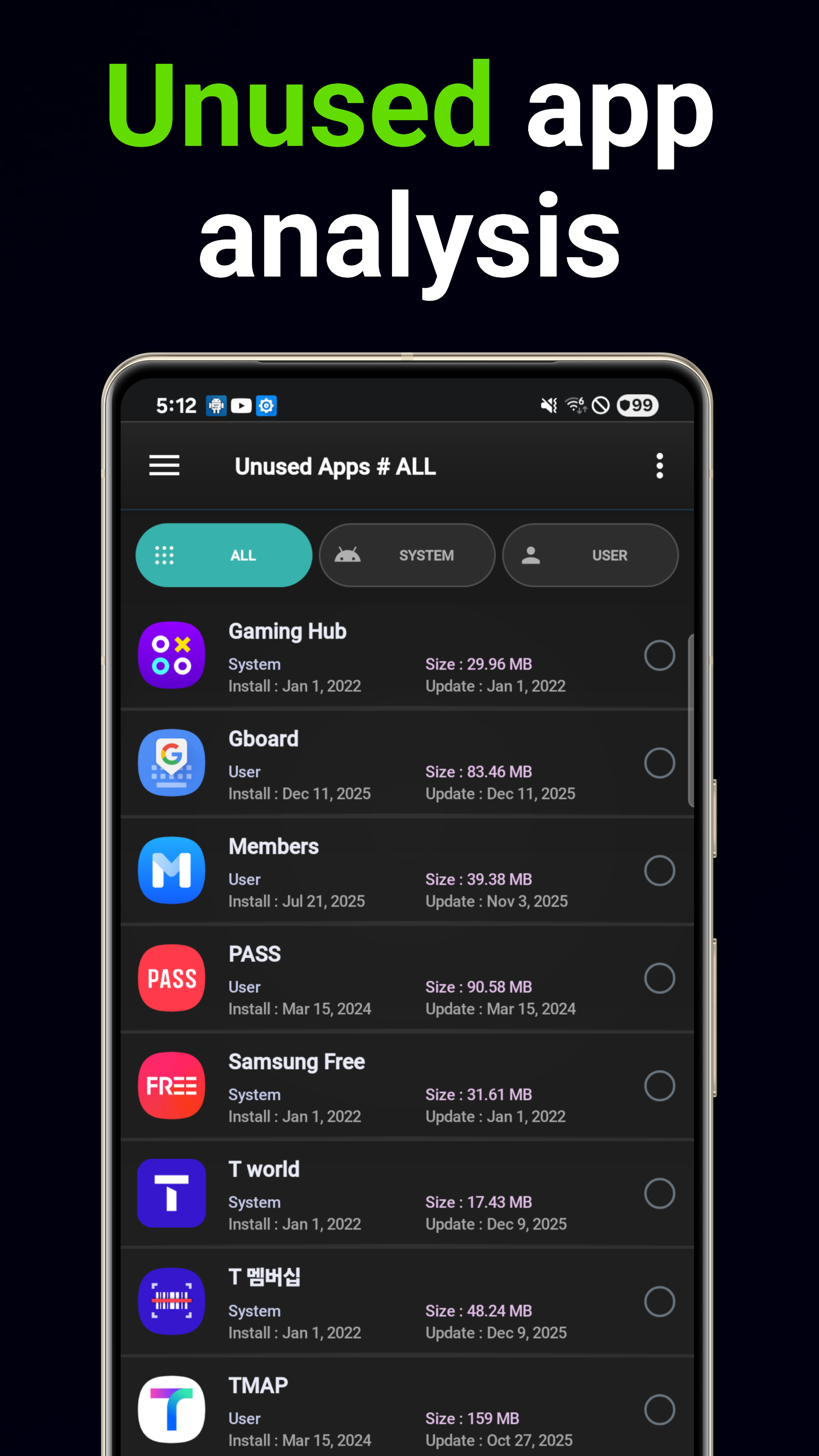
Gỡ cài đặt thông minh
Đề xuất xóa dựa trên AI theo kiểu sử dụng và tác động đến dung lượng lưu trữ. Tự động tìm các ứng dụng không sử dụng.
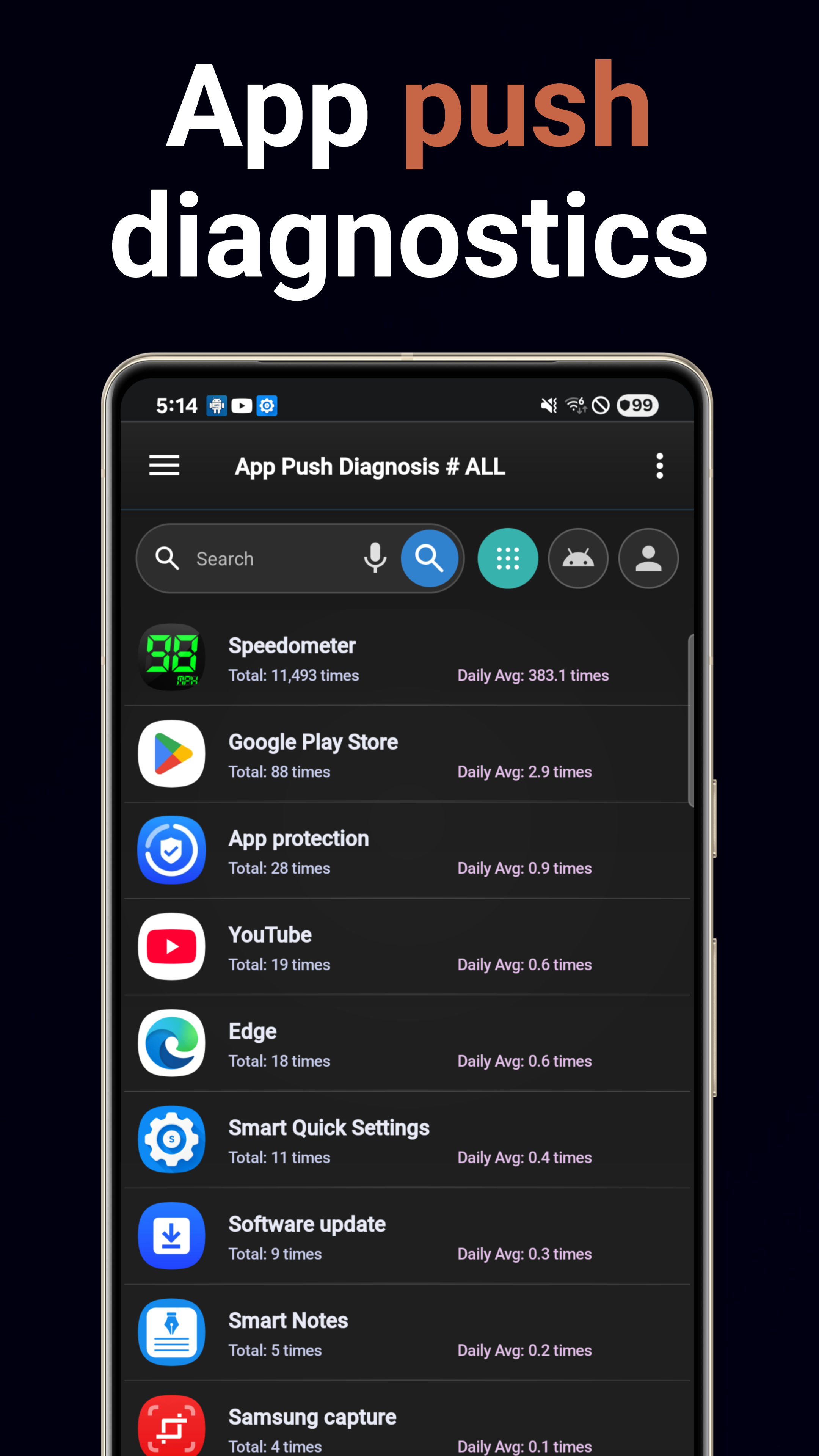
Phân tích thông báo
Theo dõi khối lượng thông báo của từng ứng dụng. Xác định các ứng dụng gây ồn và hiểu rõ các kiểu thông báo.
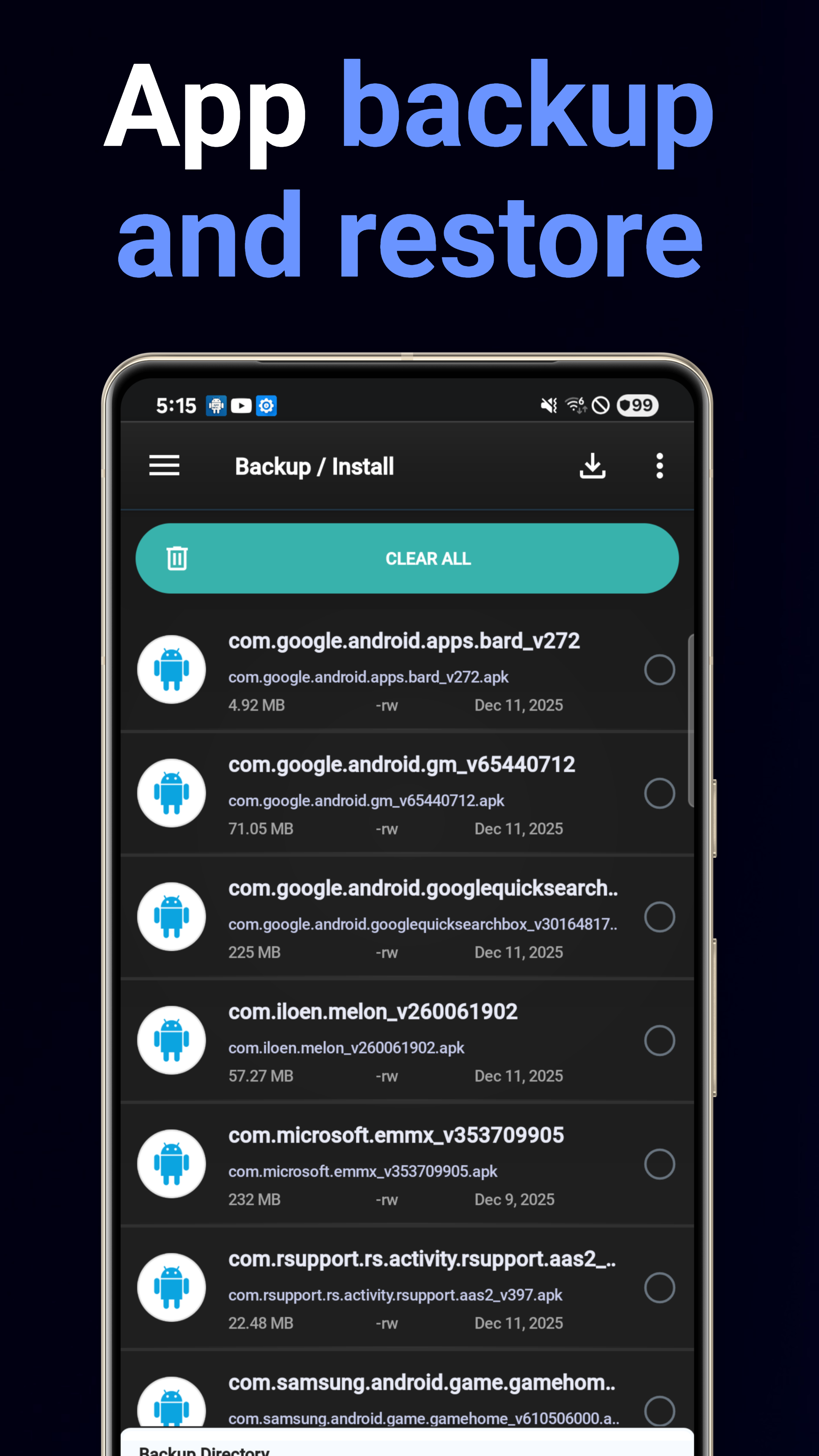
Sao lưu & Khôi phục
Sao lưu APK hàng loạt vào bộ nhớ với khôi phục dễ dàng chỉ bằng một lần chạm. Không bao giờ mất ứng dụng nữa.
Thông tin hệ thống
Bảng thông số thiết bị: CPU, bộ nhớ, dung lượng lưu trữ, pin, chi tiết màn hình kèm khả năng xuất PDF.
5 tiện ích màn hình chính
Các tiện ích Chi tiết hệ thống, Tóm tắt hệ thống, Tư vấn ứng dụng, Tìm kiếm ứng dụng và Mục yêu thích để truy cập nhanh.
Trình phân tích sử dụng pin
Xem ứng dụng nào đang ngốn pin của bạn. Phân tích mức tiêu thụ pin của từng ứng dụng kèm xu hướng hàng ngày.
Trình phân tích sử dụng dữ liệu
Theo dõi dữ liệu Wi-Fi và di động của từng ứng dụng. Xác định các ứng dụng ngốn dữ liệu và kiểm soát việc sử dụng nền.
Tải xuống ngay
Có sẵn miễn phí trên Google Play.
Tải từ Google Play