

 จัดการไฟล์
  เครื่องคิดเลข
  แปลภาษา
  บันทึก
  อัตราแลกเปลี่ยน
  รหัสผ่าน
  นับถอยหลัง
  จัดการแอป
  การตั้งค่าด่วน
  สแกนเนอร์
  ตั้งค่า GPS
  สัญญาณฉุกเฉิน
  อัตราการเต้นหัวใจ
  สมองอัจฉริยะ
  สนามแม่เหล็ก
  วัดระดับเสียง
  วัดการสั่นสะเทือน
  ท่องเที่ยว
  เครื่องนับก้าว
  เปียโน
  ASMR เสียงปุ่มกด
 ภาพหน้าจอแอป
คุณสมบัติหลัก
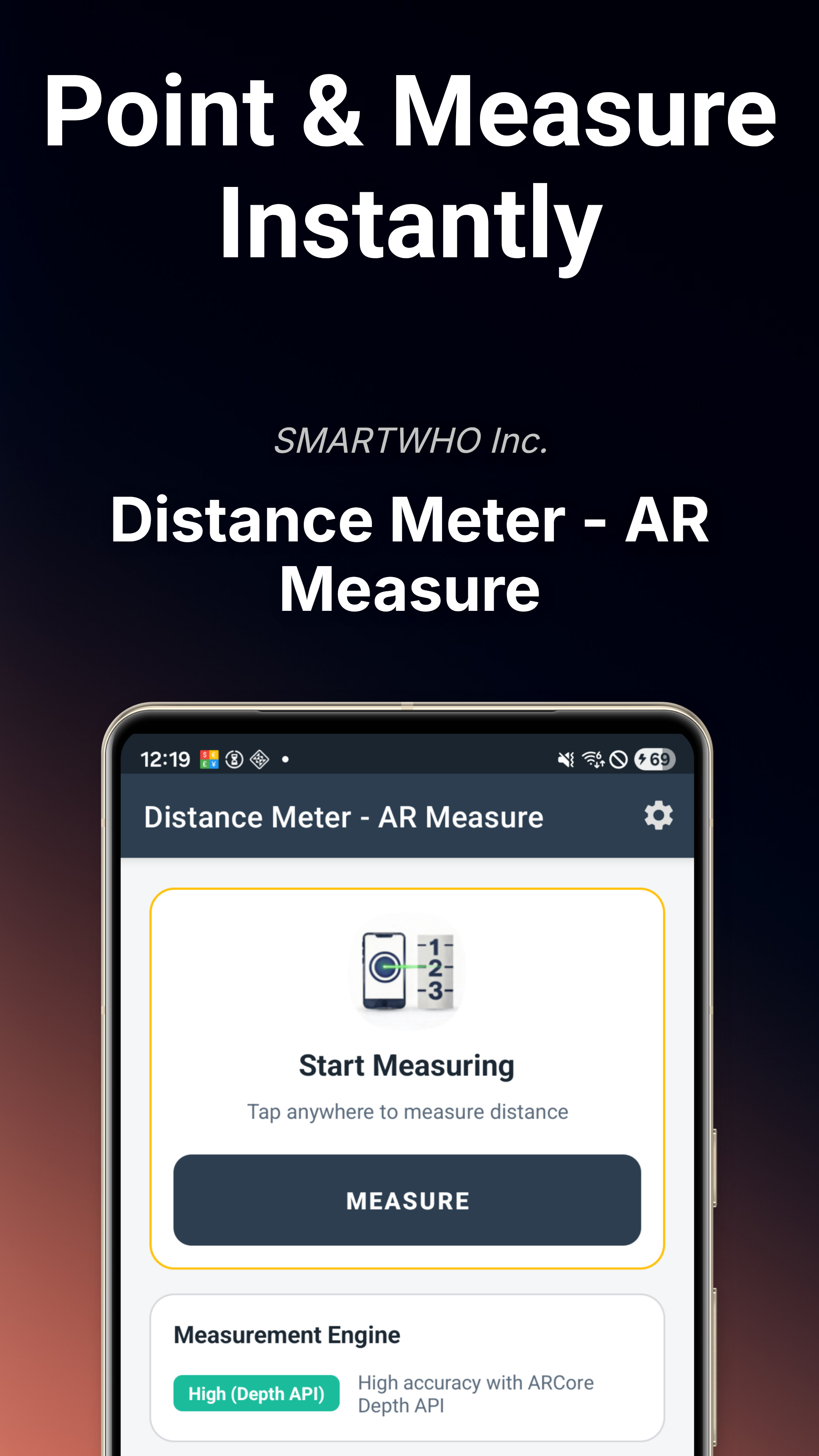
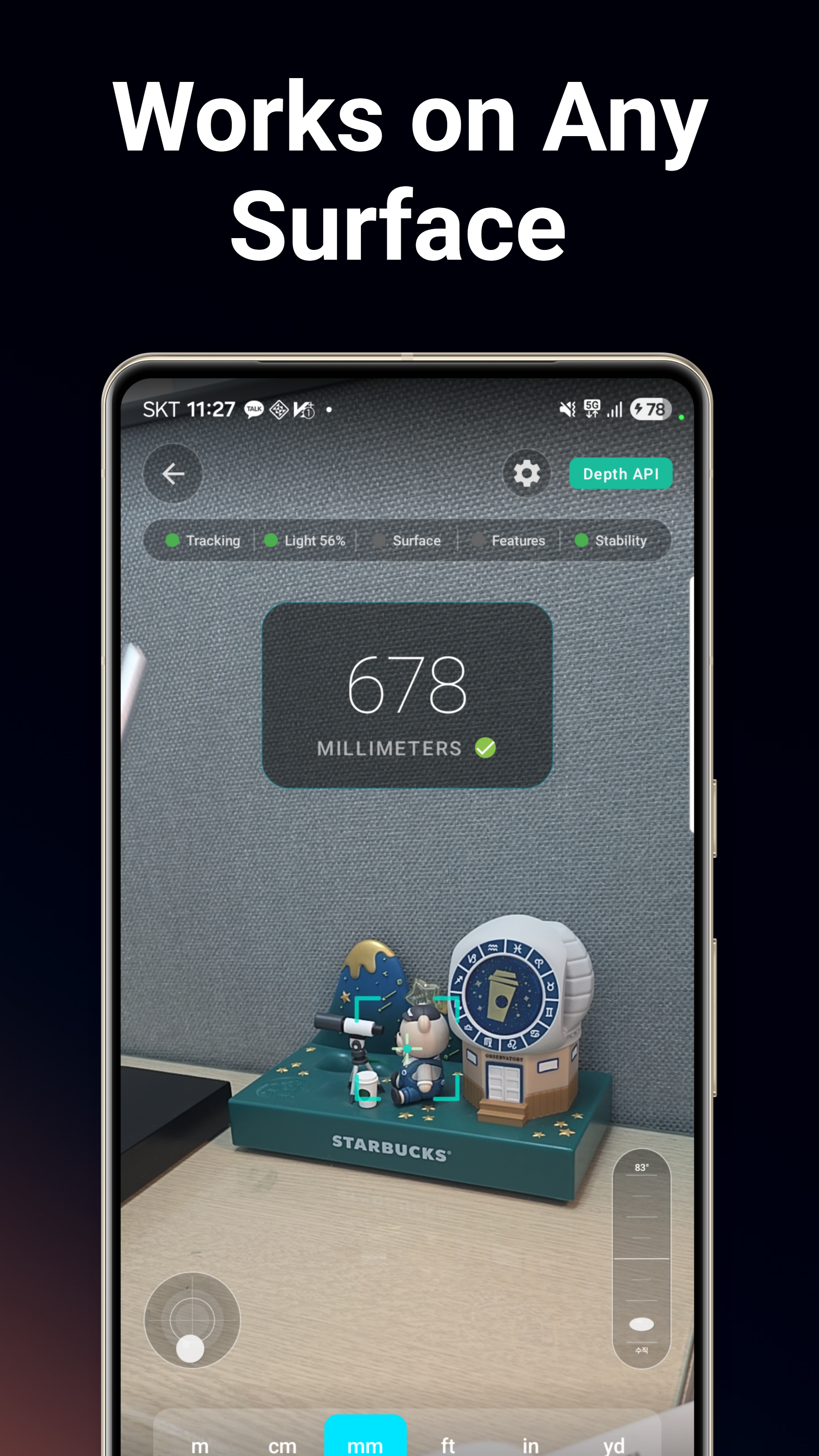
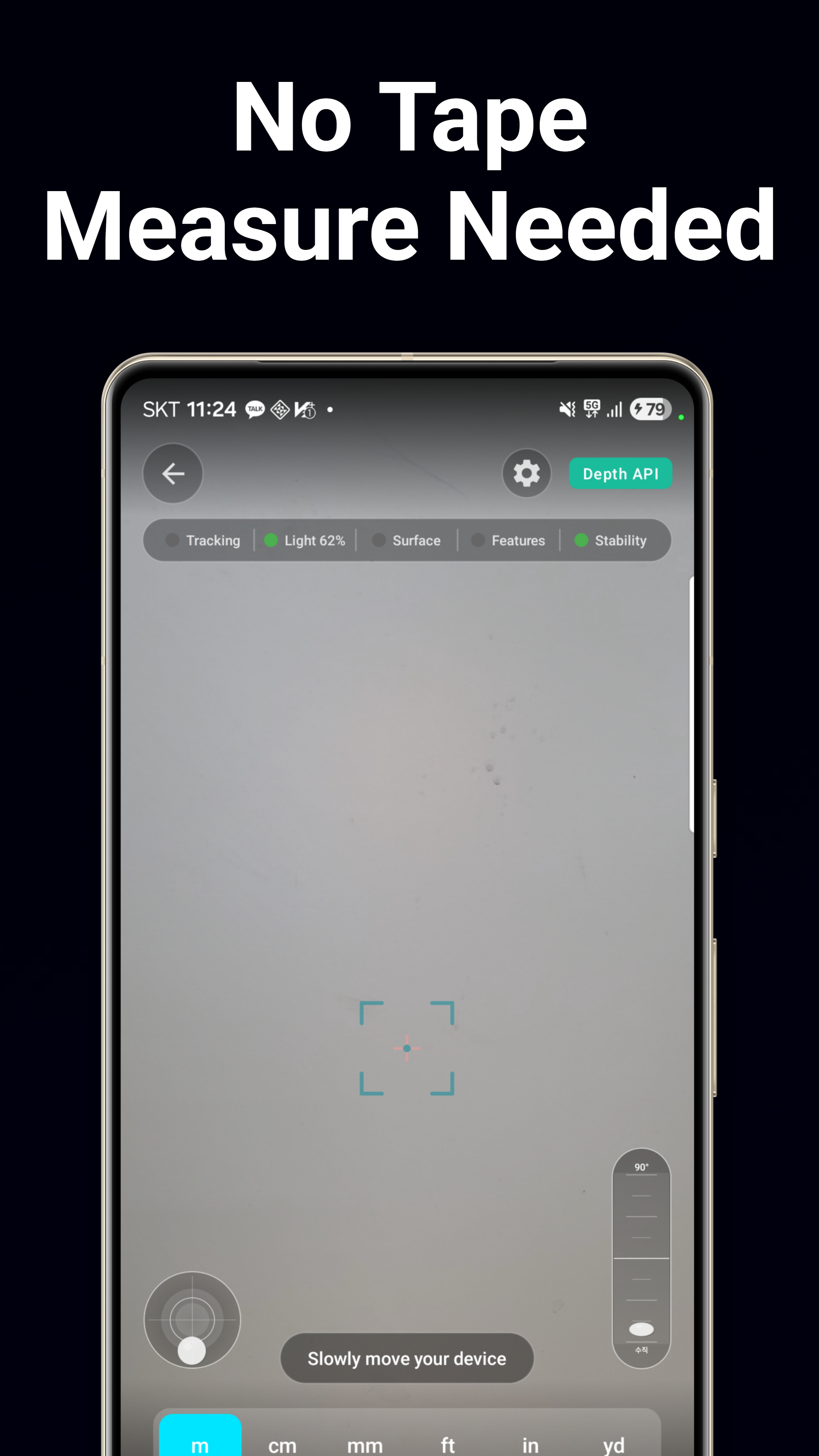
การวัดระยะทางด้วย AR
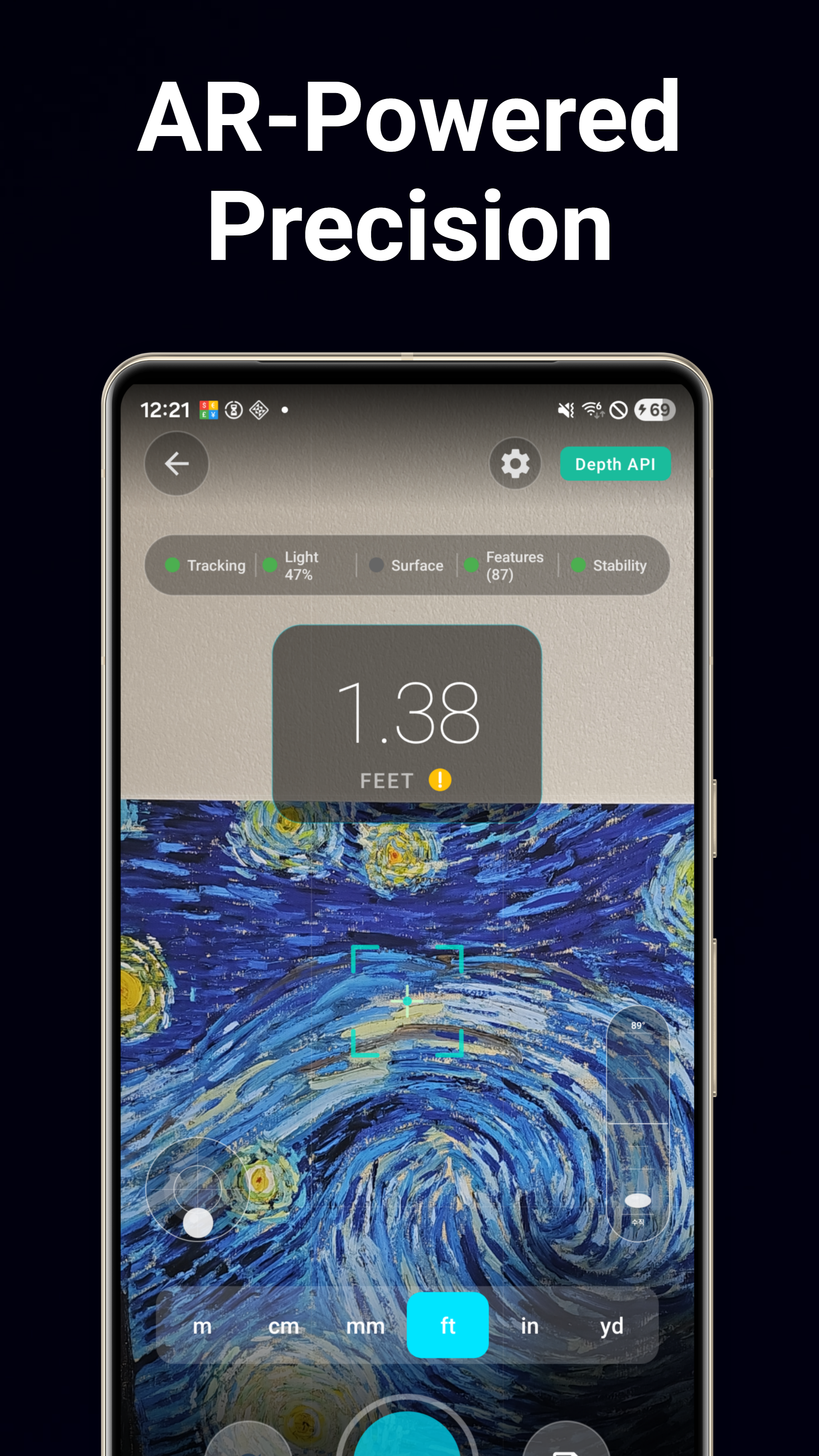
เล็งกล้องแล้วแตะเพื่อวัดระยะทางได้ทันที เทคโนโลยีการผสานรวมหลายกลยุทธ์รวมข้อมูลความลึก ระนาบ และจุดเมฆ เพื่อเพิ่มความแม่นยำได้สูงสุดถึง 30%
เครื่องวัดความสูง
วัดความสูงของอาคาร คน เฟอร์นิเจอร์ และอื่นๆ ด้วย AR เพียงเล็งไปที่ฐานและยอดของวัตถุใดก็ได้
เครื่องวัดขนาด
วัดทั้งความกว้างและความสูงได้ในครั้งเดียว เหมาะสำหรับการจัดวางเฟอร์นิเจอร์ วงกบประตู และการวัดหน้าต่าง
เครื่องคำนวณพื้นที่
ทำเครื่องหมายที่มุมบนพื้นผิวใดก็ได้ เพื่อคำนวณพื้นที่พื้น พื้นที่ผนัง หรือขนาดห้องด้วยการวัด AR แบบหลายจุด
ระดับน้ำ
ระดับน้ำทรงกลมพร้อมแอนิเมชั่นของเหลวและฟองอากาศแบบ 3 มิติที่สมจริง ตรวจสอบว่าพื้นผิวอยู่ในแนวราบอย่างสมบูรณ์หรือไม่
เครื่องวัดความเอียง
เครื่องวัดความลาดเอียงและมุม วัดได้ตั้งแต่ 0° ถึง 180° เหมาะสำหรับหลังคา ทางลาด และพื้นที่ลาดชัน พร้อมฟังก์ชันค้างค่าและปรับเทียบ
ลูกดิ่ง
ลูกดิ่งดิจิทัลพร้อมลูกตุ้มตามแรงโน้มถ่วง สำหรับตรวจสอบความตรงในแนวตั้งอย่างแม่นยำ
ไม้โปรแทรกเตอร์
การวัดมุมด้วยระบบสัมผัสและเซ็นเซอร์ตั้งแต่ 0° ถึง 180° สลับระหว่างโหมดสัมผัสด้วยมือและโหมดเซ็นเซอร์ของอุปกรณ์ได้
ไม้บรรทัดบนหน้าจอ
ไม้บรรทัดบนหน้าจอแสดงหน่วยเป็นเซนติเมตรและนิ้ว วัดวัตถุขนาดเล็กได้โดยตรงบนหน้าจอโทรศัพท์ของคุณ
ตัวตรวจสอบกรอบ
เครื่องมือจัดแนวกรอบโดยใช้กล้อง ตรวจสอบว่ากรอบรูป ทีวี และชั้นวางของอยู่ในระดับที่สมบูรณ์หรือไม่
ระบบ AR หลายกลยุทธ์
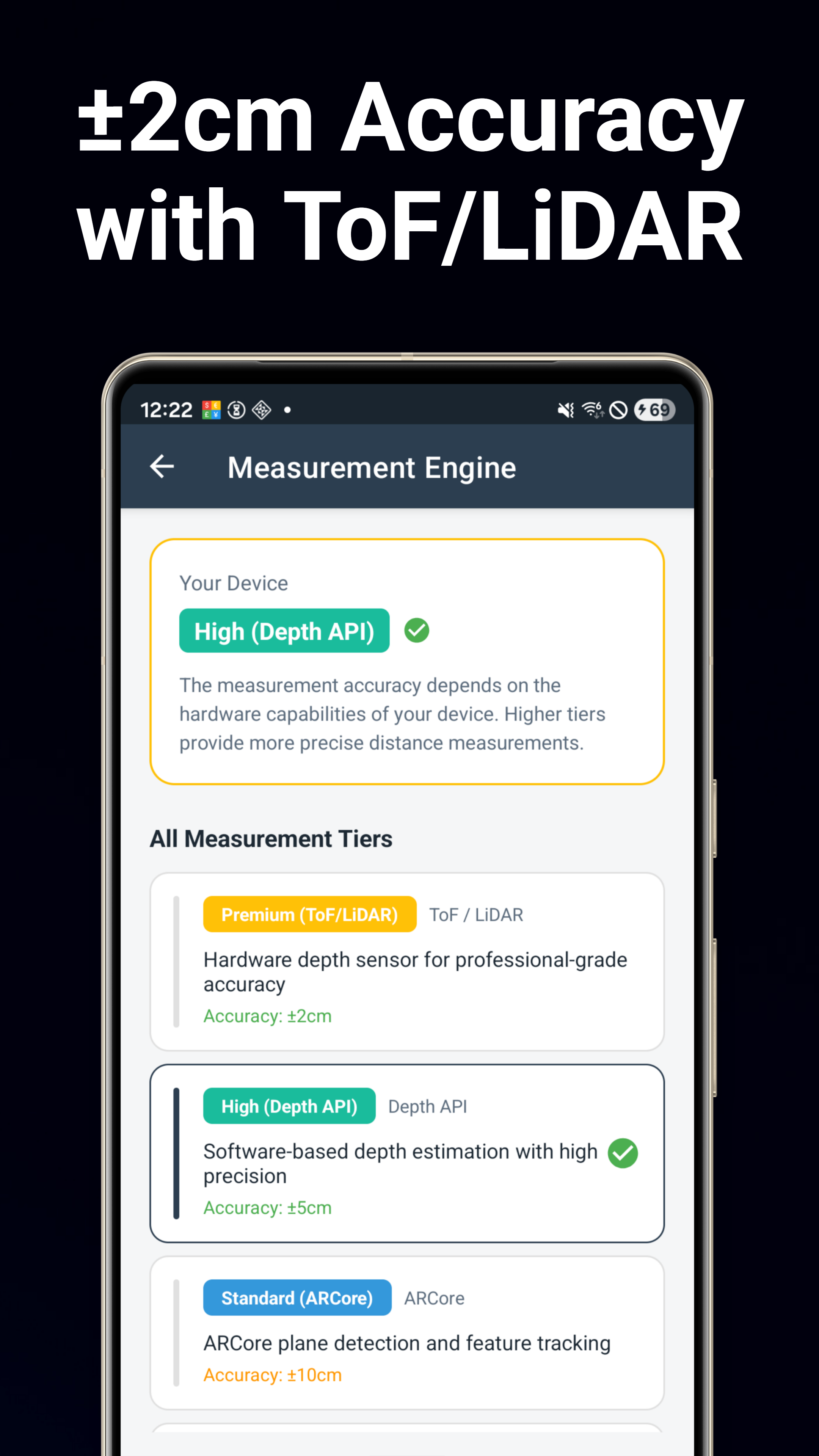
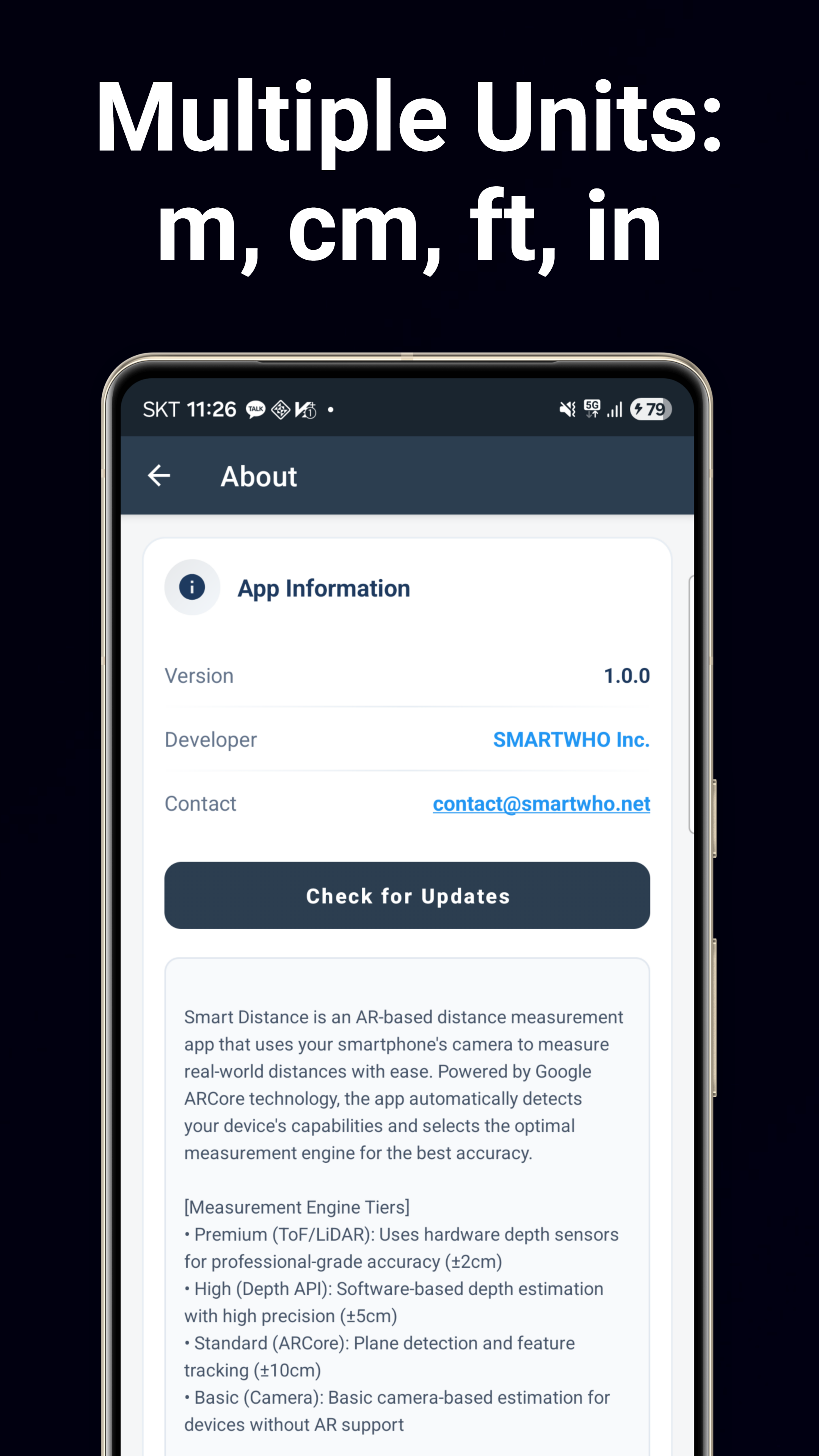
ระบบที่ขับเคลื่อนโดย Google ARCore จะตรวจจับฮาร์ดแวร์ของคุณ (ToF/LiDAR/Depth) โดยอัตโนมัติ และเลือกกลยุทธ์การวัดที่ดีที่สุดเพื่อความแม่นยำสูงสุด
บันทึกและแชร์
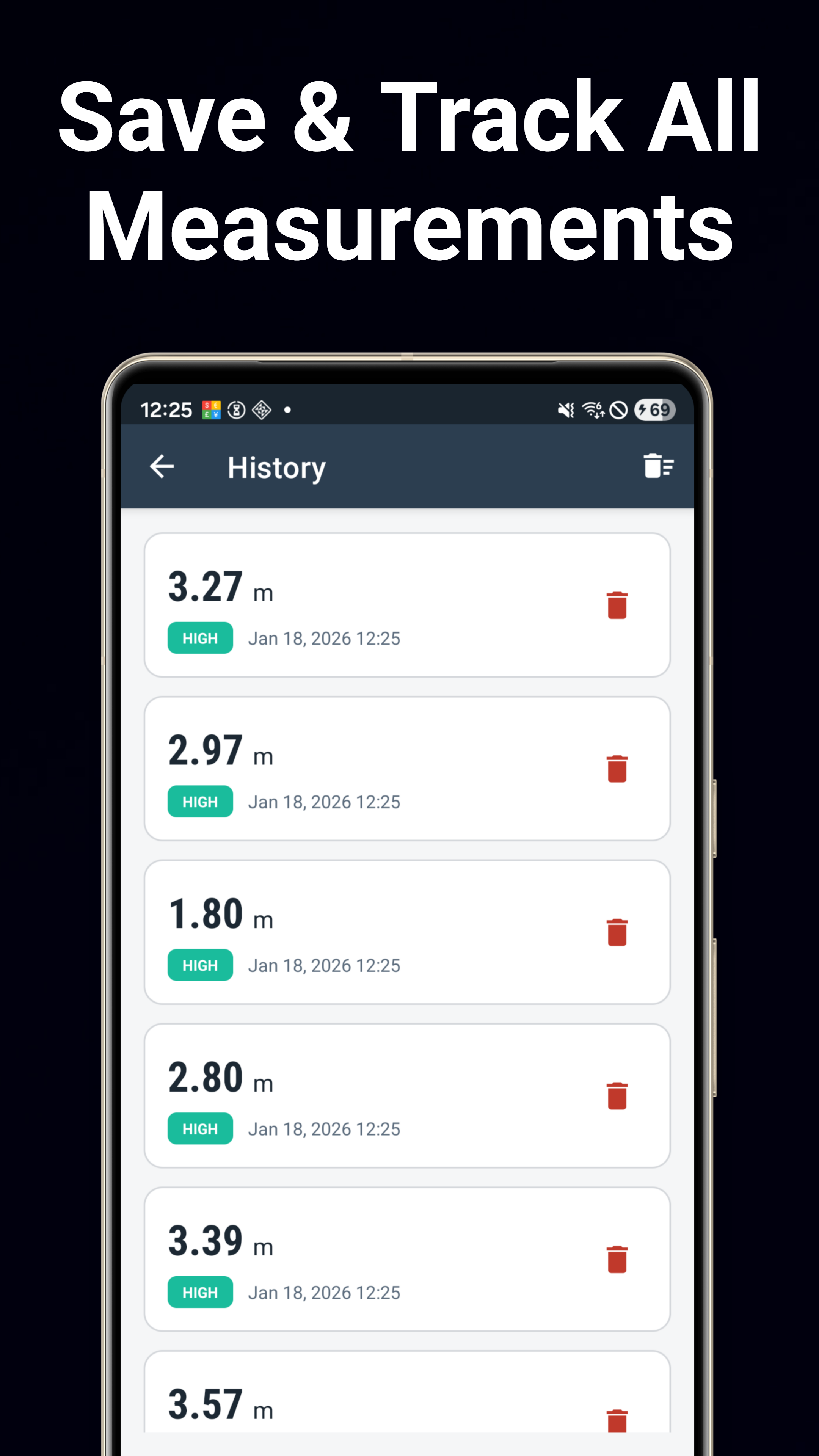
บันทึกค่าการวัดพร้อมรูปภาพ ตำแหน่ง และบันทึกย่อ ส่งออกเป็น CSV แชร์ผลลัพธ์พร้อมภาพหน้าจอได้โดยตรงจากเครื่องมือใดก็ได้
ดาวน์โหลดเลย
พร้อมใช้งานบน Google Play ฟรี
ดาวน์โหลดบน Google Play