

 Taschenrechner
  Übersetzer
  Notizen
  Währungen
  Passwort
  Countdown
  App-Manager
  Schnelleinstellungen
  Scanner
  GPS Set
  Sirenen-SOS
  Herzfrequenz
  Smart Brain
  Magnetfeld
  Schallpegelmesser
  Vibration
  Entfernung
  Reise
Reise  Schrittzähler
  Klavier
  Tastenkappen-ASMR
 App-Screenshots
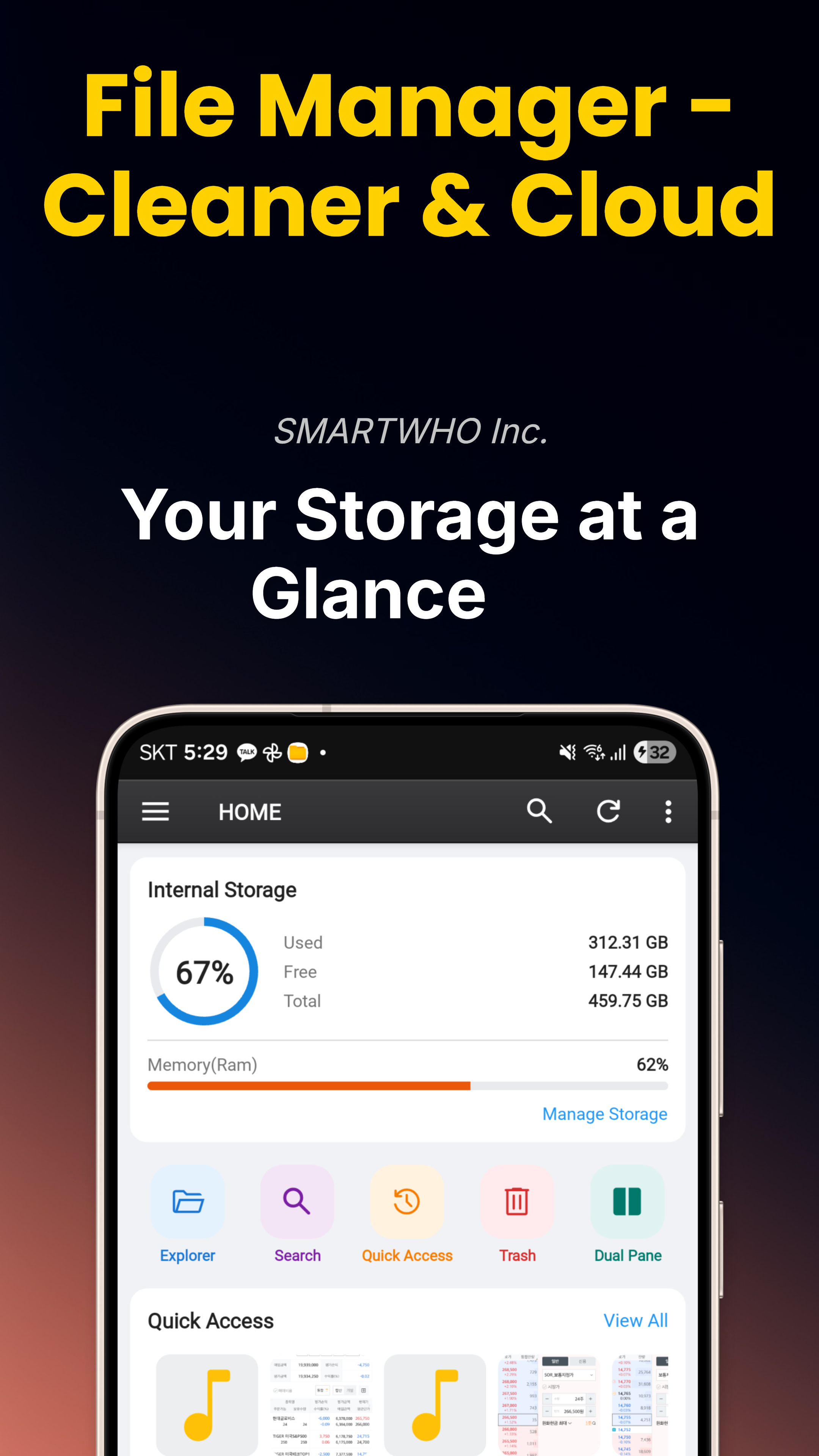
Hauptfunktionen
PDF-Reader
Öffnen und lesen Sie PDF-Dateien direkt in der App mit flüssiger Navigation, Zoom und Suche. Keine zusätzlichen Apps für Dokumente nötig.
Videoplayer
MP4, MKV, AVI, MOV, WebM mit flüssiger Wiedergabe, Untertiteln und Bild-in-Bild-Modus (PIP). Spielen Sie jedes Videoformat direkt ab.
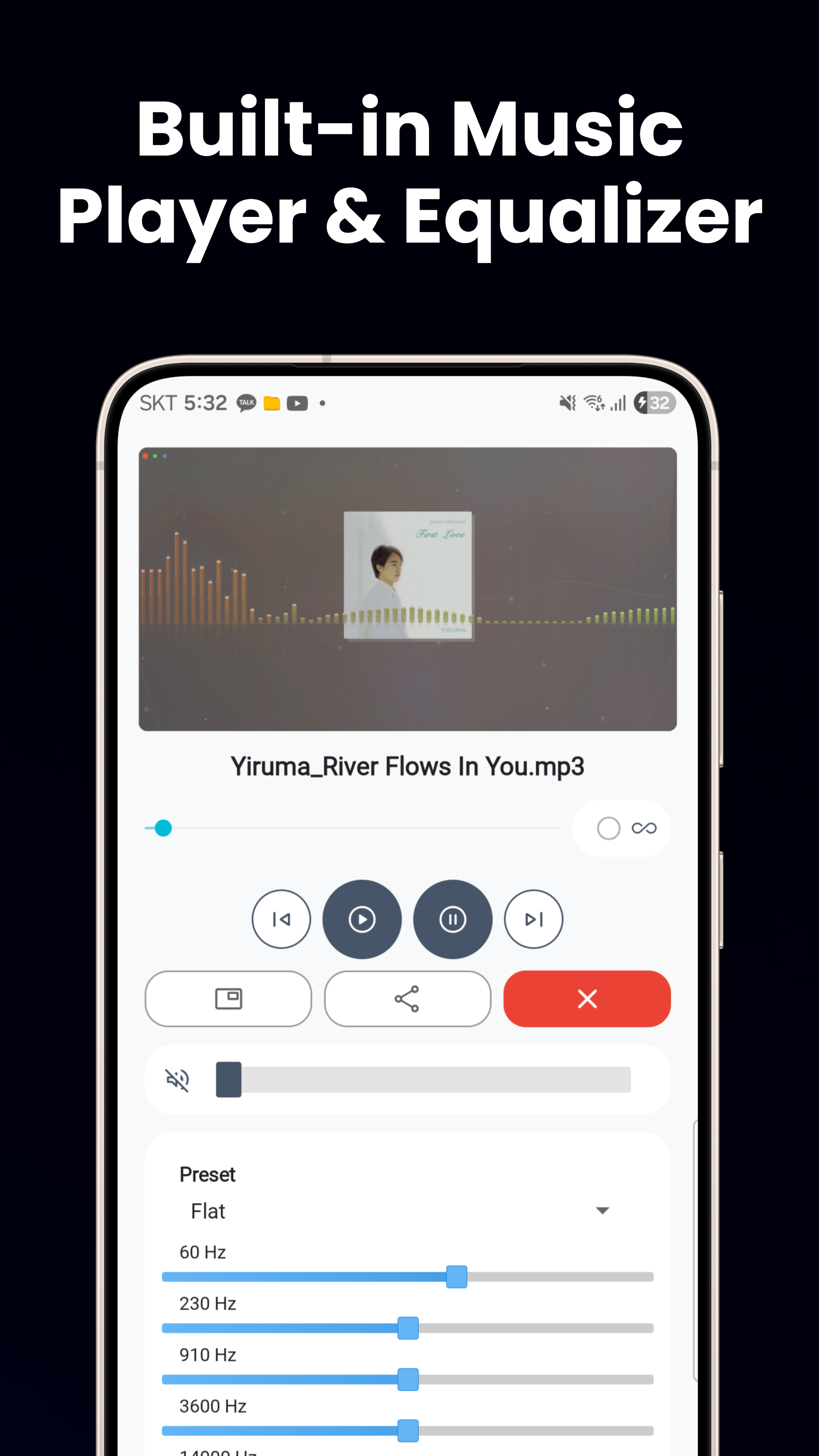
Musikplayer
MP3, FLAC, WAV mit Equalizer-Voreinstellungen, Hintergrundwiedergabe, Steuerung über den Sperrbildschirm und PIP-Modus für ungestörtes Hören.
Bildbetrachter & Fotoeditor
Betrachten Sie JPG, PNG, GIF, WebP, HEIC mit Pinch-to-Zoom. Zuschneiden, drehen, Helligkeit anpassen, Filter, Sticker, Text und animierte WebP erstellen.
Text-, HTML- & Code-Betrachter
Texteditor mit automatischer Kodierungserkennung, HTML- und Markdown-Betrachter, JSON/XML-Betrachter mit Syntaxhervorhebung und APK-Installer.
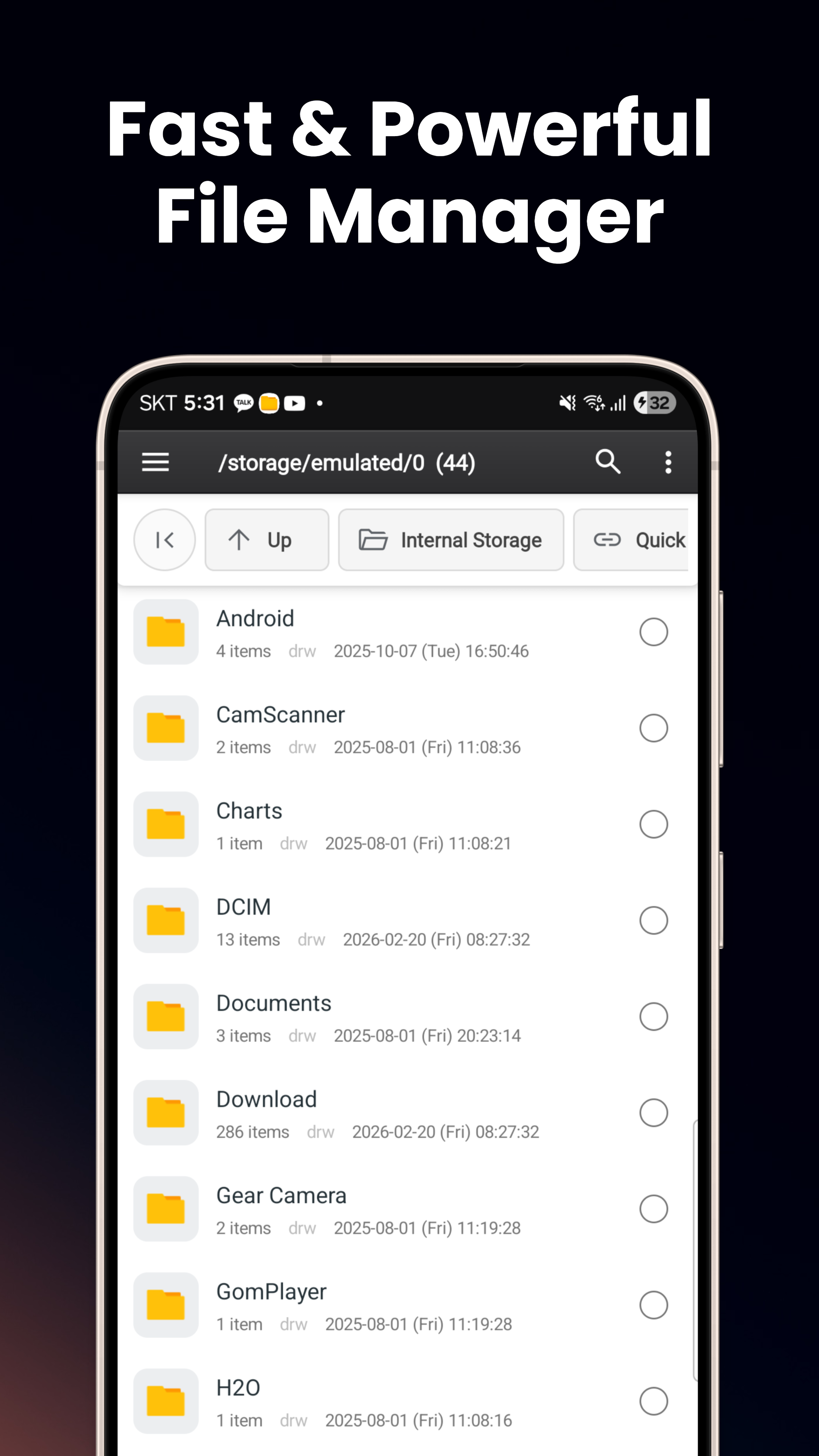
Intelligenter Datei-Explorer
Durchsuchen Sie internen Speicher, SD-Karten und USB-OTG. Listen-/Rasteransicht, Zwei-Fenster-Ansicht, kopieren/verschieben/umbenennen, ZIP komprimieren & entpacken.
Tresor — Sicherer Ordner
AES-256-Verschlüsselung mit gerätegebundenem Android-Keystore-Schlüssel. Biometrie oder PIN erforderlich. Isoliert von anderen Apps, USB und Screenshots.
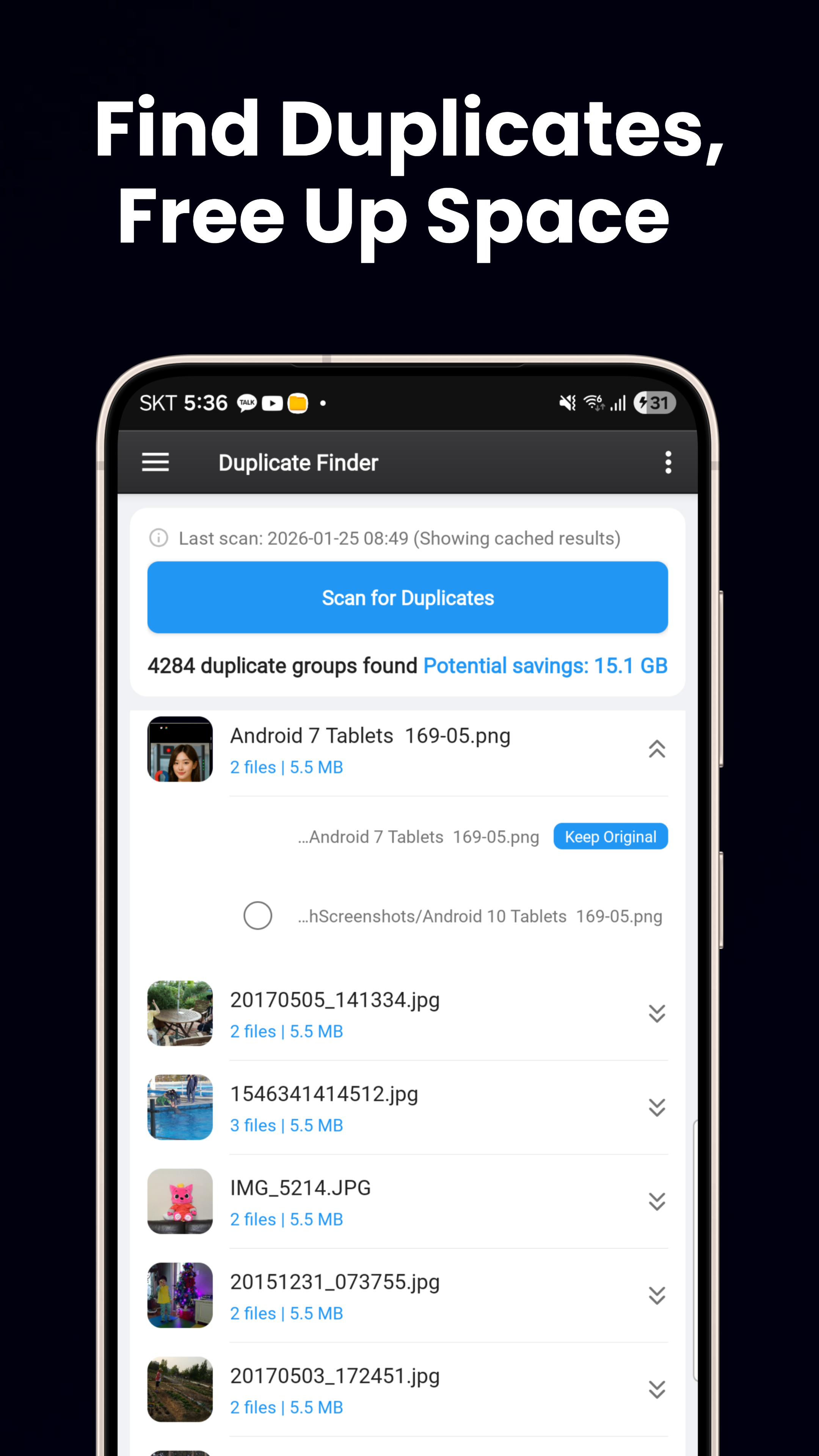
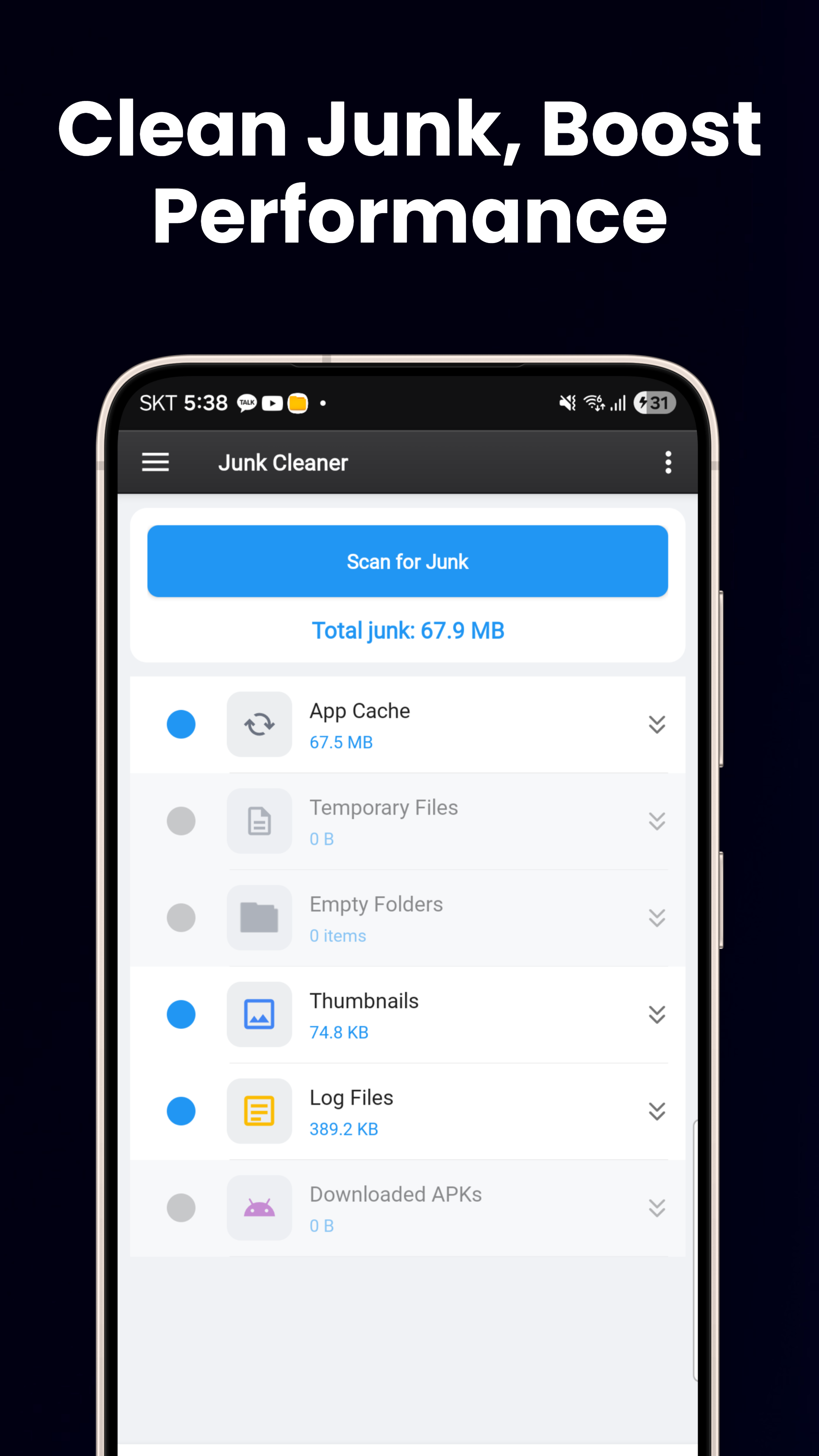
Speicherbereinigung
Duplikatfinder (hash-basiert), Finder für große Dateien, Junk-Bereiniger für leere Ordner und temporäre Dateien sowie ein visuelles Speicher-Dashboard.
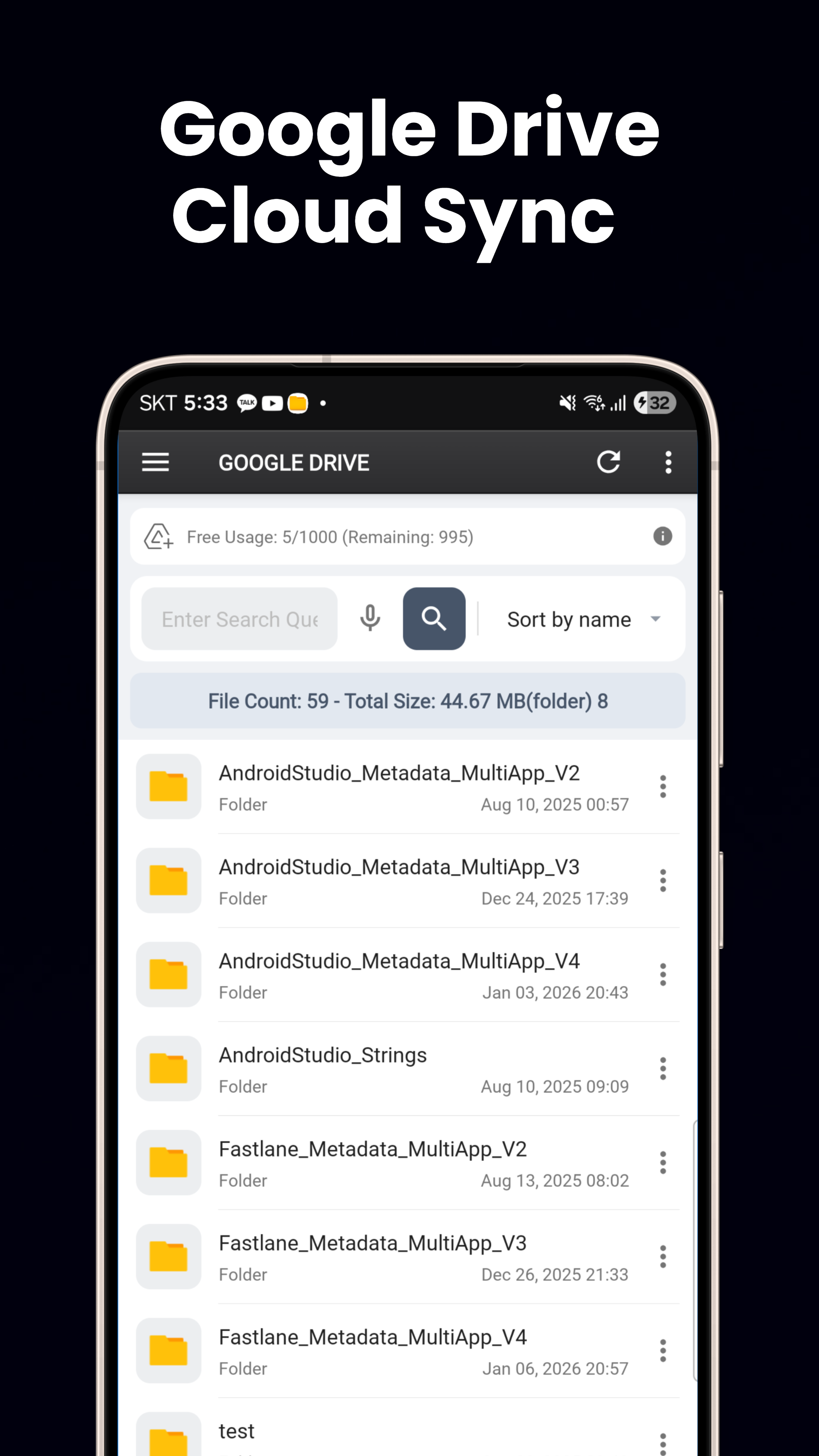
Cloud-Integration
Nahtlose Integration von Google Drive und OneDrive. Durchsuchen, herunterladen, hochladen und Dateien zwischen lokalem Speicher und Cloud-Laufwerken verschieben.
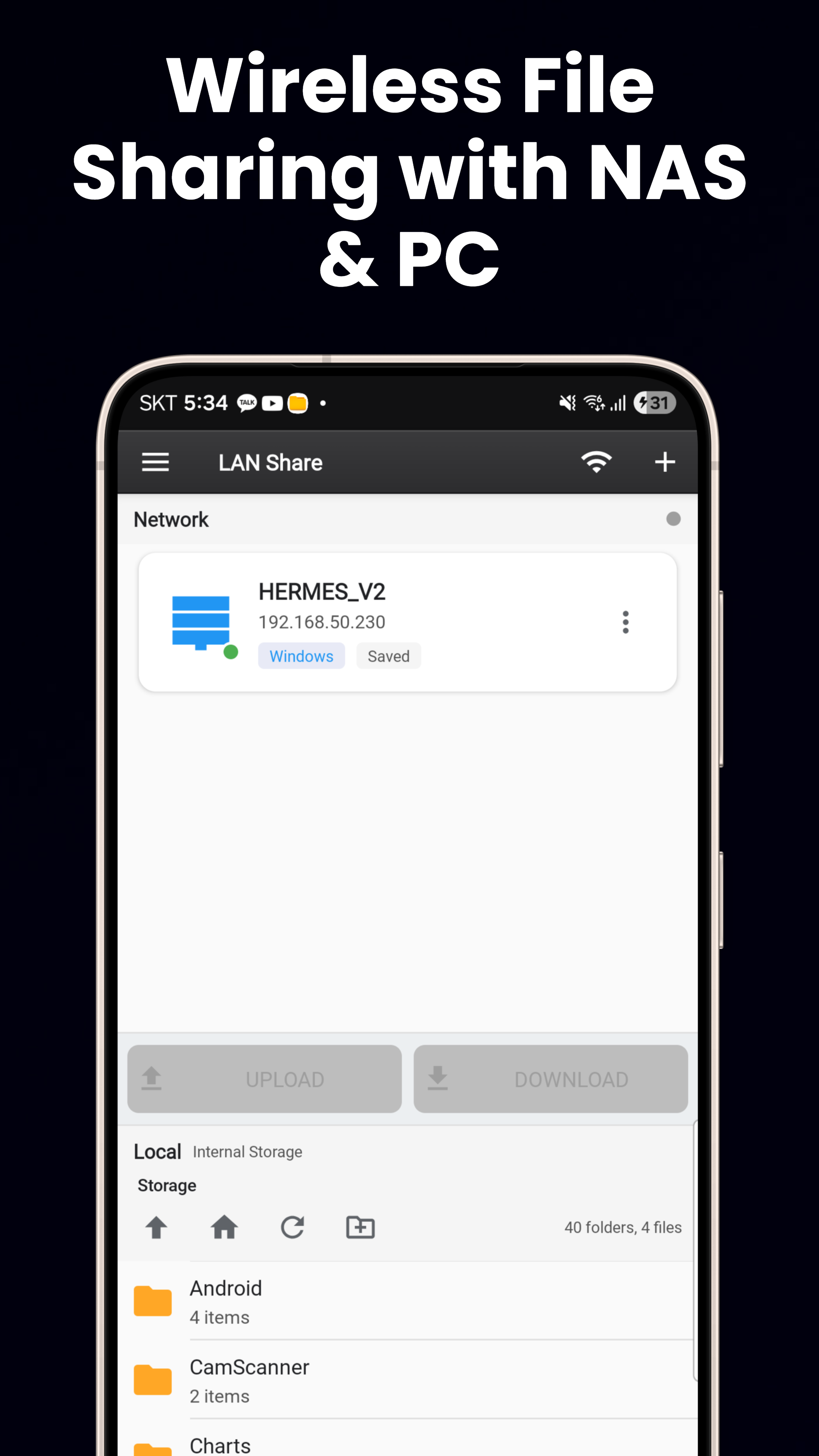
FTP, SFTP & SMB
FTP/FTPS, SFTP mit SSH-Schlüssel-Authentifizierung, SMB/LAN für Windows-PC, NAS und Linux-Freigaben. Verbinden Sie sich mit jedem entfernten Dateiserver.
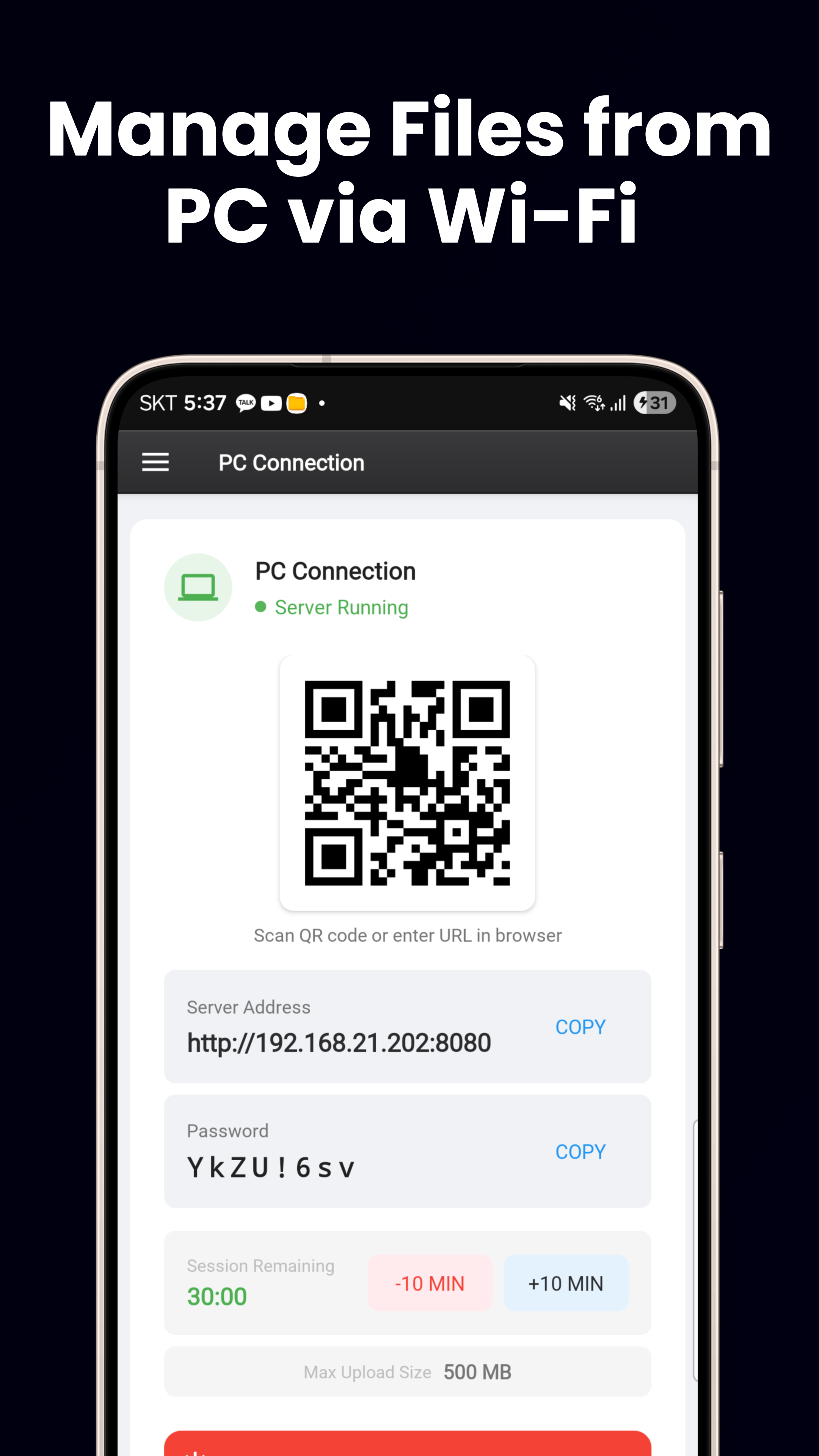
WLAN-Dateiserver
Integrierter HTTP-Server. Scannen Sie einen QR-Code, um Dateien zwischen Smartphone und PC zu übertragen. Keine Kabel, keine zusätzliche Software nötig.
Material You & über 60 Sprachen
Dynamische Farben unter Android 12+, helles/dunkles Design, responsives Layout für Smartphone/Tablet sowie 3 Start-Widgets (Speicher, Favoriten, Akku).
Jetzt Herunterladen
Kostenlos bei Google Play verfügbar.
Bei Google Play herunterladen