
 Calculator
 Translator
 Notes
 Currency
 Password
 D-Day
 App Manager
 Quick Settings
 Scanner
 GPS Set
 Siren SOS
 Heart Rate
 Smart Brain
 Magnetic Field
 Sound Meter
 Vibration
 Distance
 Travel
 Pedometer
 Piano
 Keycap ASMR
 Smart Alarm
 Beauty Camera
 WoonFull
App Screenshots
Key Features
PDF Reader
Open and read PDF files inside the app with smooth navigation, zoom, and search. No extra apps needed for documents.
Video Player
MP4, MKV, AVI, MOV, WebM with smooth playback, subtitles, and Picture-in-Picture (PIP) mode. Play any video format inline.
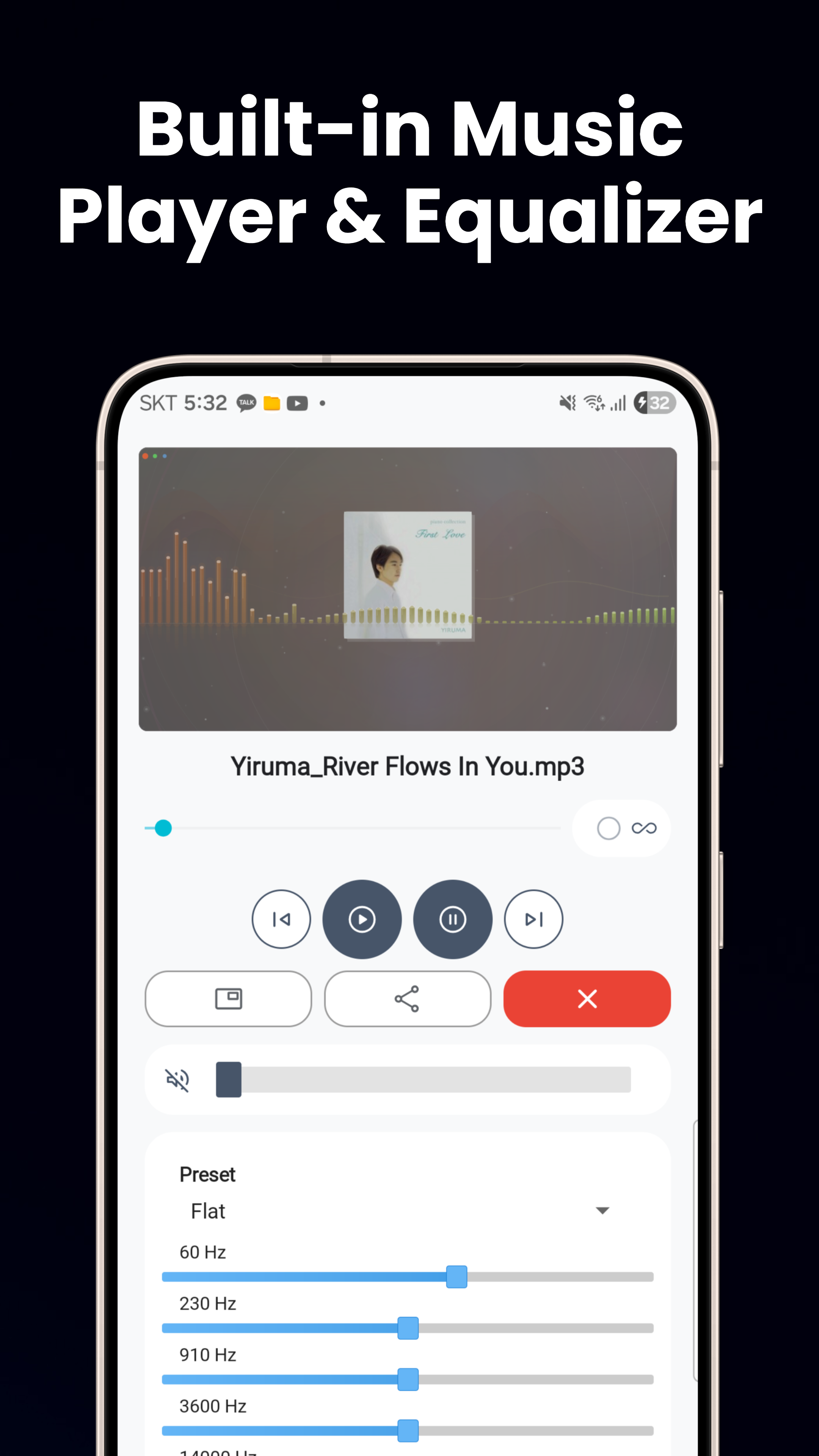
Music Player
MP3, FLAC, WAV with equalizer presets, background playback, lock screen controls, and PIP mode for uninterrupted listening.
Image Viewer & Photo Editor
View JPG, PNG, GIF, WebP, HEIC with pinch-to-zoom. Crop, rotate, adjust brightness, filters, stickers, text, and create animated WebP.
Text, HTML & Code Viewers
Text editor with auto encoding detection, HTML and Markdown viewers, syntax-highlighted JSON/XML viewer, and APK installer.
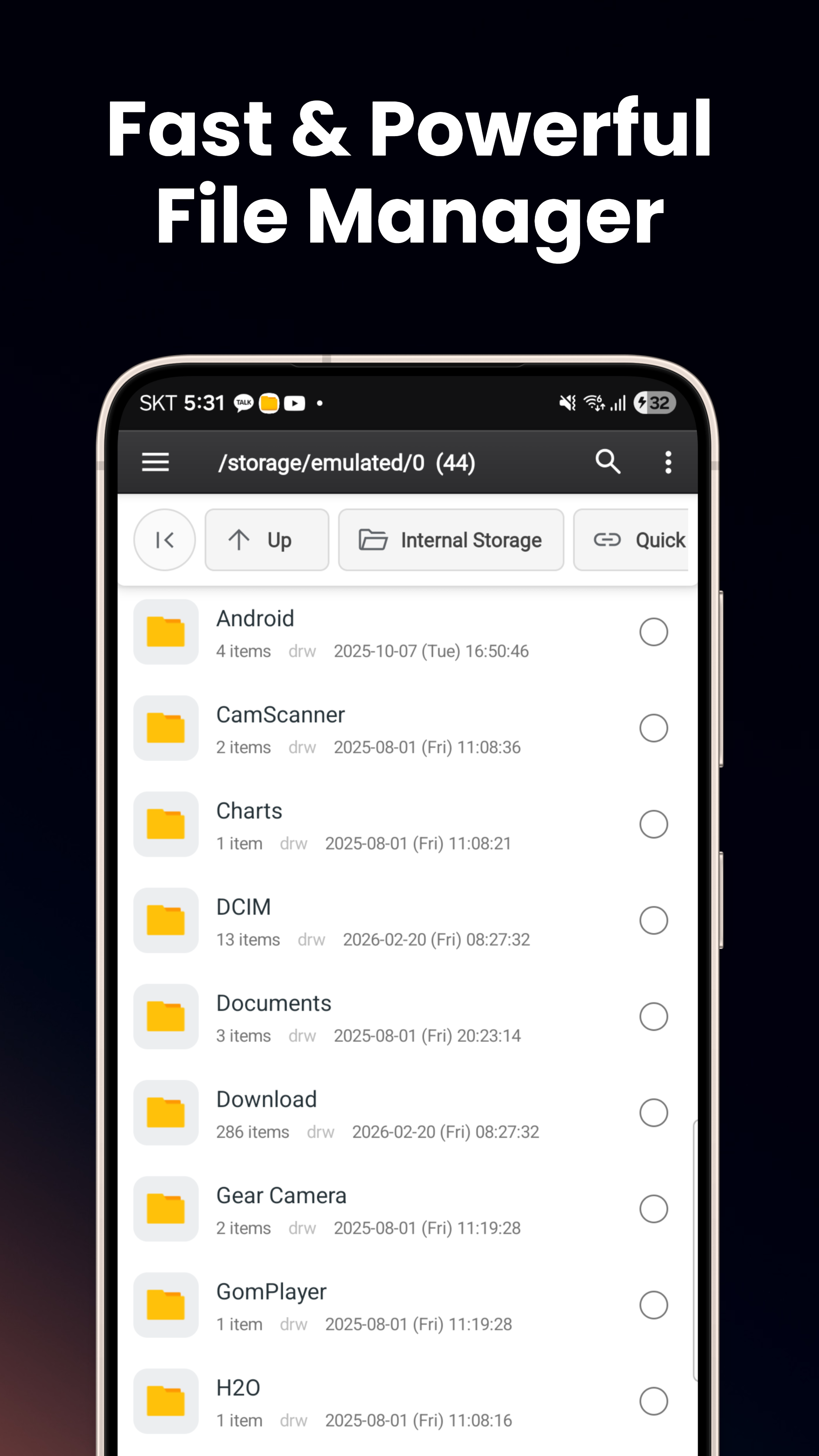
Smart File Explorer
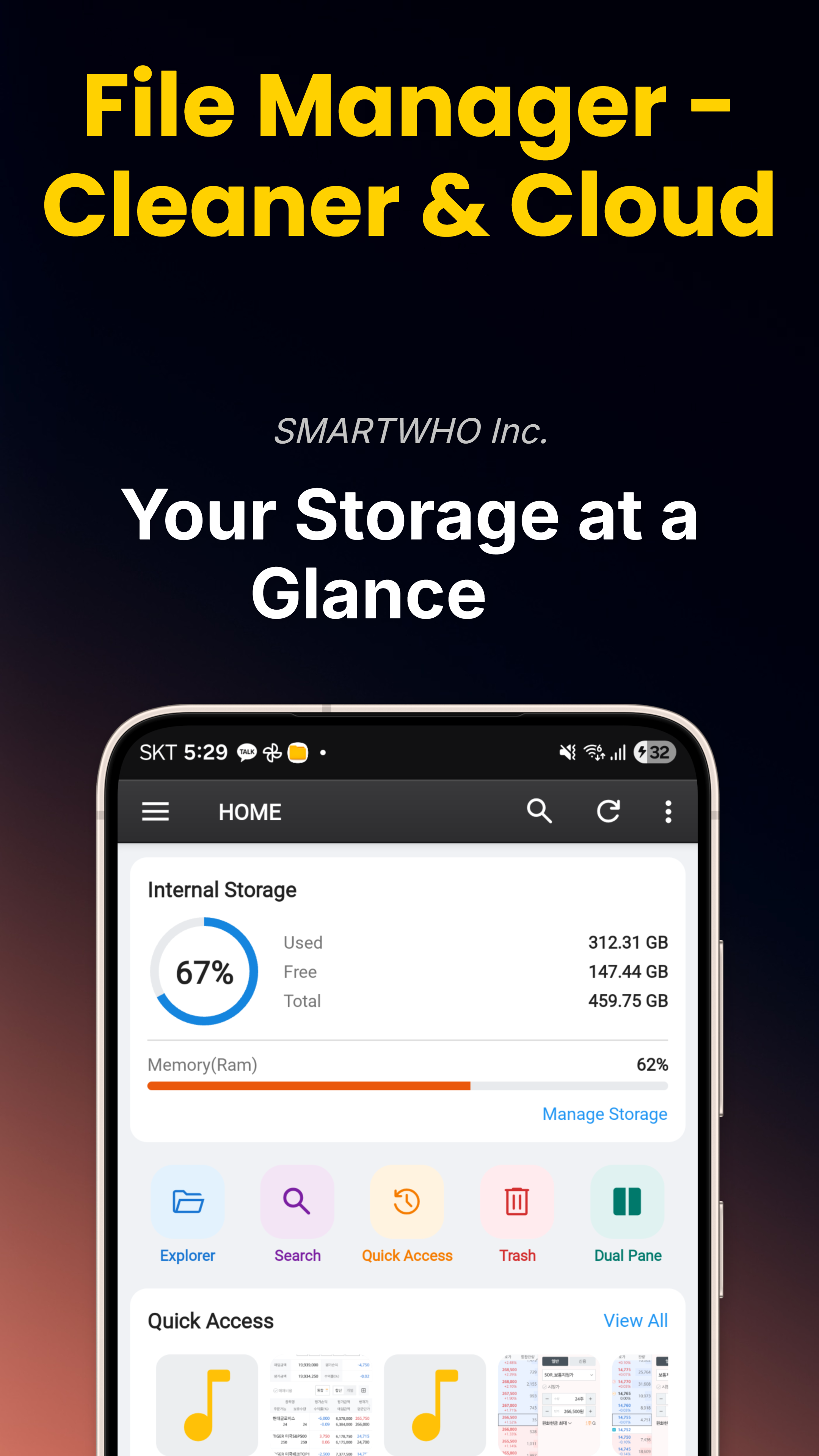
Browse internal storage, SD cards, USB OTG. List/grid view, dual-pane split view, copy/move/rename, ZIP compress & extract.
Vault — Safe Folder
AES-256 encryption with device-bound Android Keystore key. Biometric or PIN required. Sandboxed from other apps, USB, and screenshots.
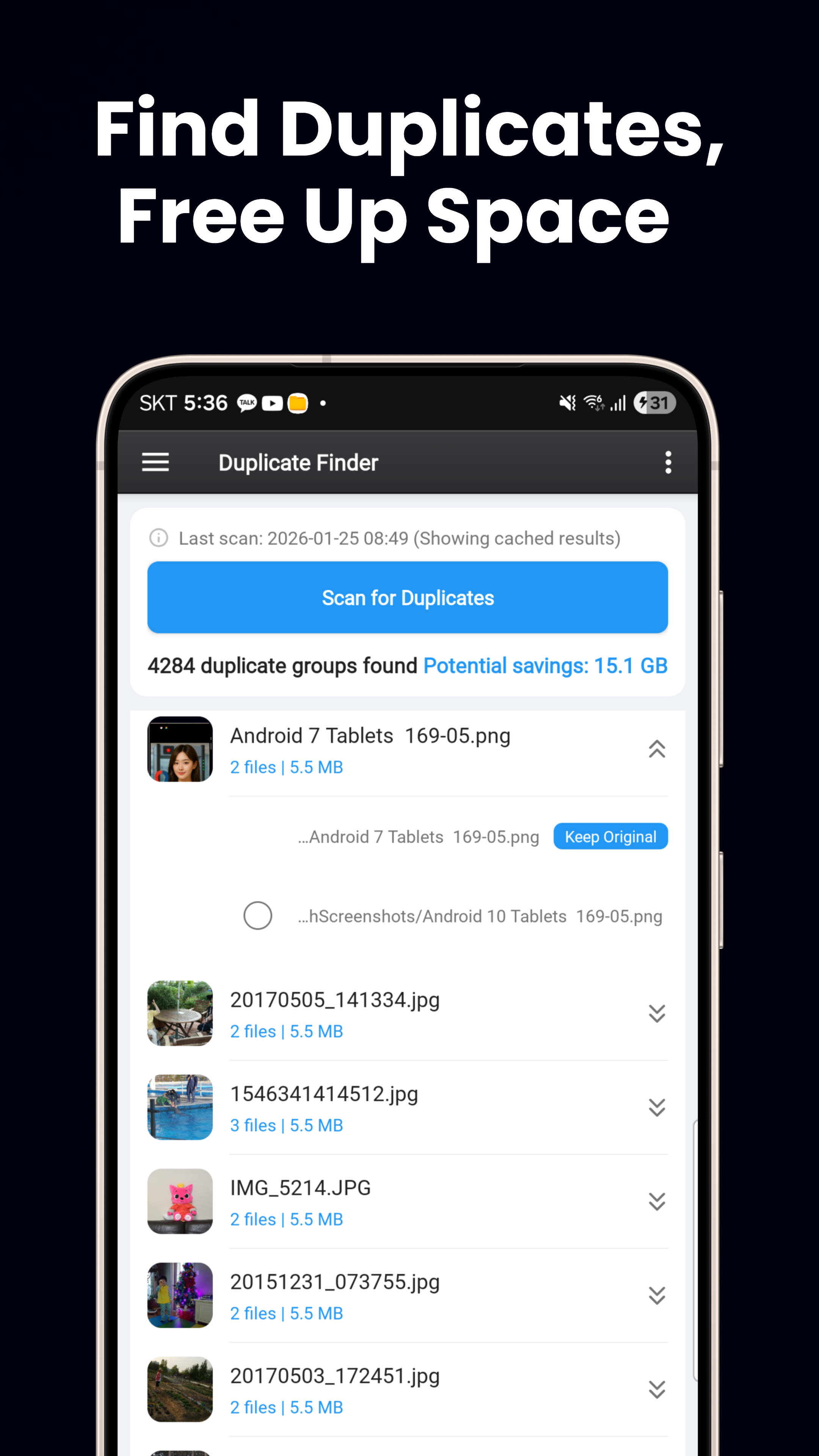
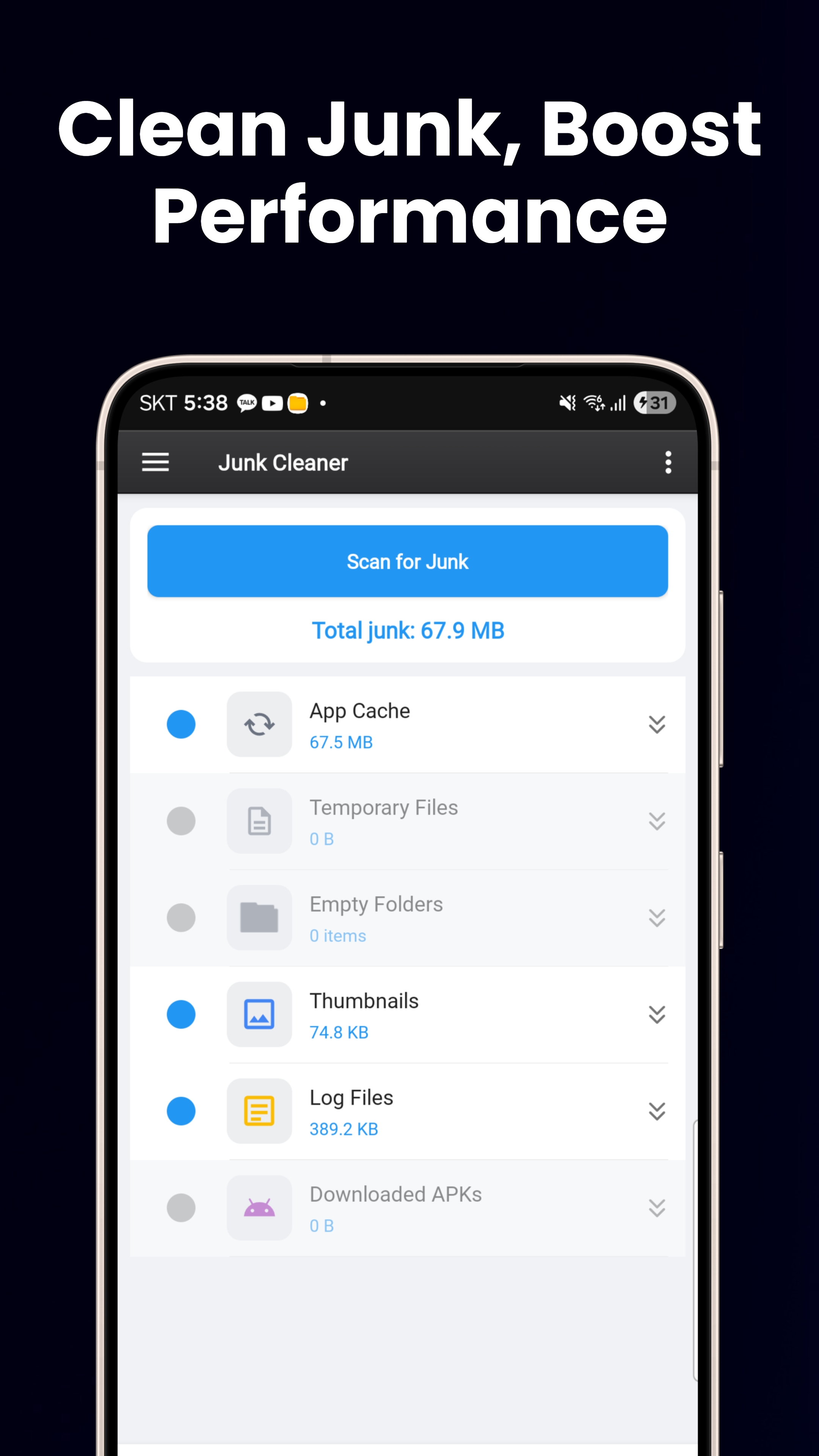
Storage Cleaner
Duplicate file finder (hash-based), large file finder, junk cleaner for empty folders and temp files, plus visual storage dashboard.
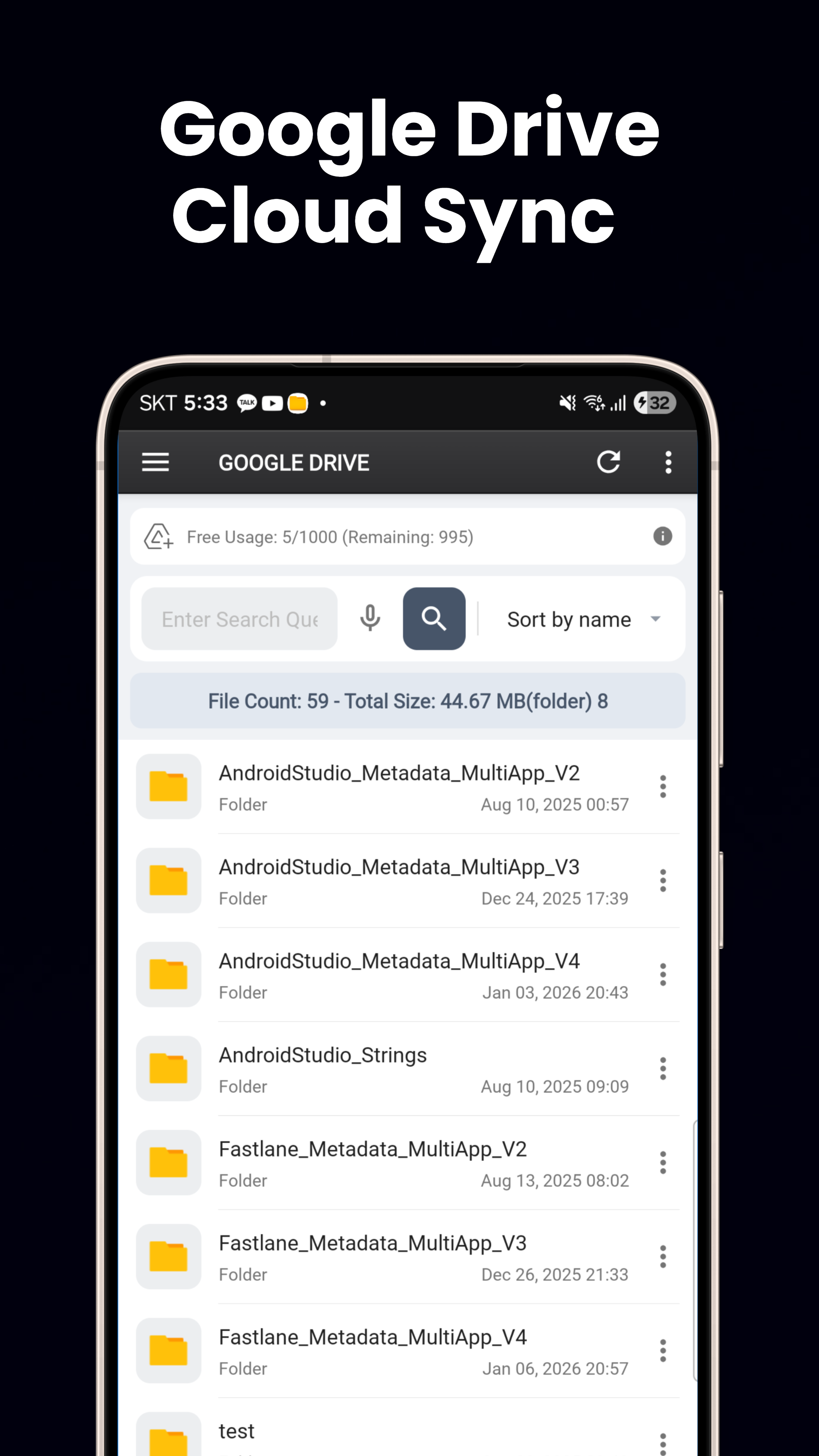
Cloud Integration
Google Drive and OneDrive seamless integration. Browse, download, upload, and move files between local storage and cloud drives.
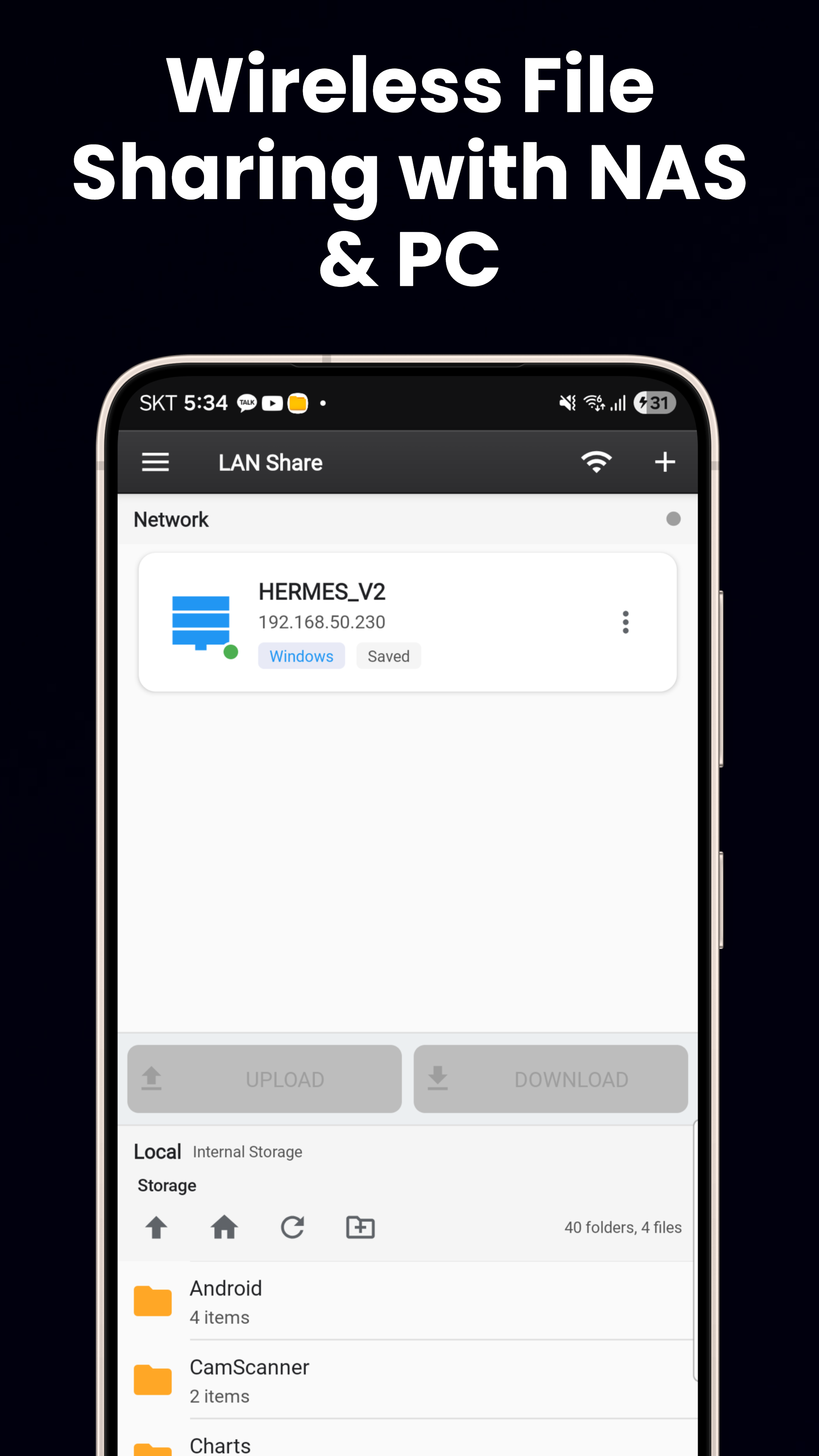
FTP, SFTP & SMB
FTP/FTPS, SFTP with SSH key auth, SMB/LAN for Windows PC, NAS, and Linux file shares. Connect to any remote file server.
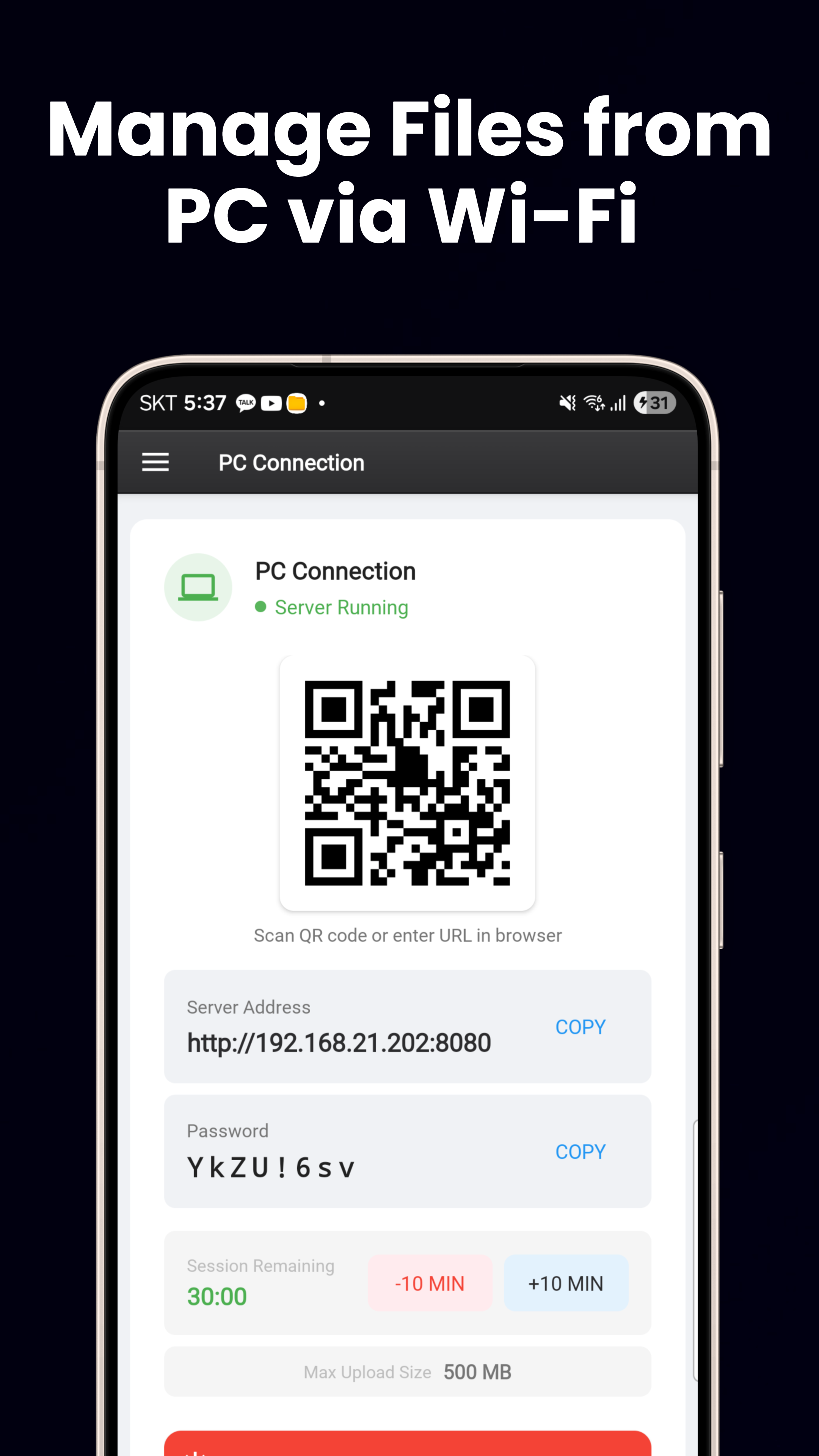
Wi-Fi File Server
Built-in HTTP server. Scan a QR code to transfer files between phone and PC. No cables, no extra software required.
Material You & 60+ Languages
Dynamic color on Android 12+, light/dark theme, phone/tablet responsive layout, plus 3 home widgets (Storage, Favorites, Battery).
Download Now
Available on Google Play for free.
Get it on Google Play