

 電卓
電卓  翻訳
翻訳  メモ
メモ  通貨換算
通貨換算  パスワード
パスワード  カウントダウン
  アプリ管理
アプリ管理  クイック設定
  スキャナー
スキャナー  GPS Set
  サイレン SOS
  心拍数
心拍数  スマートブレイン
  磁場計
磁場計  騒音計
騒音計  振動計
振動計  距離
距離  旅行
旅行  万歩計
万歩計  ピアノ
ピアノ  キーキャップASMR
 アプリスクリーンショット
主な機能
PDFリーダー
スムーズなナビゲーション、ズーム、検索機能でアプリ内からPDFファイルを開いて閲覧できます。ドキュメント用の追加アプリは不要です。
ビデオプレーヤー
MP4、MKV、AVI、MOV、WebMに対応し、スムーズな再生、字幕、ピクチャーインピクチャー(PIP)モードを利用できます。あらゆる動画形式をその場で再生できます。
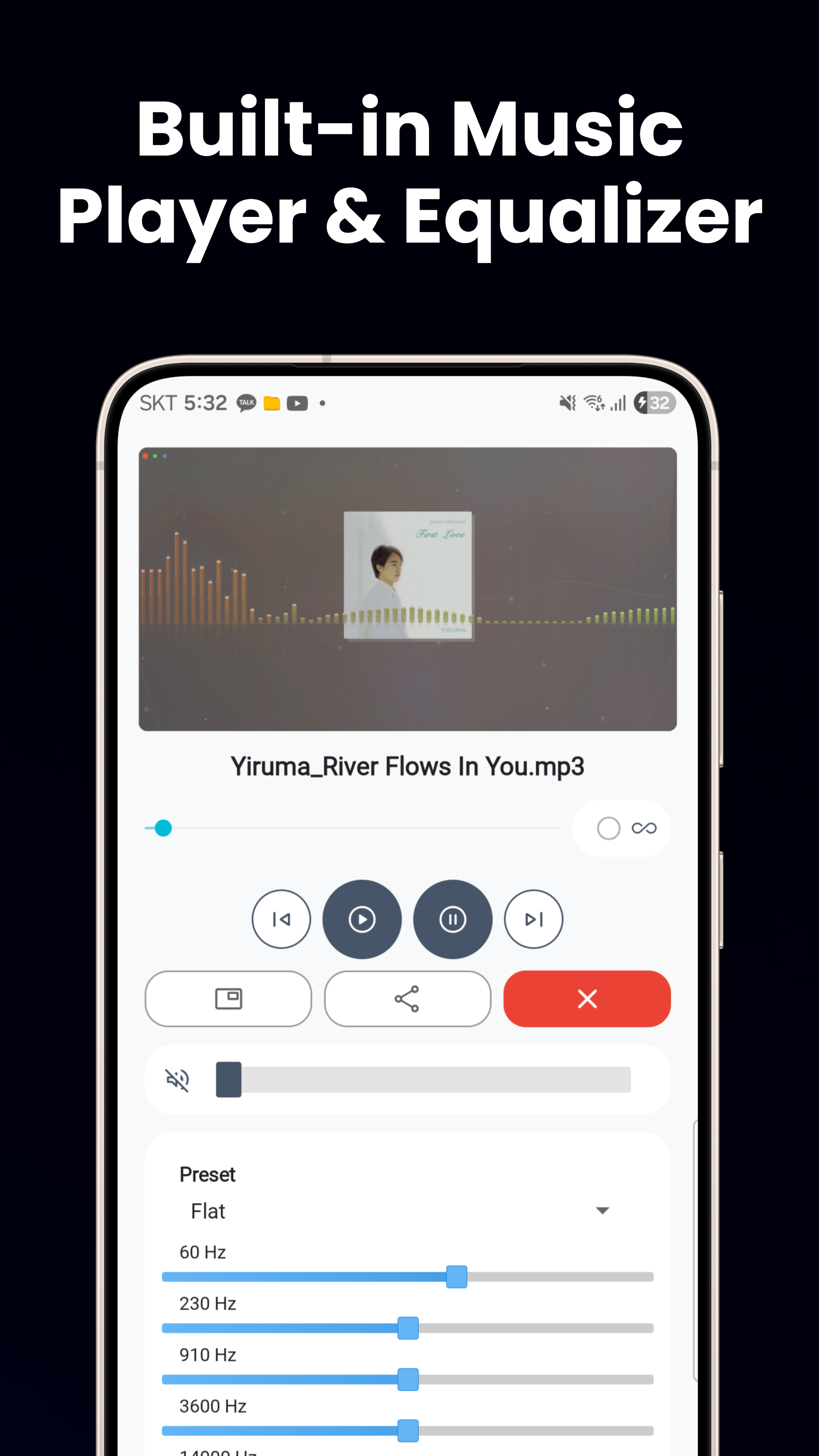
ミュージックプレーヤー
MP3、FLAC、WAVに対応し、イコライザープリセット、バックグラウンド再生、ロック画面コントロール、PIPモードで途切れることなく音楽を楽しめます。
画像ビューア & 写真エディター
JPG、PNG、GIF、WebP、HEICをピンチズームで表示。トリミング、回転、明るさ調整、フィルター、ステッカー、テキスト、アニメーションWebPの作成が可能です。
テキスト、HTML & コードビューア
自動エンコード検出付きテキストエディター、HTMLおよびMarkdownビューア、構文ハイライト表示のJSON/XMLビューア、APKインストーラーを搭載しています。
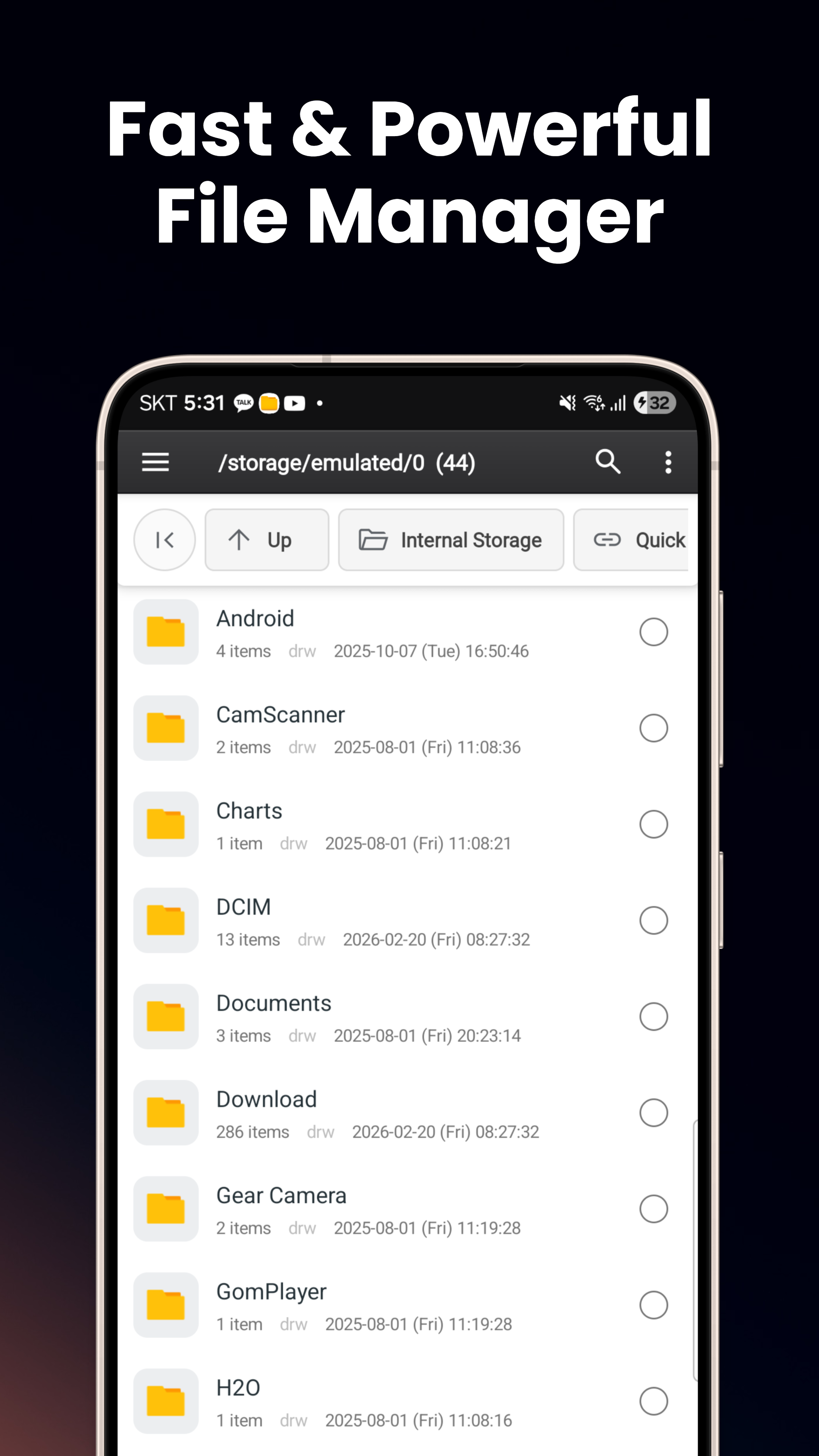
スマートファイルエクスプローラー
内部ストレージ、SDカード、USB OTGを閲覧。リスト/グリッド表示、デュアルペイン分割表示、コピー/移動/名前変更、ZIPの圧縮 & 解凍に対応します。
Vault — 安全フォルダ
デバイス固有のAndroidキーストアキーによるAES-256暗号化。生体認証またはPINが必要です。他のアプリ、USB、スクリーンショットからサンドボックス化されています。
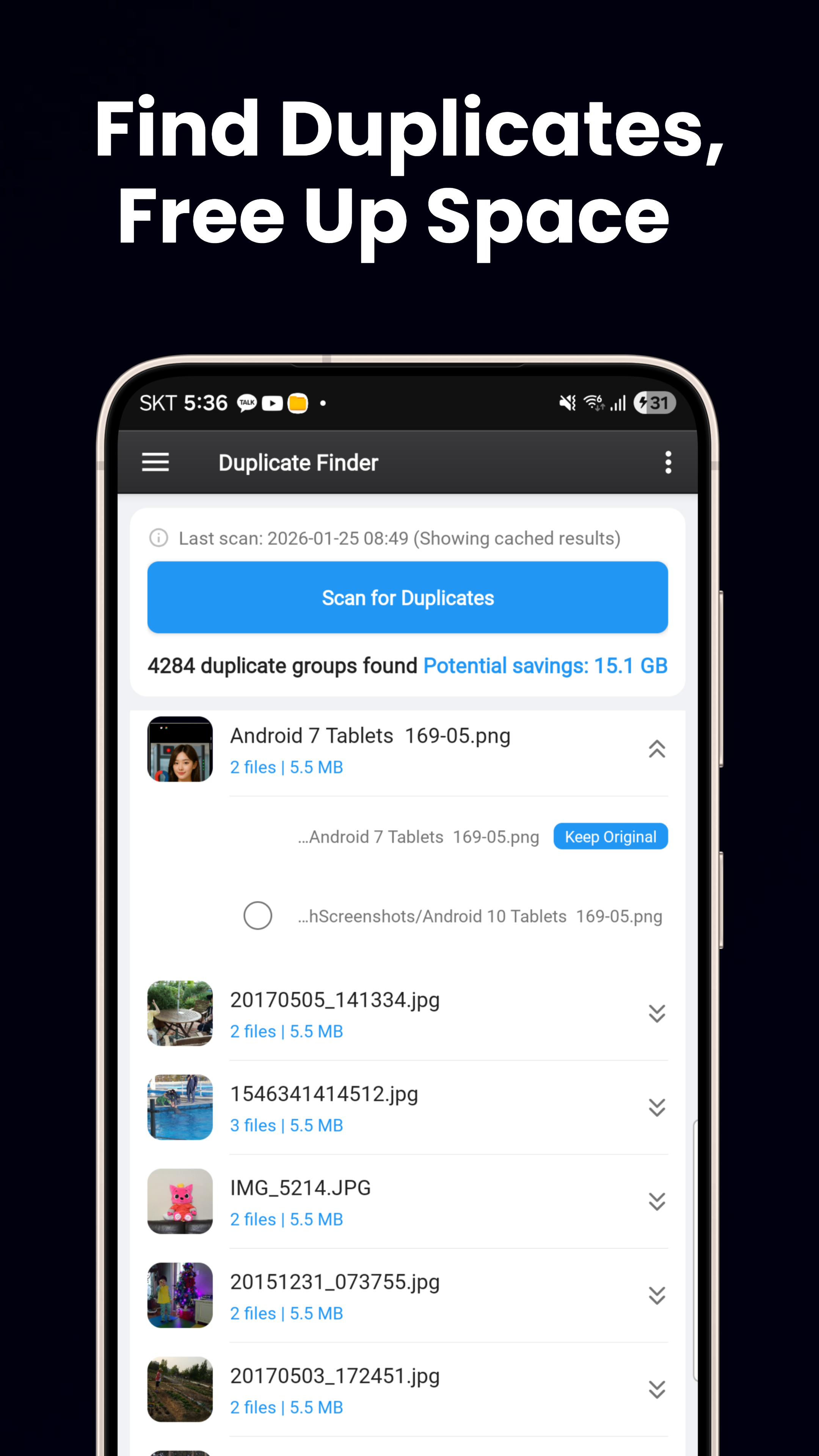
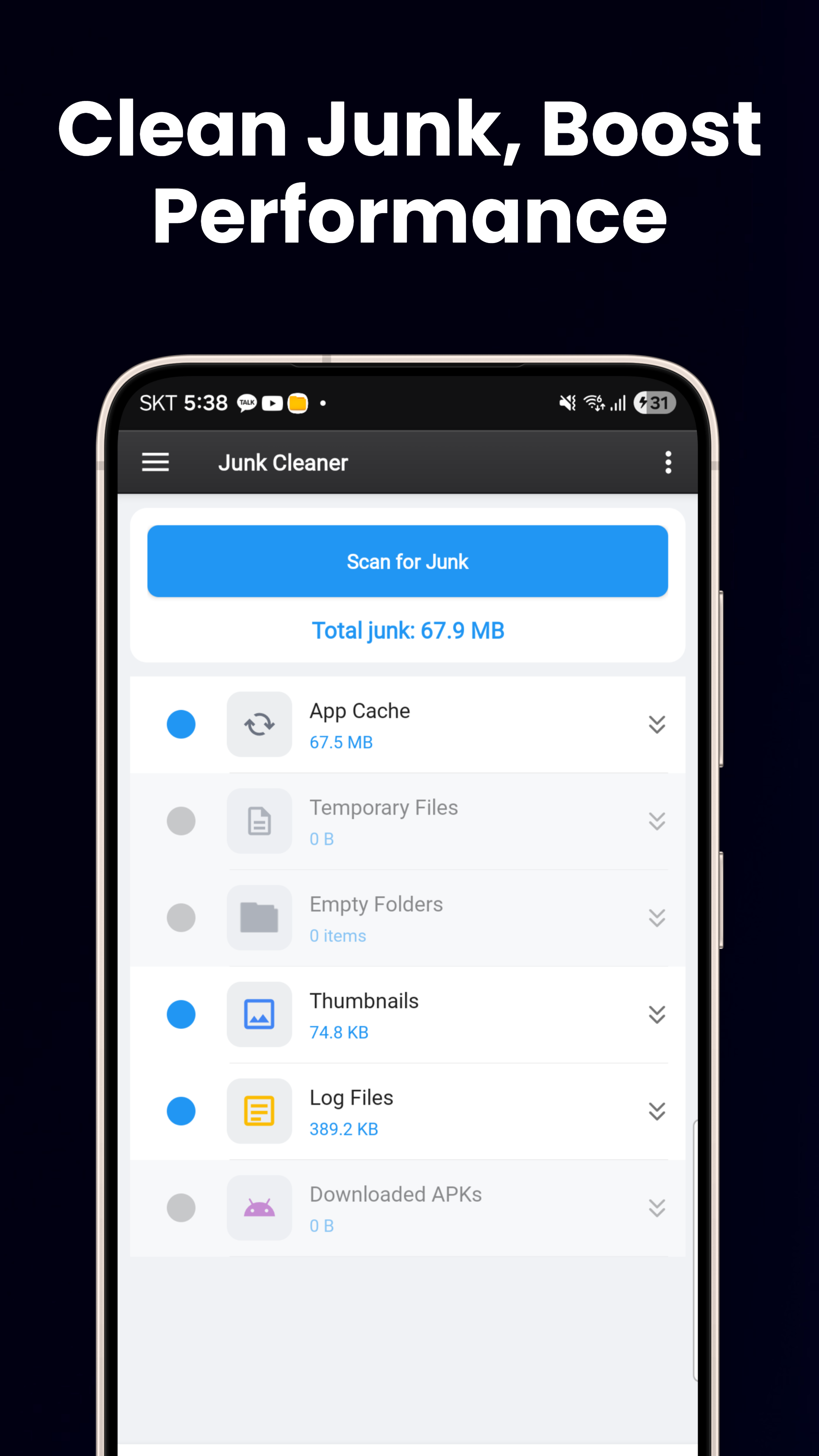
ストレージクリーナー
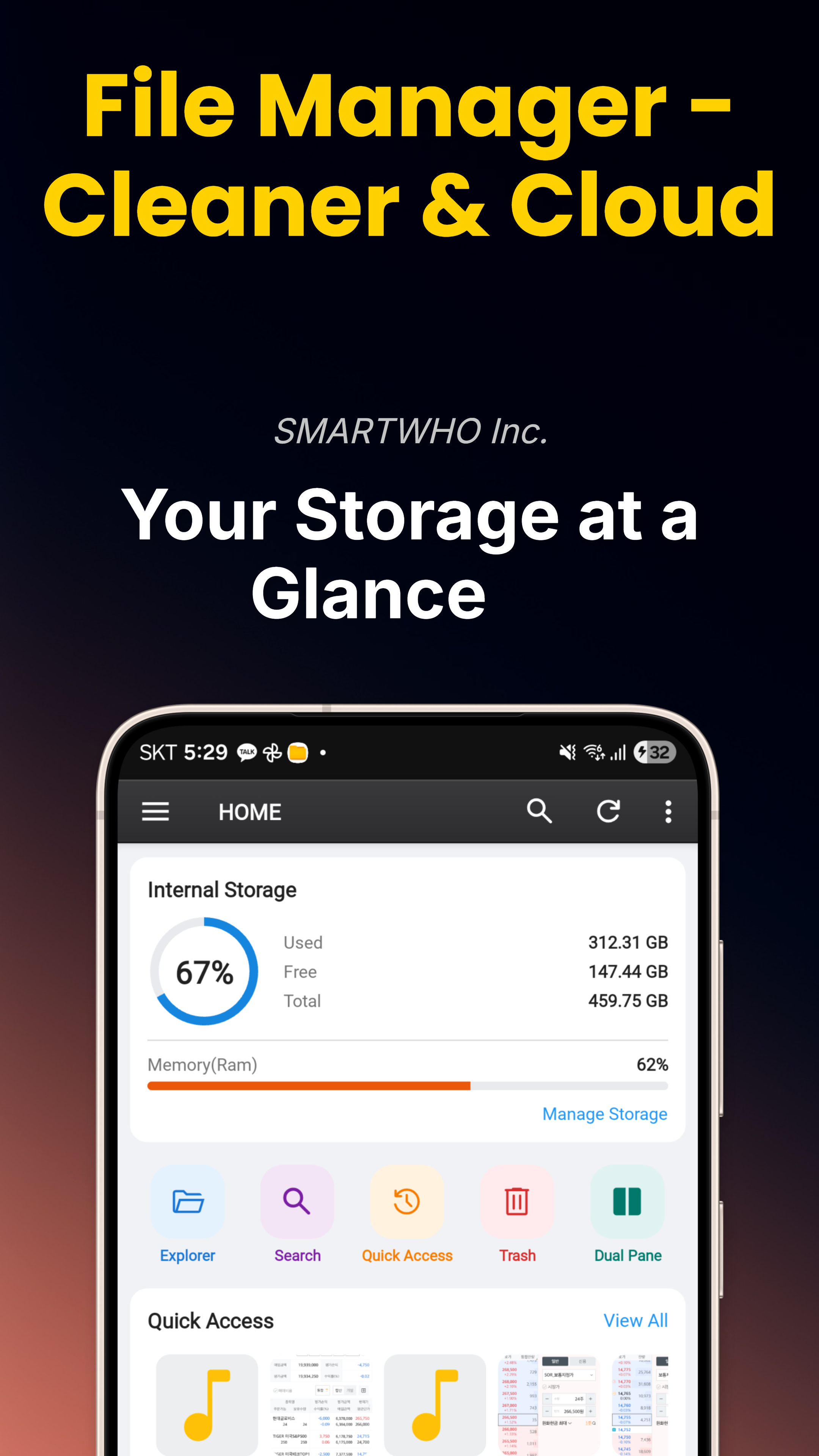
重複ファイル検索(ハッシュベース)、大容量ファイル検索、空のフォルダや一時ファイルのジャンククリーナー、さらに視覚的なストレージダッシュボードを備えています。
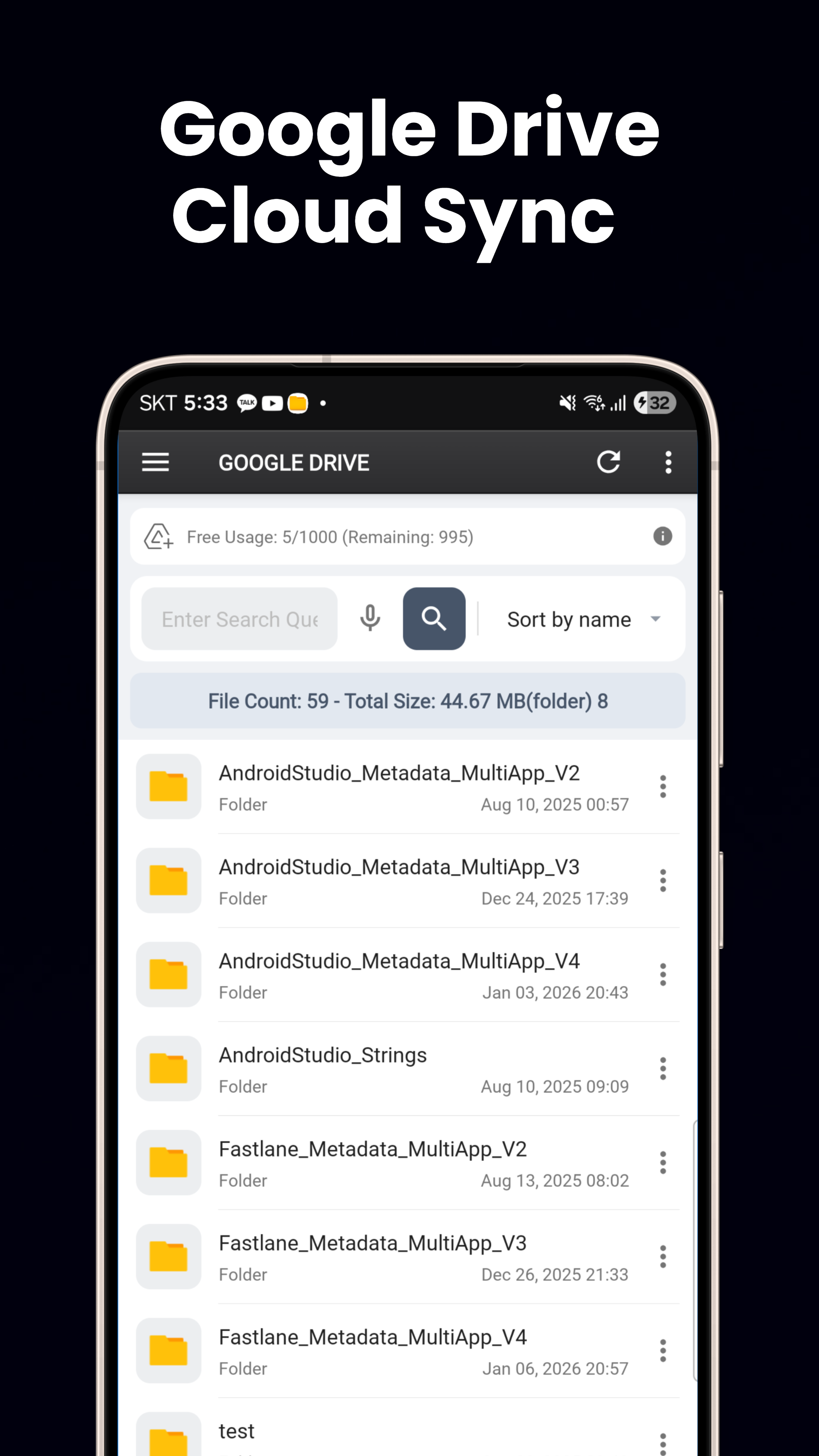
クラウド連携
Google DriveとOneDriveをシームレスに連携。ローカルストレージとクラウドドライブ間でファイルを閲覧、ダウンロード、アップロード、移動できます。
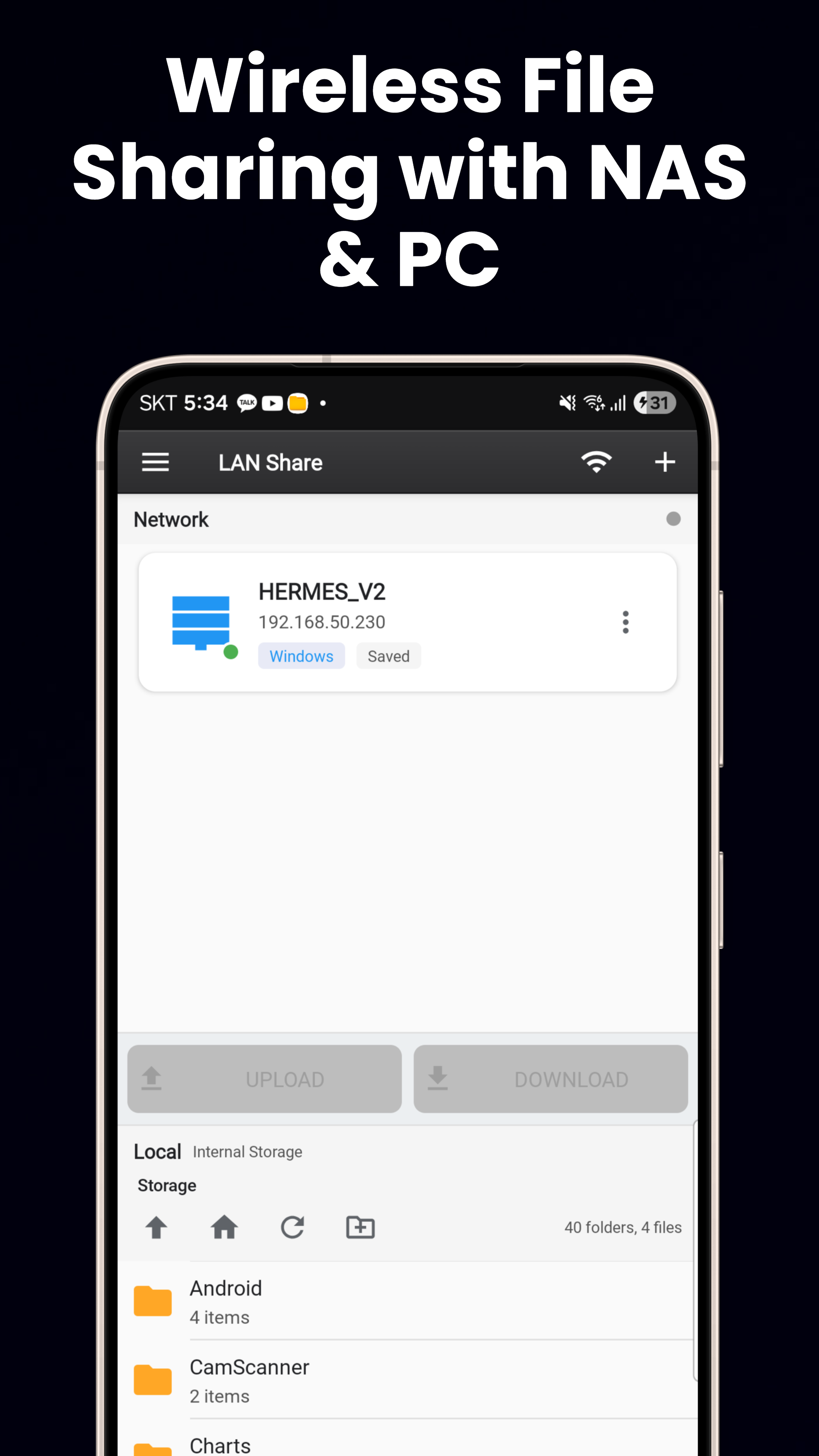
FTP、SFTP & SMB
FTP/FTPS、SSHキー認証によるSFTP、Windows PC・NAS・Linuxの共有向けSMB/LANに対応。あらゆるリモートファイルサーバーに接続できます。
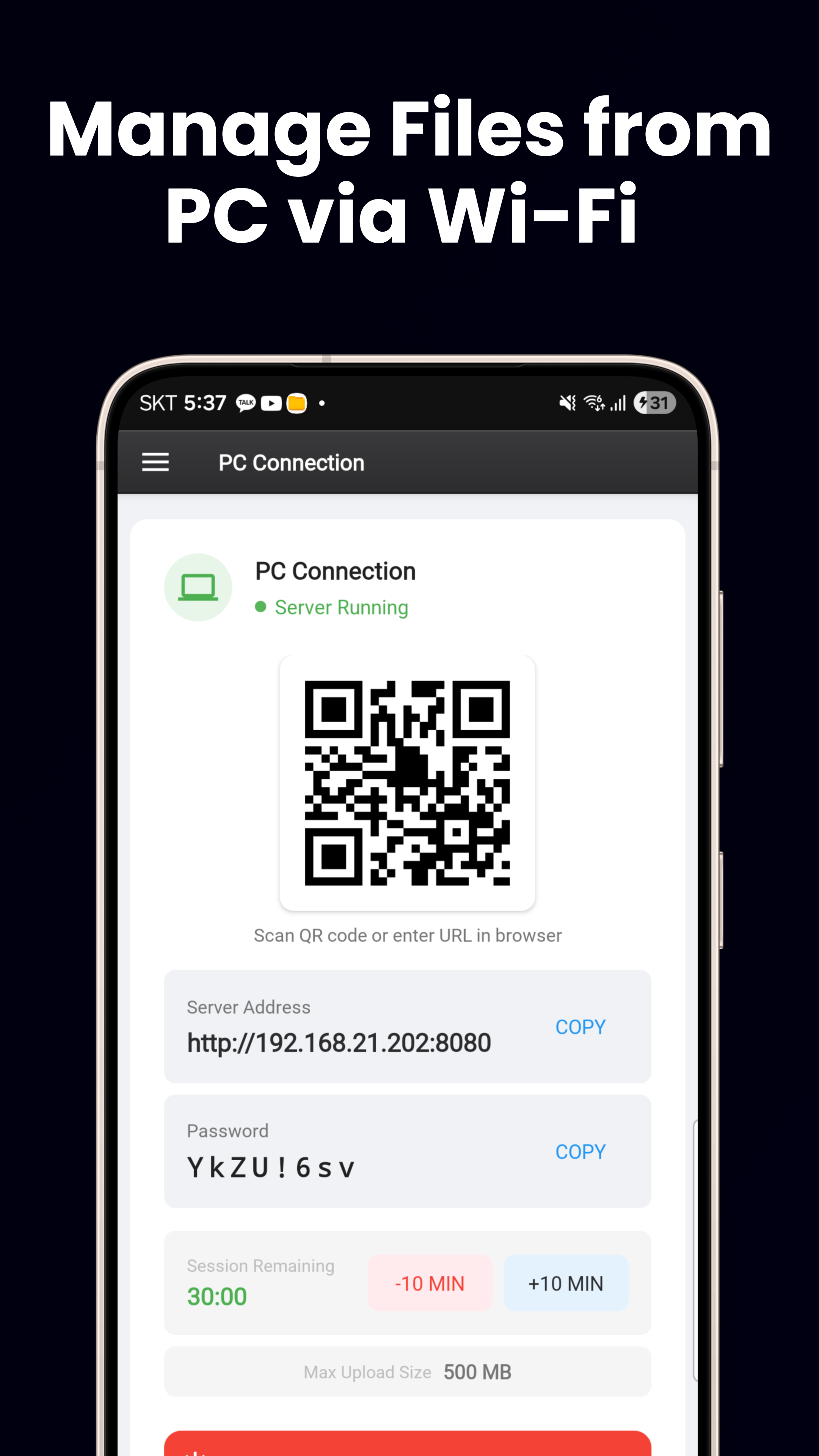
Wi-Fiファイルサーバー
内蔵HTTPサーバー。QRコードをスキャンしてスマートフォンとPCの間でファイルを転送できます。ケーブルも追加ソフトウェアも不要です。
Material You & 60以上の言語
Android 12以降のダイナミックカラー、ライト/ダークテーマ、スマートフォン/タブレット対応のレスポンシブレイアウト、ホームウィジェット3種(ストレージ、お気に入り、バッテリー)。
今すぐダウンロード
Google Playで無料で利用できます。
Google Playでダウンロード