

 Калькулятор
  Переводчик
  Заметки
  Валюта
  Пароль
  Обратный отсчёт
  Менеджер приложений
  Быстрые настройки
  Сканер
  GPS Set
  Сирена SOS
  Пульс
Пульс  Smart Brain
  Магнитное поле
  Шумомер
  Вибрация
  Расстояние
  Путешествие
  Шагомер
  Пианино
  Колпачок для клавиатуры ASMR
 Скриншоты приложения
Основные возможности
Чтение PDF
Открывайте и читайте PDF-файлы прямо в приложении с удобной навигацией, масштабированием и поиском. Никаких дополнительных приложений для документов.
Видеоплеер
MP4, MKV, AVI, MOV, WebM с плавным воспроизведением, субтитрами и режимом «картинка в картинке» (PIP). Воспроизведение любого формата видео внутри приложения.
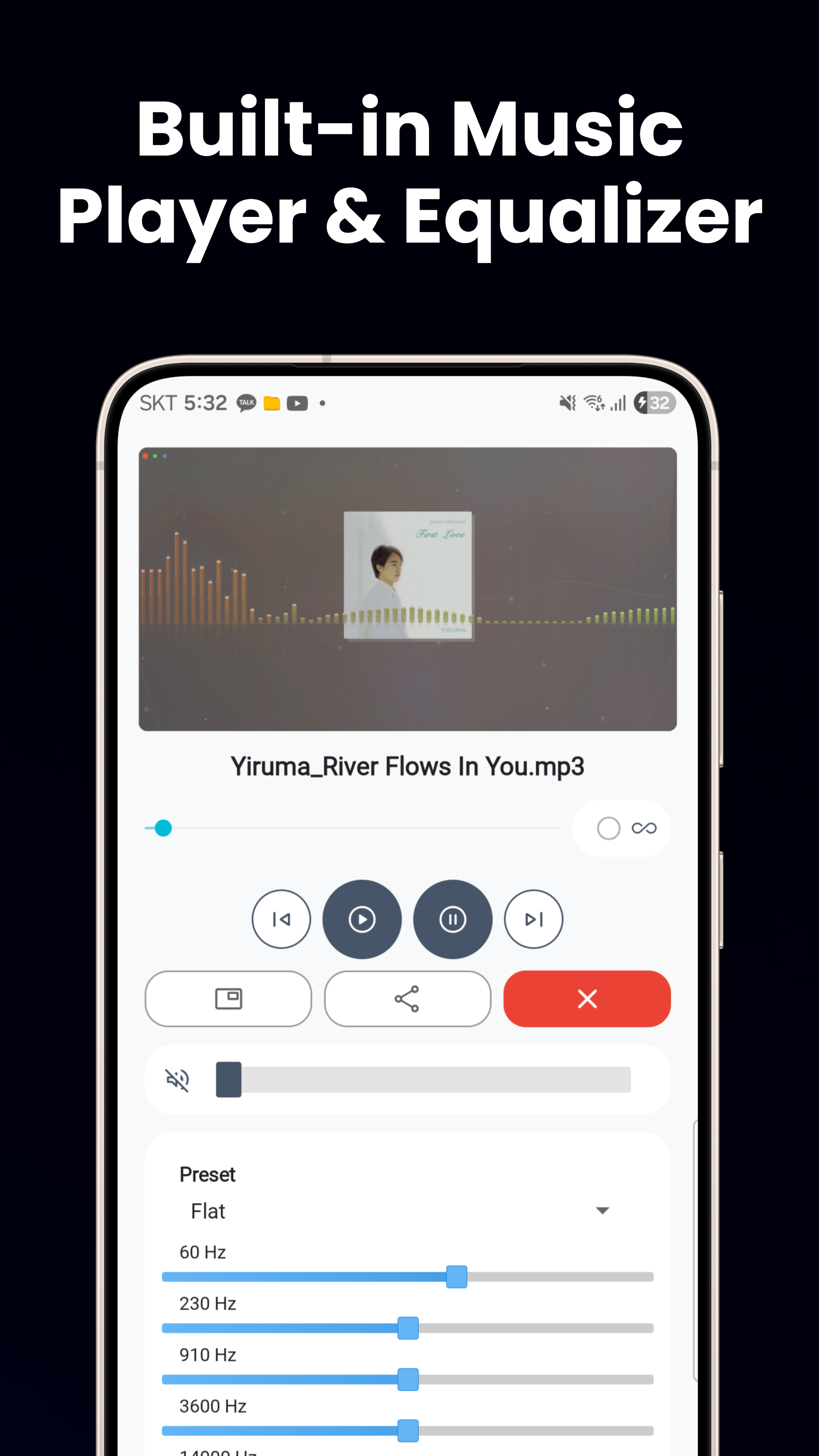
Музыкальный плеер
MP3, FLAC, WAV с предустановками эквалайзера, фоновым воспроизведением, управлением с экрана блокировки и режимом PIP для непрерывного прослушивания.
Просмотр изображений & фоторедактор
Просмотр JPG, PNG, GIF, WebP, HEIC с масштабированием жестом. Обрезка, поворот, регулировка яркости, фильтры, стикеры, текст и создание анимированных WebP.
Просмотр текста, HTML & кода
Текстовый редактор с автоопределением кодировки, программы просмотра HTML и Markdown, просмотр JSON/XML с подсветкой синтаксиса и установщик APK.
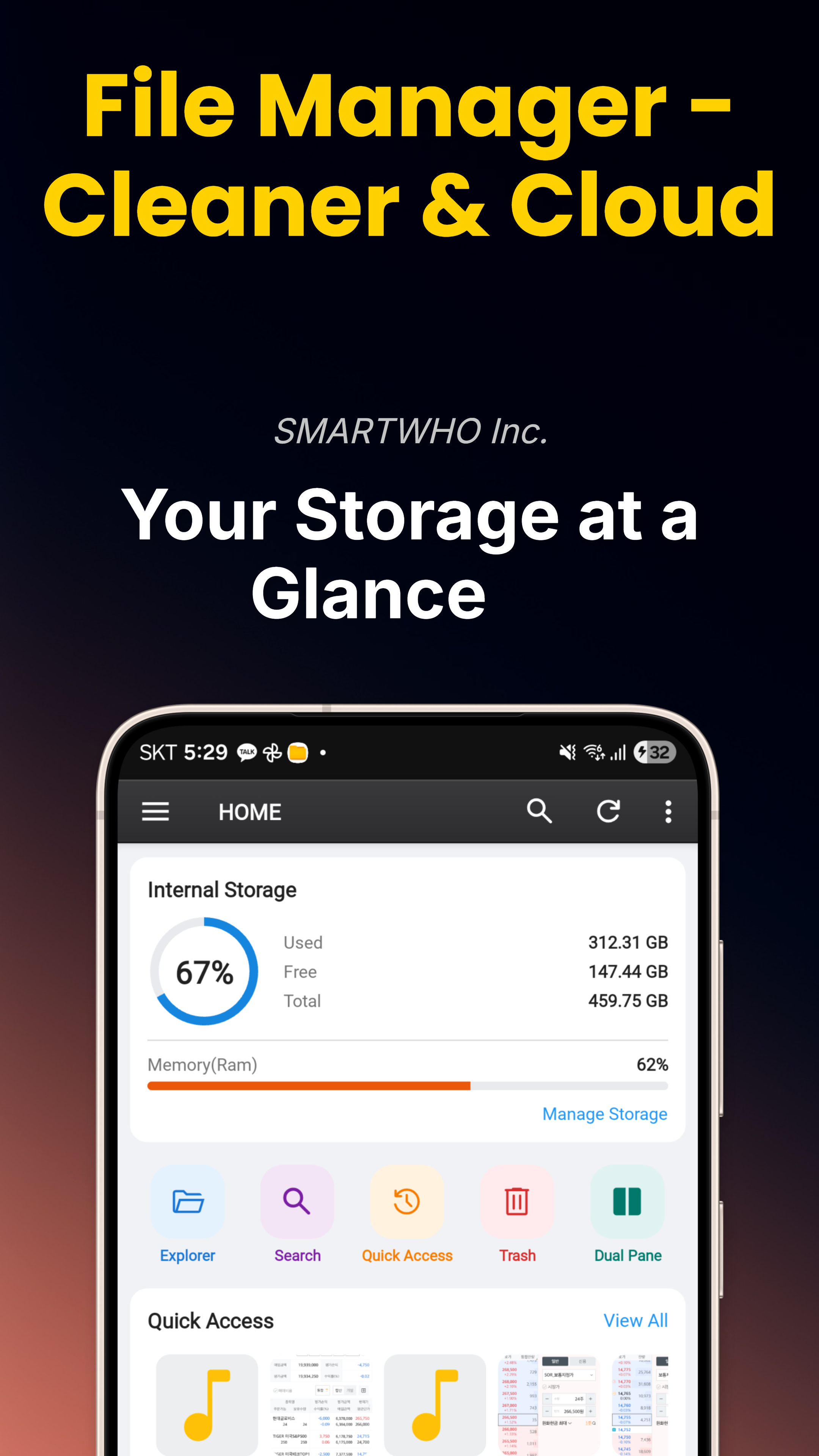
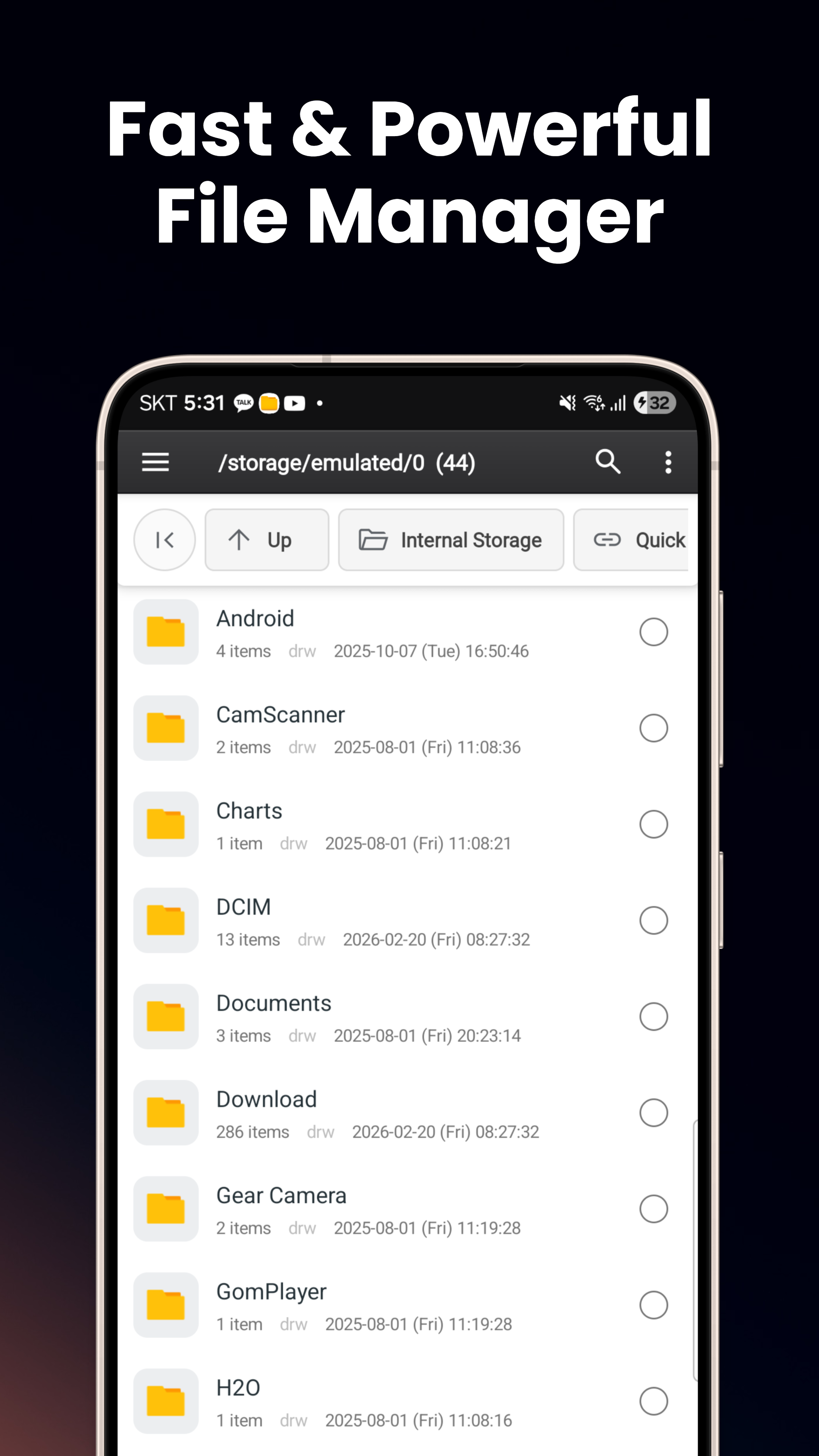
Умный проводник файлов
Просмотр внутренней памяти, SD-карт, USB OTG. Вид списком или сеткой, режим двух панелей, копирование/перемещение/переименование, сжатие & извлечение ZIP.
Хранилище — безопасная папка
Шифрование AES-256 с ключом Android Keystore, привязанным к устройству. Требуется биометрия или PIN. Изоляция от других приложений, USB и скриншотов.
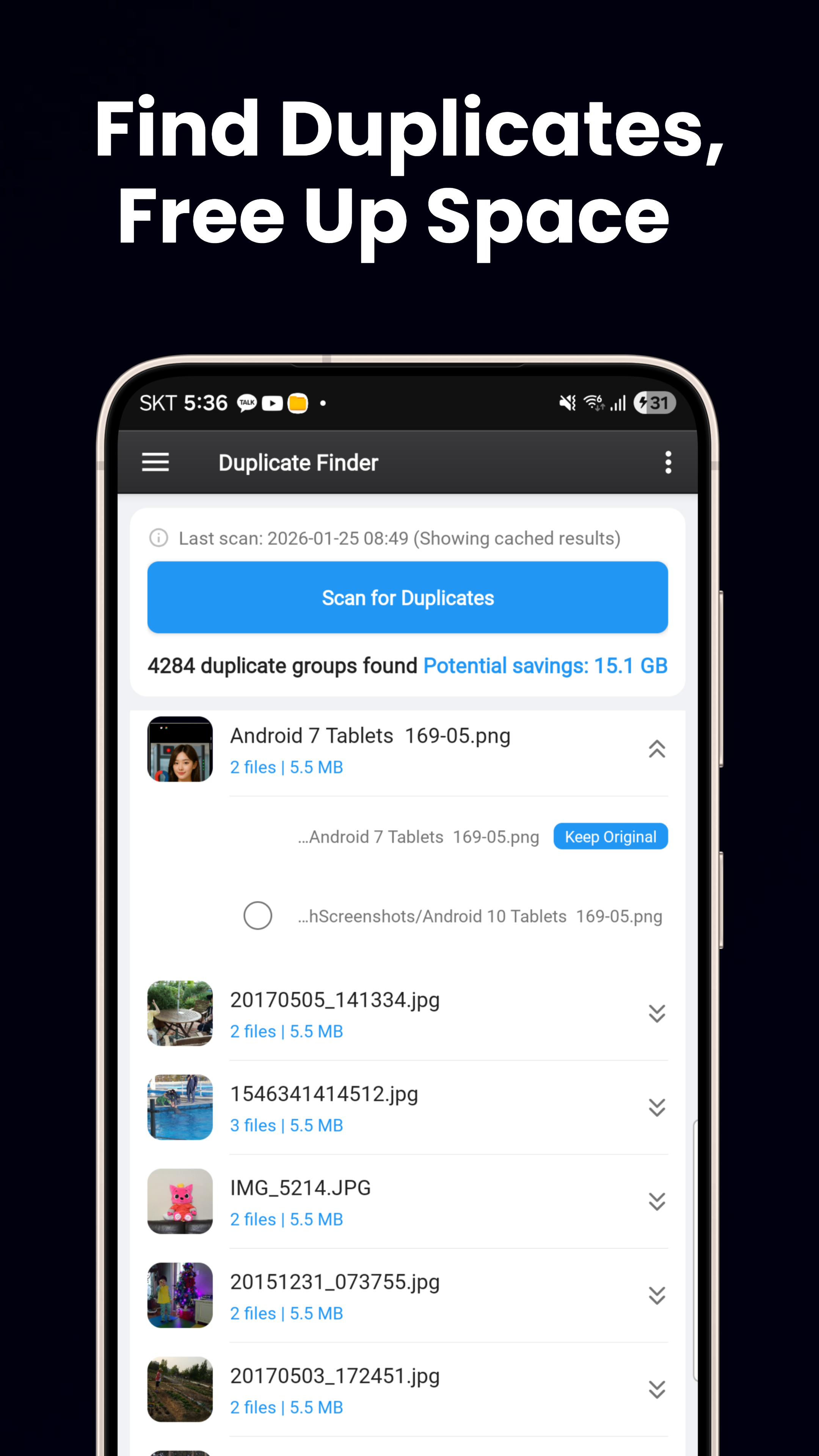
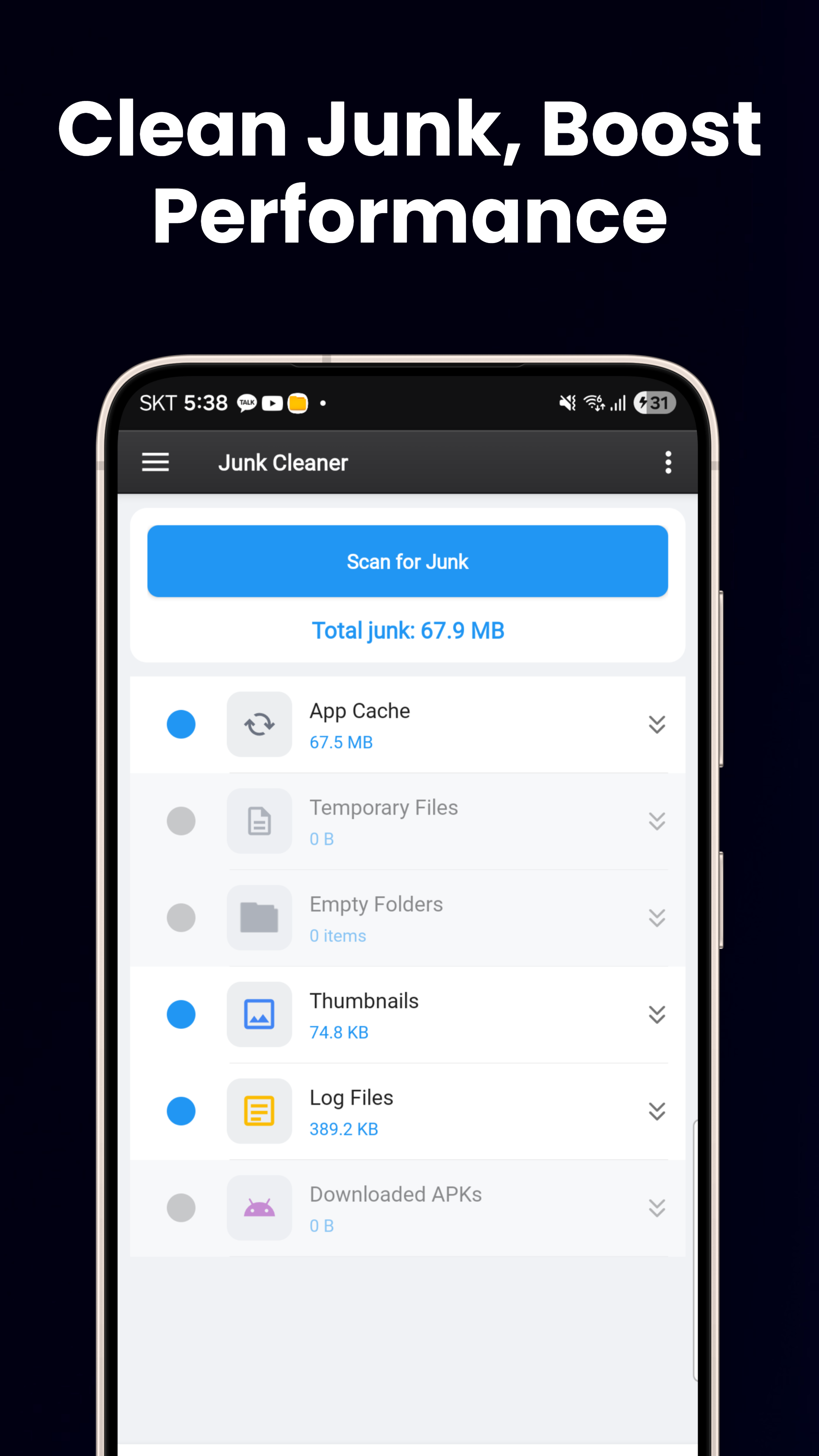
Очистка хранилища
Поиск дубликатов файлов (по хешу), поиск больших файлов, очистка мусора в пустых папках и временных файлов, а также наглядная панель управления хранилищем.
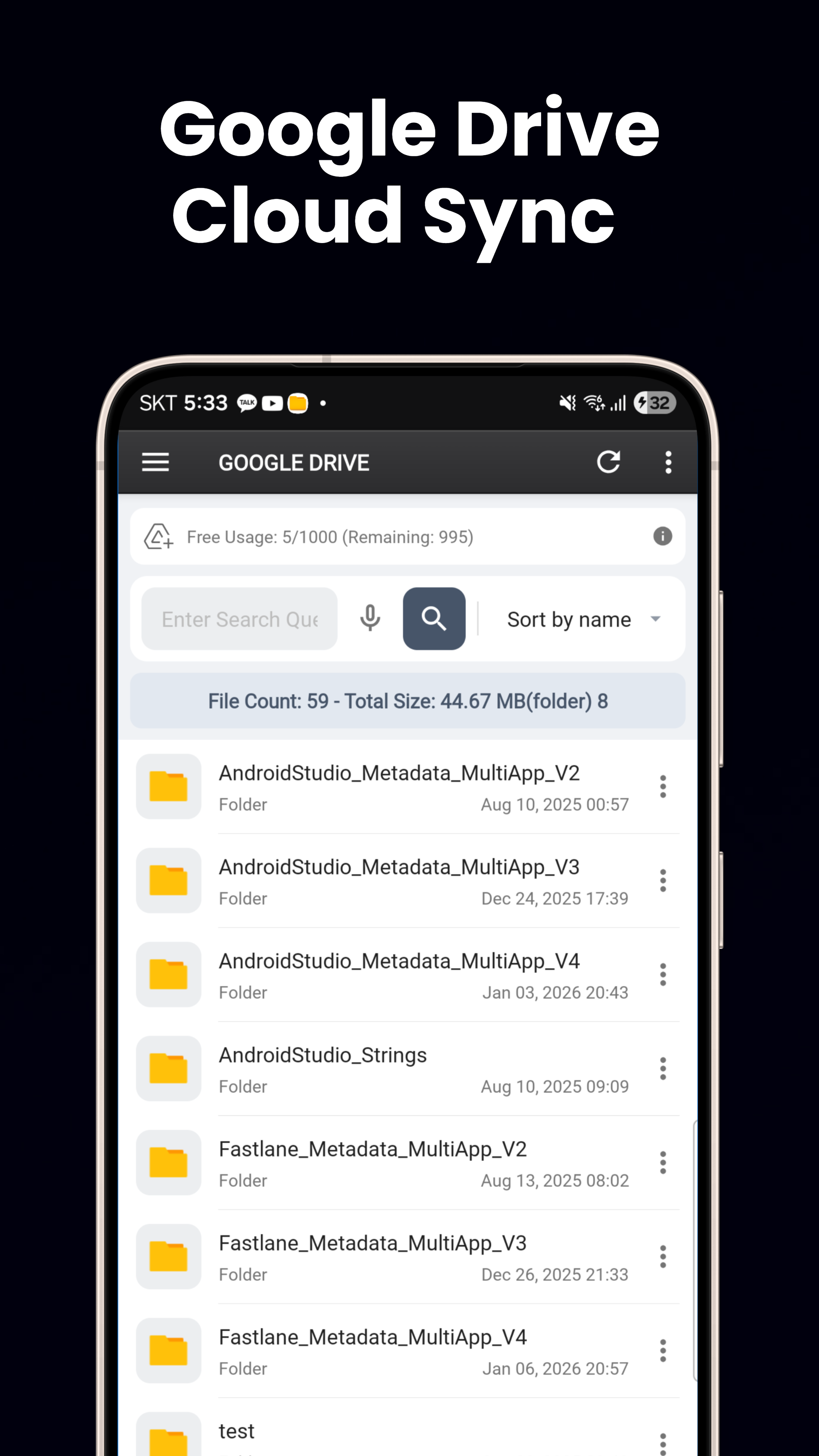
Интеграция с облаком
Бесшовная интеграция с Google Drive и OneDrive. Просмотр, загрузка, выгрузка и перемещение файлов между локальным хранилищем и облачными дисками.
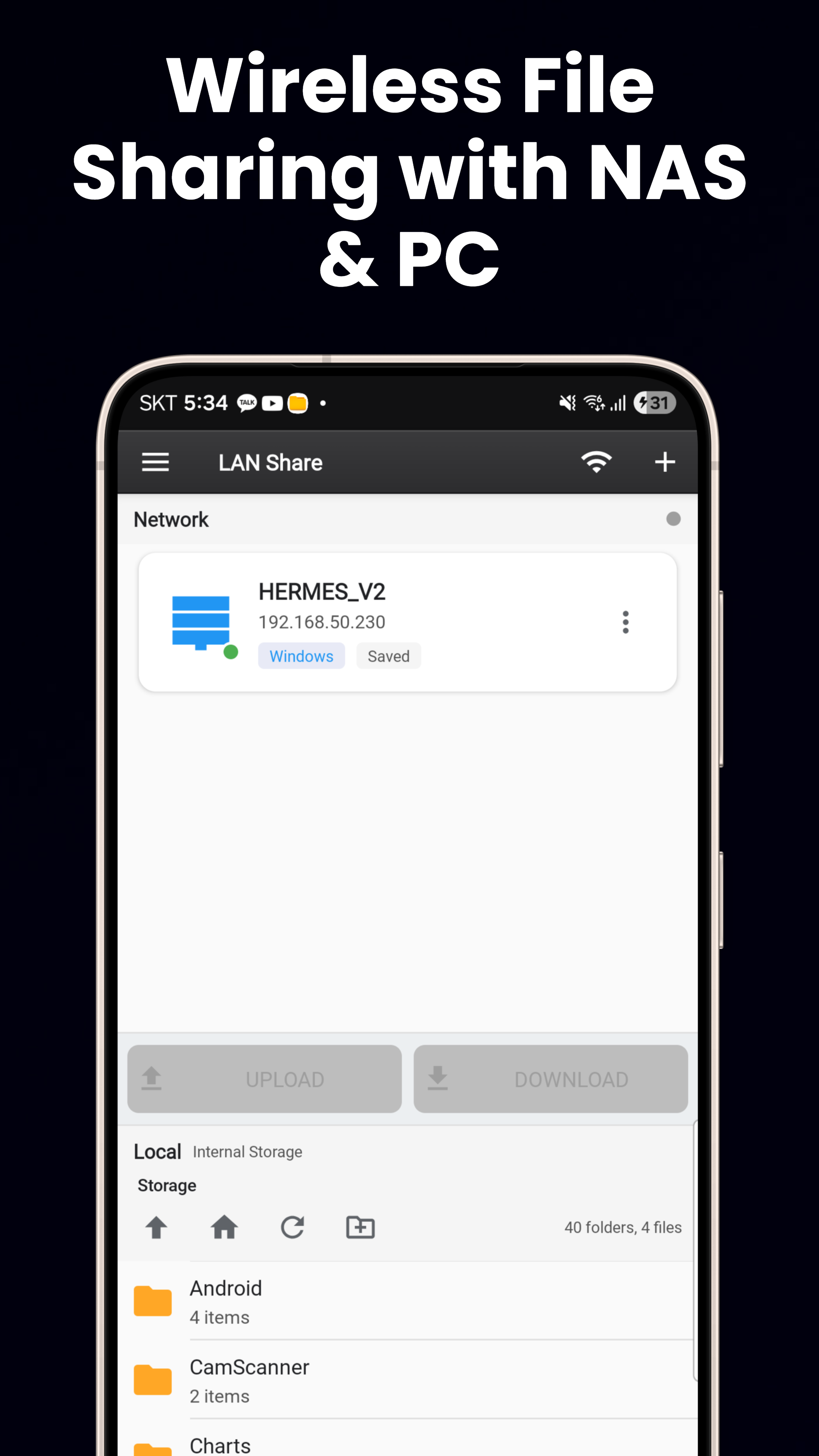
FTP, SFTP & SMB
FTP/FTPS, SFTP с аутентификацией по SSH-ключу, SMB/LAN для ПК с Windows, NAS и файловых ресурсов Linux. Подключение к любому удаленному файловому серверу.
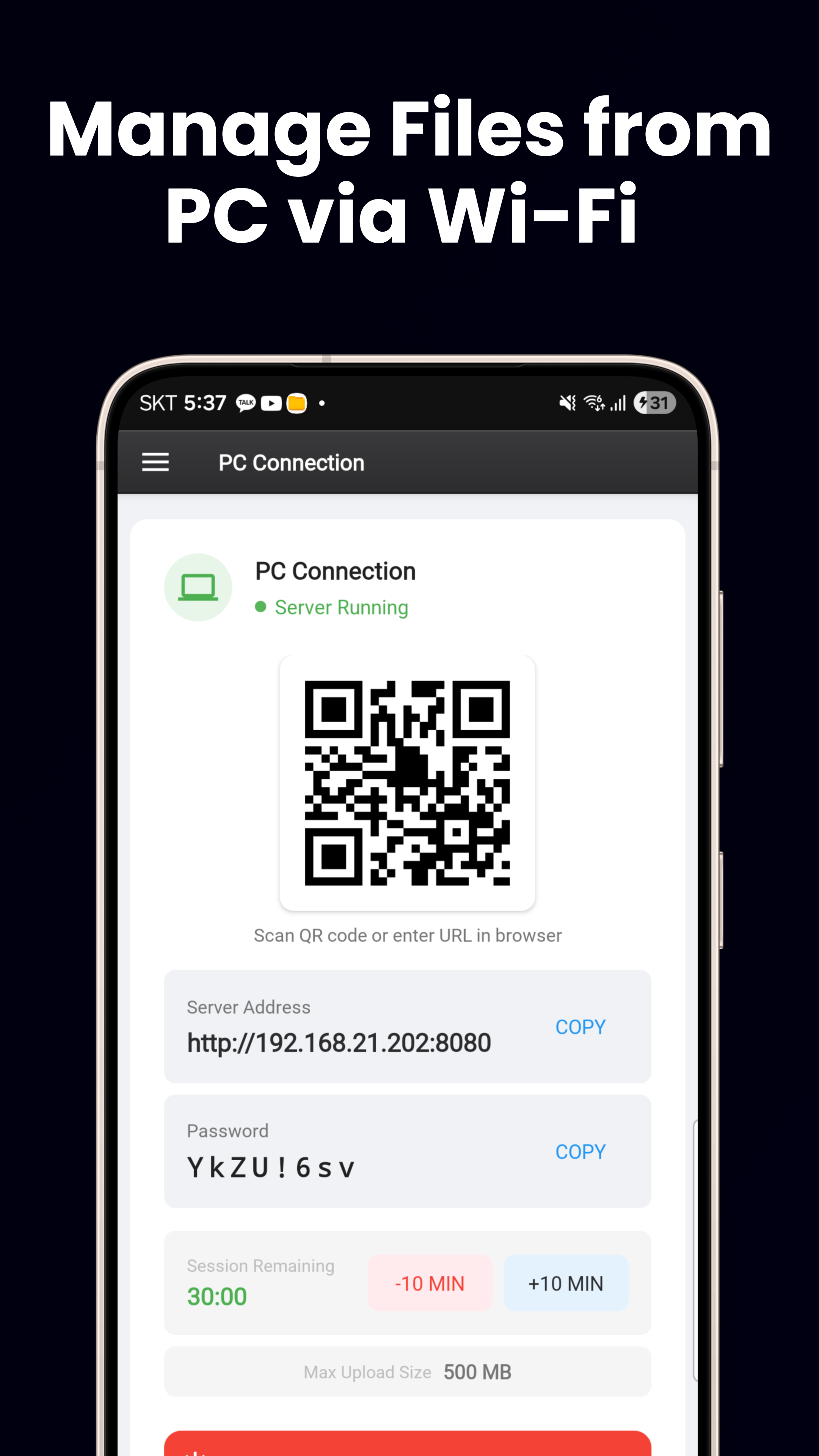
Файловый сервер Wi-Fi
Встроенный HTTP-сервер. Отсканируйте QR-код для передачи файлов между телефоном и ПК. Без кабелей и дополнительного ПО.
Material You & 60+ языков
Динамические цвета на Android 12+, светлая/темная тема, адаптивный макет для телефонов/планшетов и 3 виджета (Хранилище, Избранное, Батарея).
Скачать сейчас
Бесплатно в Google Play.
Скачать в Google Play