

 Máy Tính
  Dịch Thuật
  Ghi Chú
  Tiền Tệ
  Mật Khẩu
  Đếm Ngược
  Quản Lý Ứng Dụng
  Cài Đặt Nhanh
  Máy Quét
  Cài Đặt GPS
  Còi Khẩn Cấp
  Nhịp Tim
  Trí Tuệ Thông Minh
  Từ Trường
  Đo Âm Thanh
  Rung Động
  Khoảng Cách
  Du Lịch
  Máy Đếm Bước
  Piano
Piano  ASMR phím bấm
 Ảnh chụp màn hình
Tính năng chính
Trình đọc PDF
Mở và đọc các tập tin PDF ngay trong ứng dụng với điều hướng, phóng to và tìm kiếm mượt mà. Không cần ứng dụng bổ sung cho tài liệu.
Trình phát video
MP4, MKV, AVI, MOV, WebM với phát lại mượt mà, phụ đề và chế độ Hình trong Hình (PIP). Phát mọi định dạng video ngay trong ứng dụng.
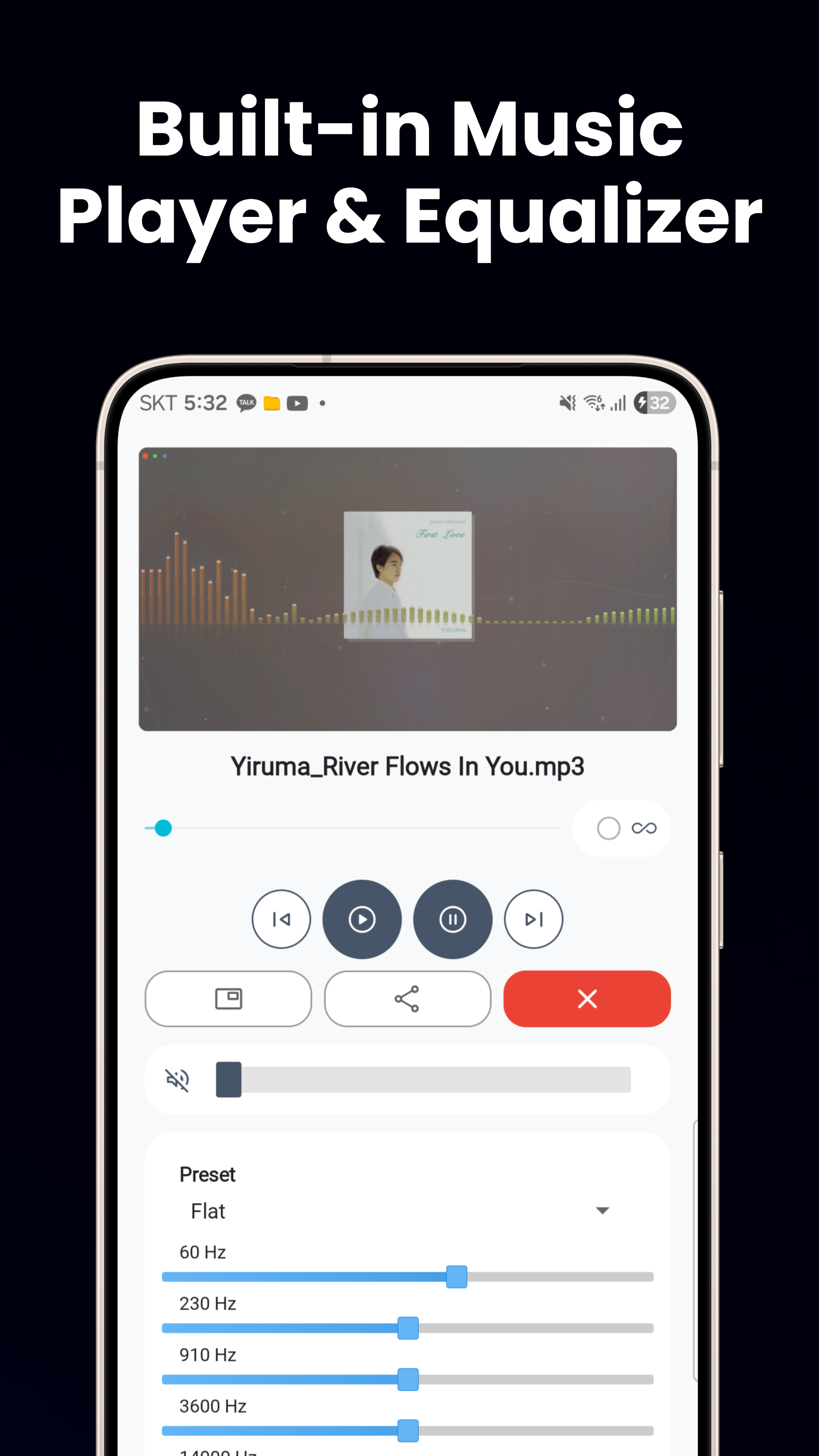
Trình phát nhạc
MP3, FLAC, WAV với cài đặt sẵn bộ cân bằng âm thanh, phát lại trong nền, điều khiển trên màn hình khóa và chế độ PIP để nghe liên tục.
Trình xem ảnh & Trình chỉnh sửa ảnh
Xem JPG, PNG, GIF, WebP, HEIC với phóng to bằng cử chỉ. Cắt, xoay, điều chỉnh độ sáng, bộ lọc, nhãn dán, văn bản và tạo ảnh động WebP.
Trình xem văn bản, HTML & mã
Trình soạn thảo văn bản với tự động phát hiện mã hóa, trình xem HTML và Markdown, trình xem JSON/XML tô sáng cú pháp và trình cài đặt APK.
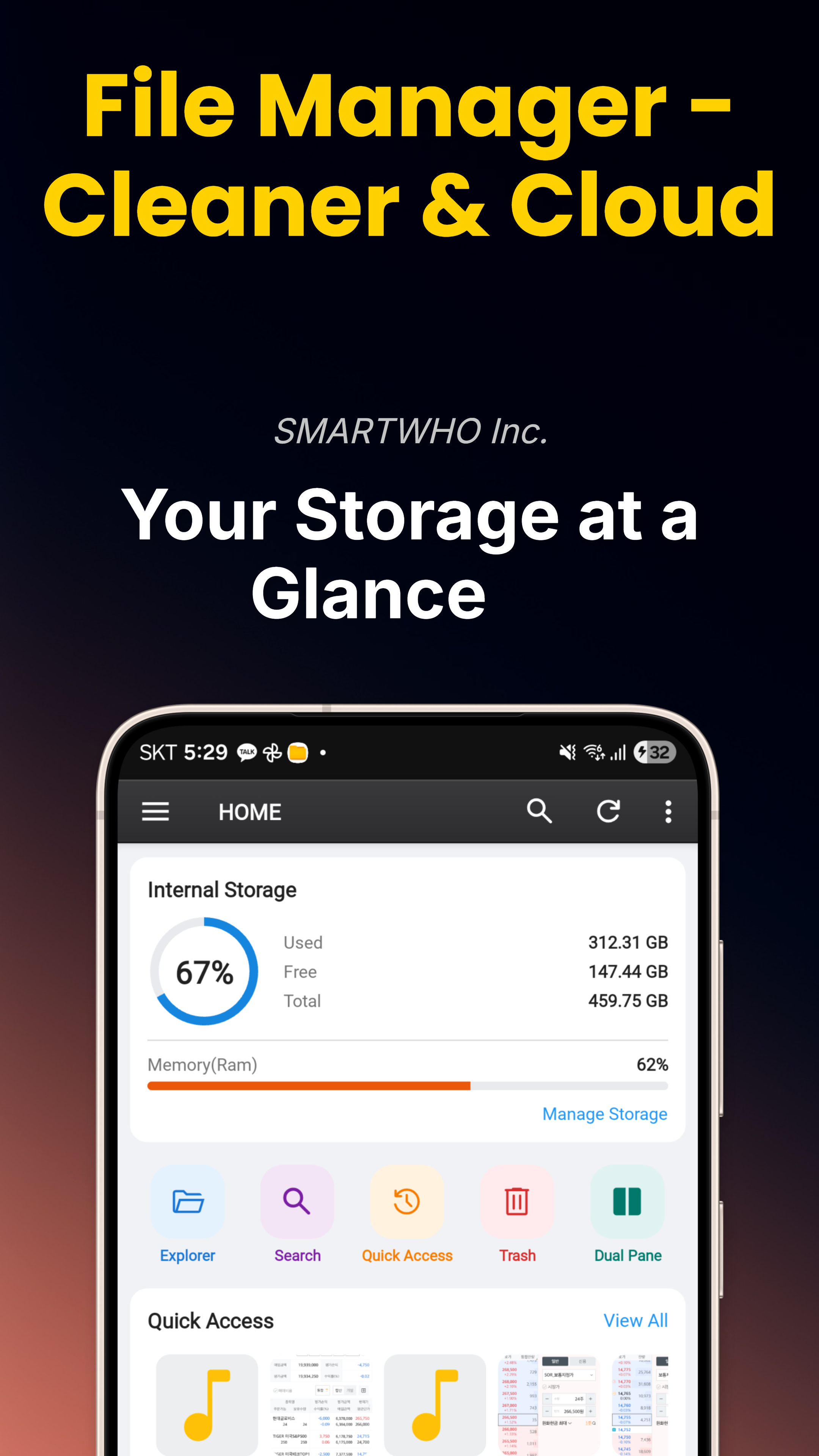
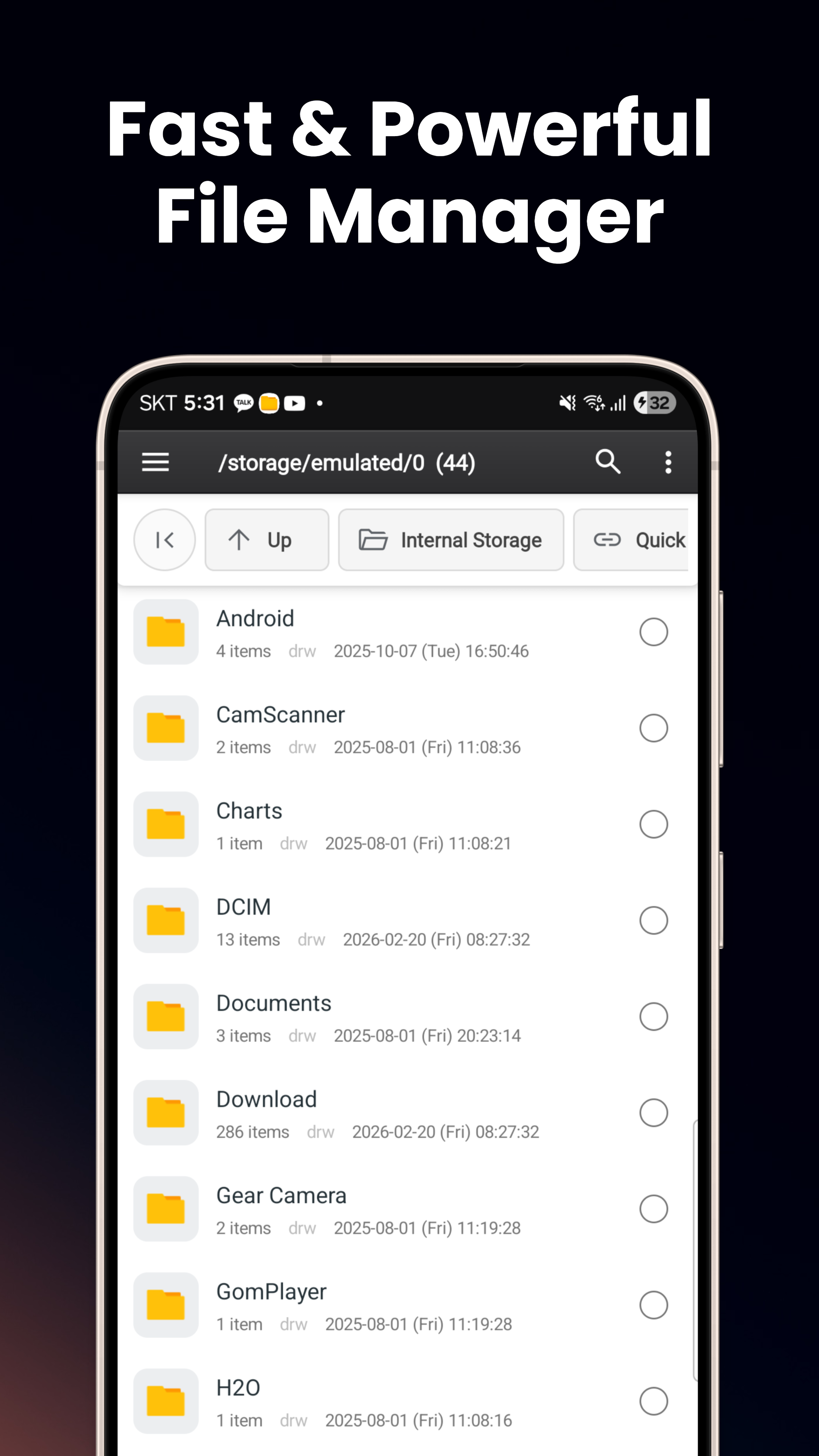
Trình quản lý tập tin thông minh
Duyệt bộ nhớ trong, thẻ SD, USB OTG. Chế độ xem danh sách/lưới, chế độ xem chia đôi, sao chép/di chuyển/đổi tên, nén & giải nén ZIP.
Kho lưu trữ — Thư mục an toàn
Mã hóa AES-256 với khóa Android Keystore liên kết thiết bị. Yêu cầu sinh trắc học hoặc mã PIN. Cách ly khỏi ứng dụng khác, USB và ảnh chụp màn hình.
Dọn dẹp bộ nhớ
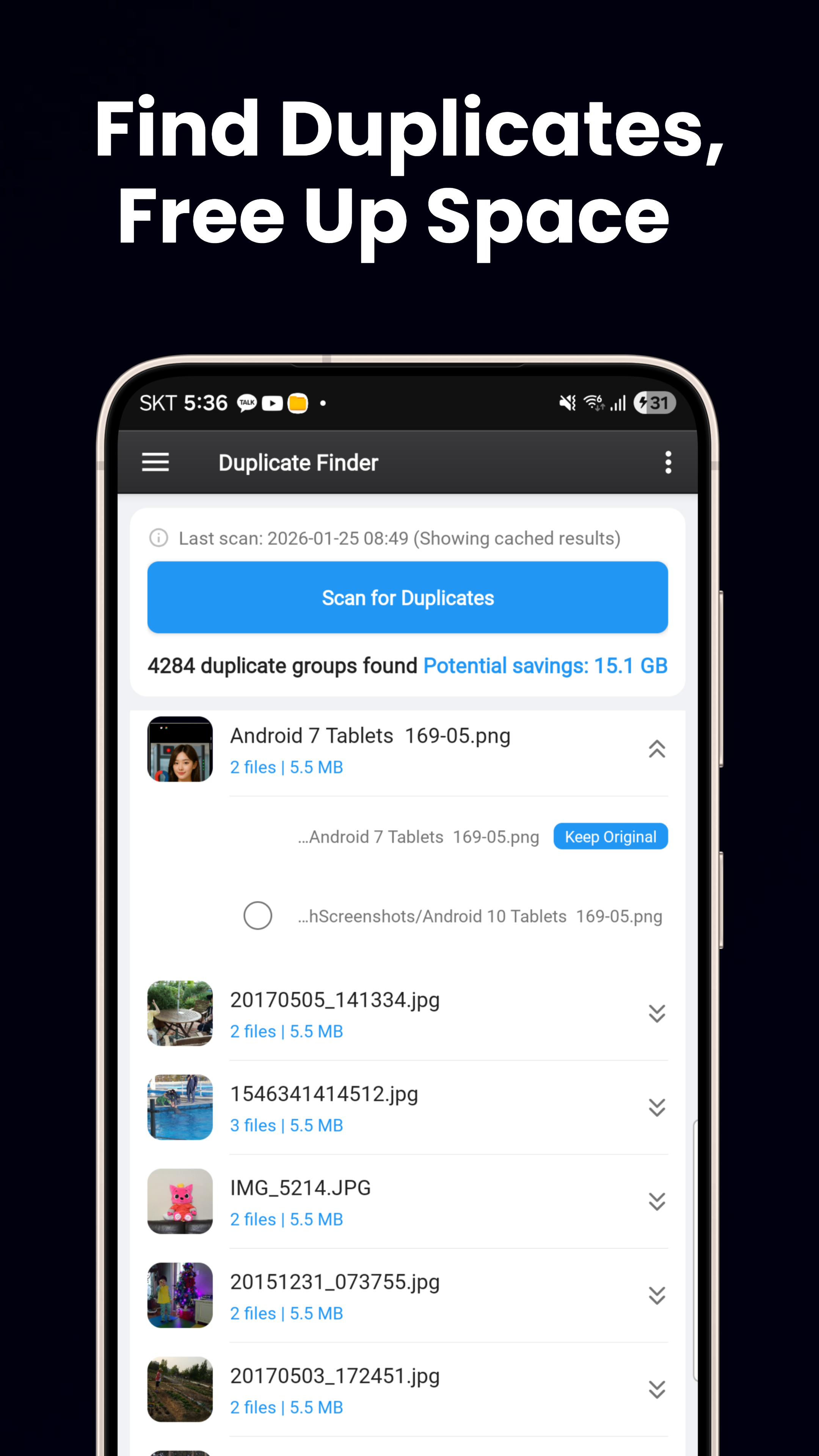
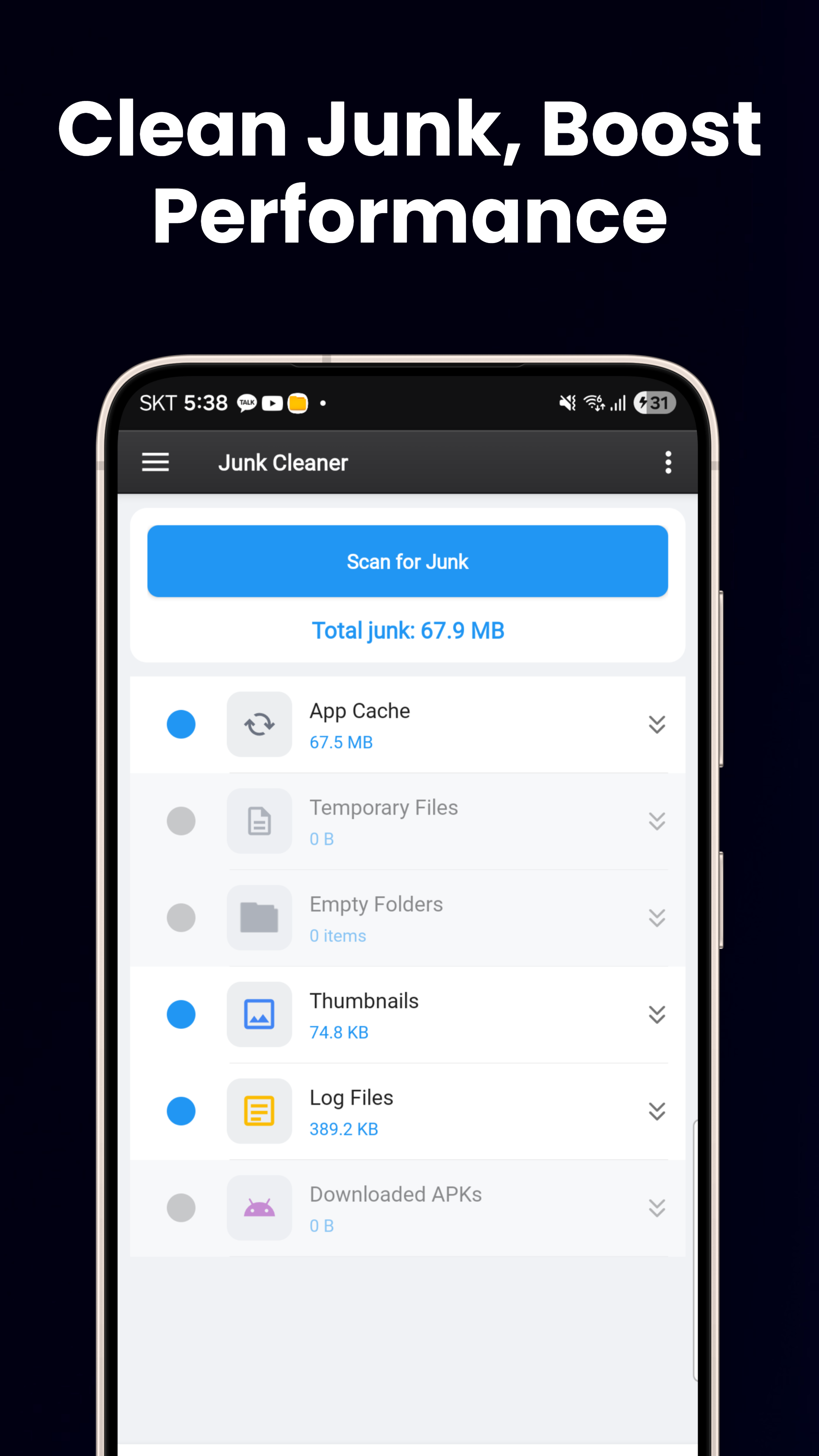
Tìm kiếm tập tin trùng lặp (dựa trên mã băm), tìm kiếm tập tin lớn, dọn dẹp tập tin rác cho thư mục trống và tập tin tạm thời, cùng bảng điều khiển bộ nhớ trực quan.
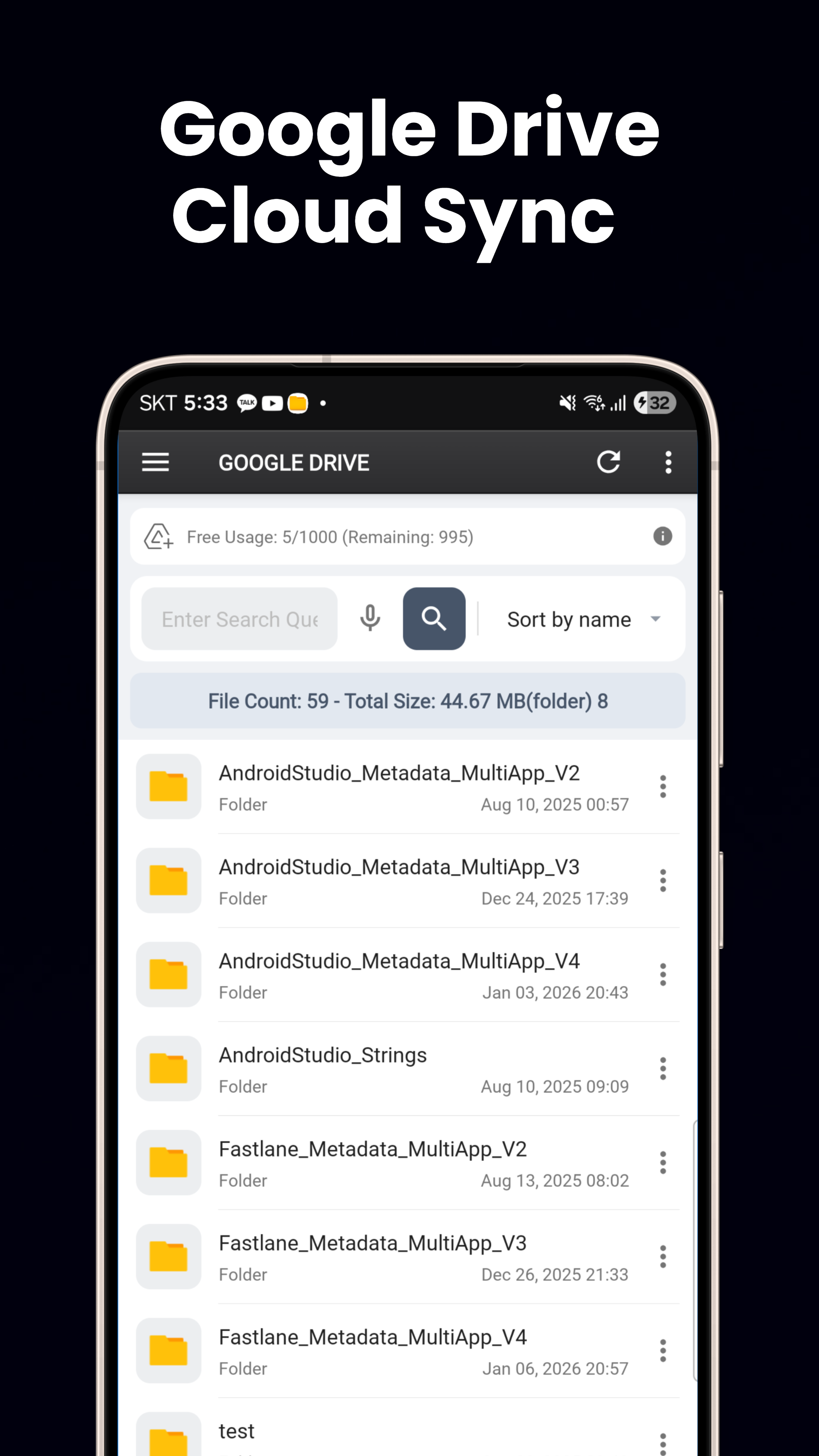
Tích hợp đám mây
Tích hợp liền mạch Google Drive và OneDrive. Duyệt, tải xuống, tải lên và di chuyển tập tin giữa bộ nhớ cục bộ và ổ đĩa đám mây.
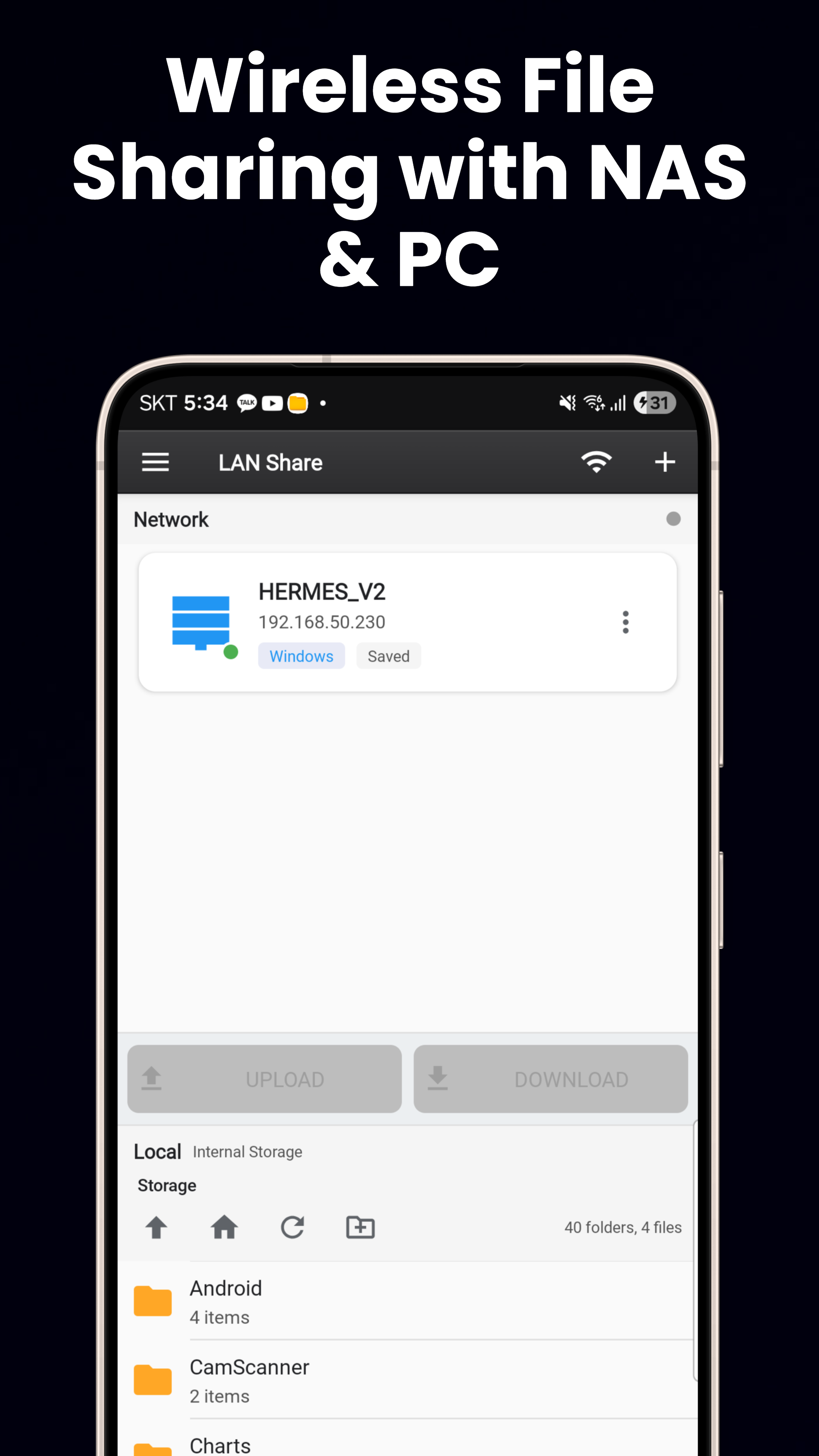
FTP, SFTP & SMB
FTP/FTPS, SFTP với xác thực khóa SSH, SMB/LAN cho PC Windows, NAS và chia sẻ tập tin Linux. Kết nối với mọi máy chủ tập tin từ xa.
Máy chủ tập tin Wi-Fi
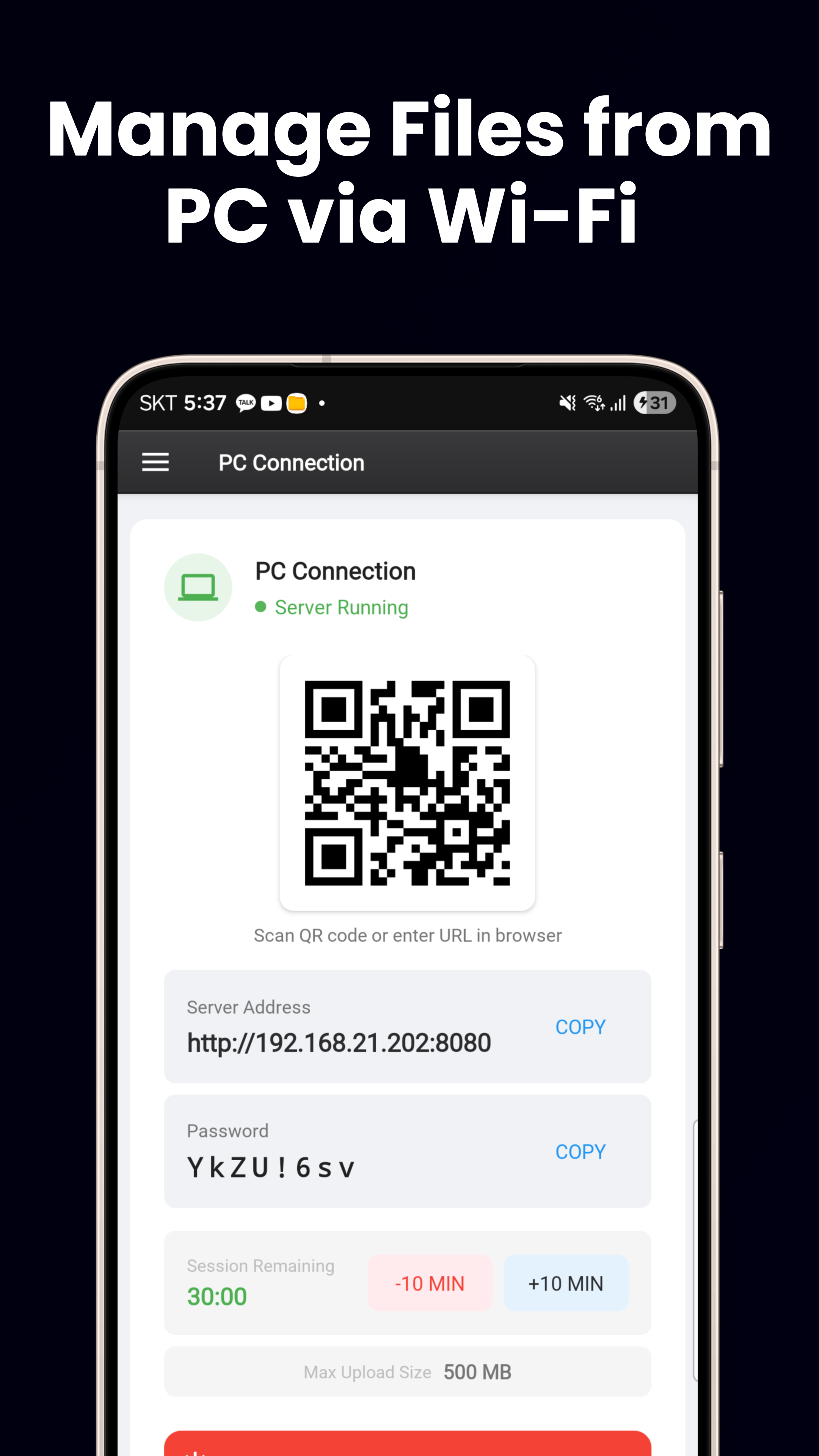
Máy chủ HTTP tích hợp. Quét mã QR để truyền tập tin giữa điện thoại và PC. Không cần cáp, không cần phần mềm bổ sung.
Material You & hơn 60 ngôn ngữ
Màu sắc động trên Android 12+, giao diện sáng/tối, bố cục thích ứng cho điện thoại/máy tính bảng, cùng 3 tiện ích màn hình chính (Bộ nhớ, Mục yêu thích, Pin).
Tải xuống ngay
Có sẵn miễn phí trên Google Play.
Tải từ Google Play