SMARTWHO

SMARTWHO

English 한국어 Español Français Deutsch Português العربية 中文 हिन्दी Bahasa Indonesia Русский 日本語 Türkçe Tiếng Việt Italiano ไทย
QR码和PDF扫描仪 QR码和PDF扫描仪

Scan Everything in One App

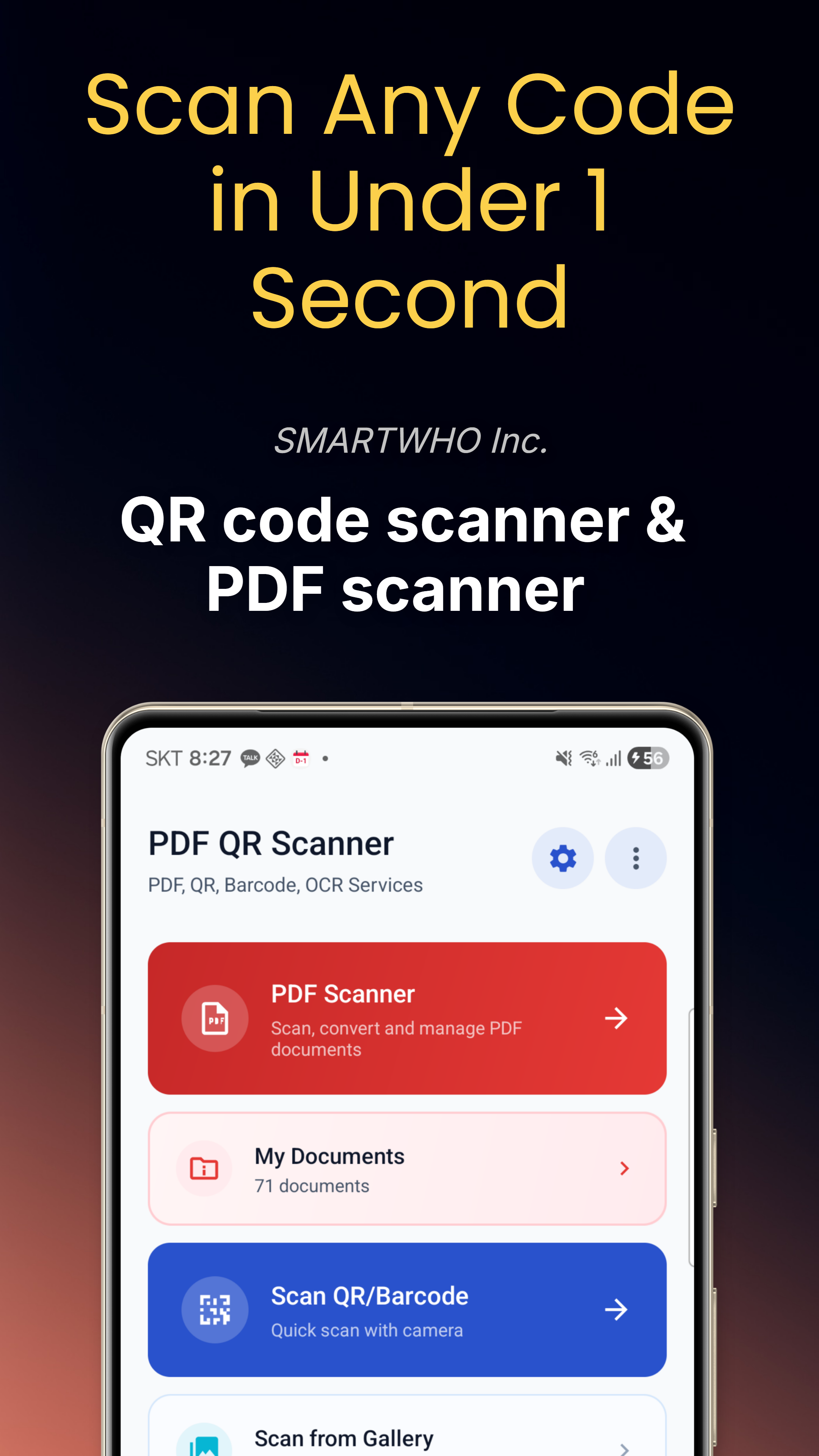
QR code & barcode scanner, PDF document scanner with OCR, code generator, and 9 professional PDF tools — all packed into one powerful app. 100% offline, no account needed.

Get it on Google Play

应用截图

QR Code Scanner
Barcode Scanner
PDF Document Scanner
PDF Tools
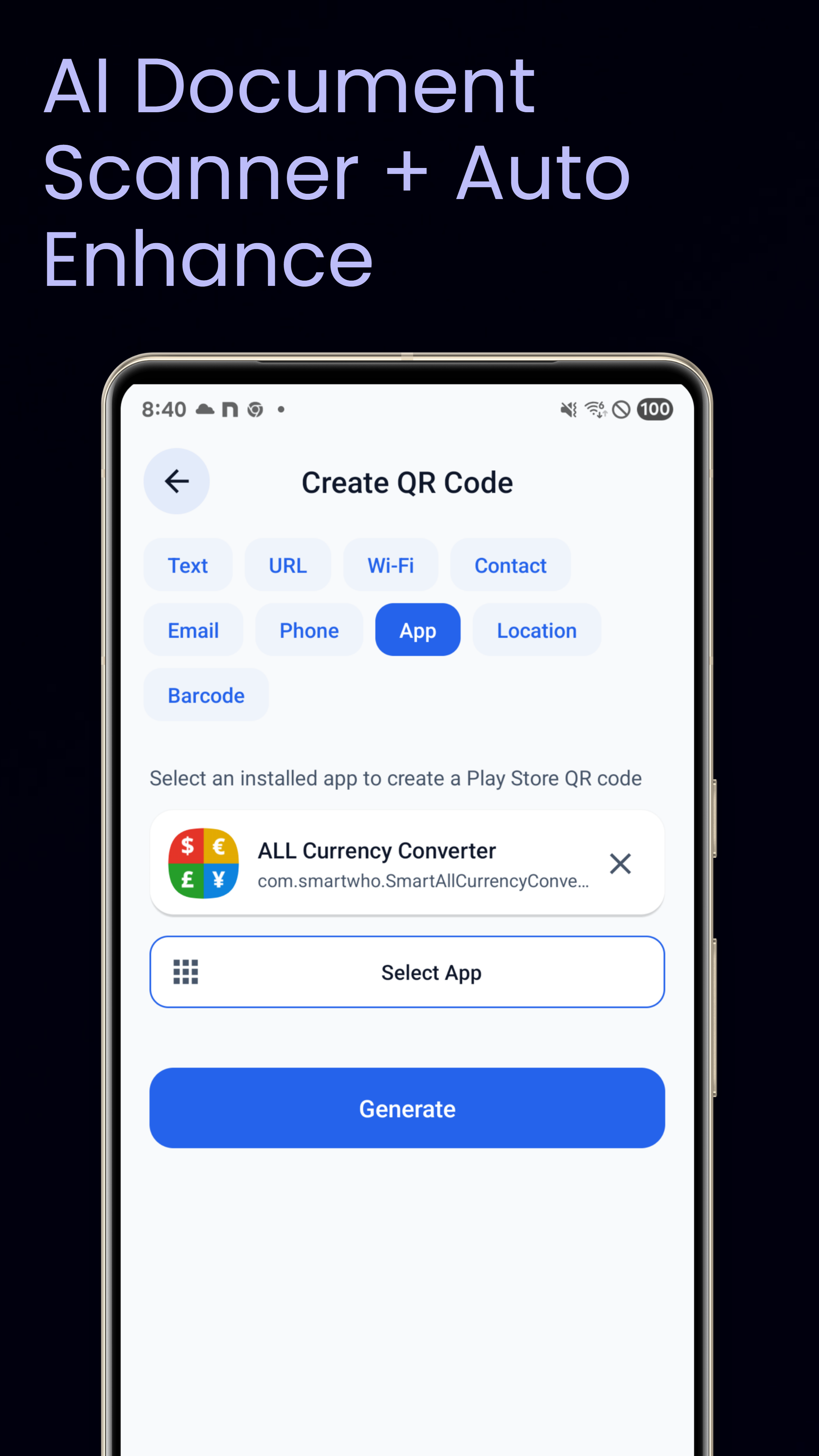
QR Code Generator
OCR Text Extract
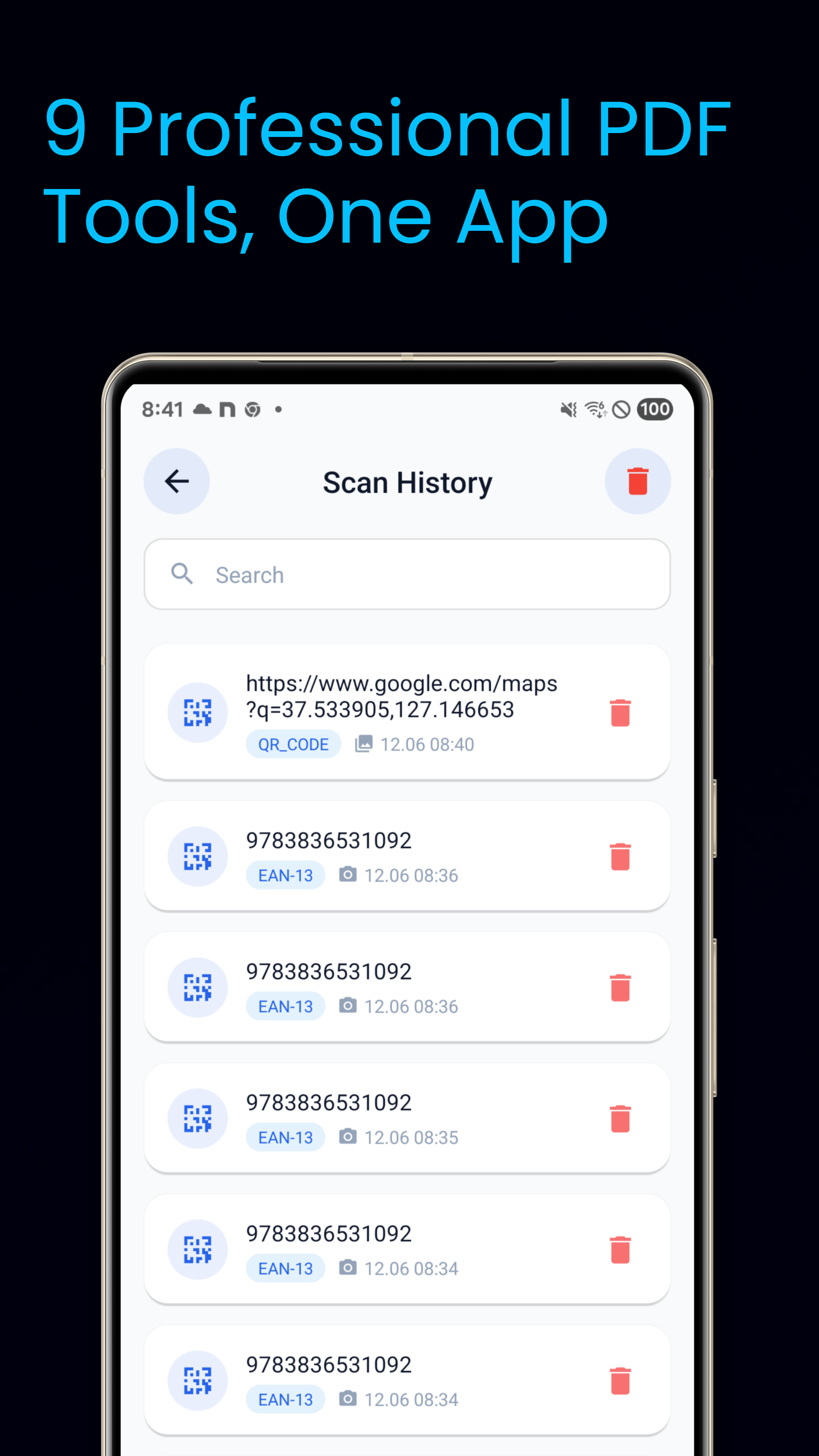
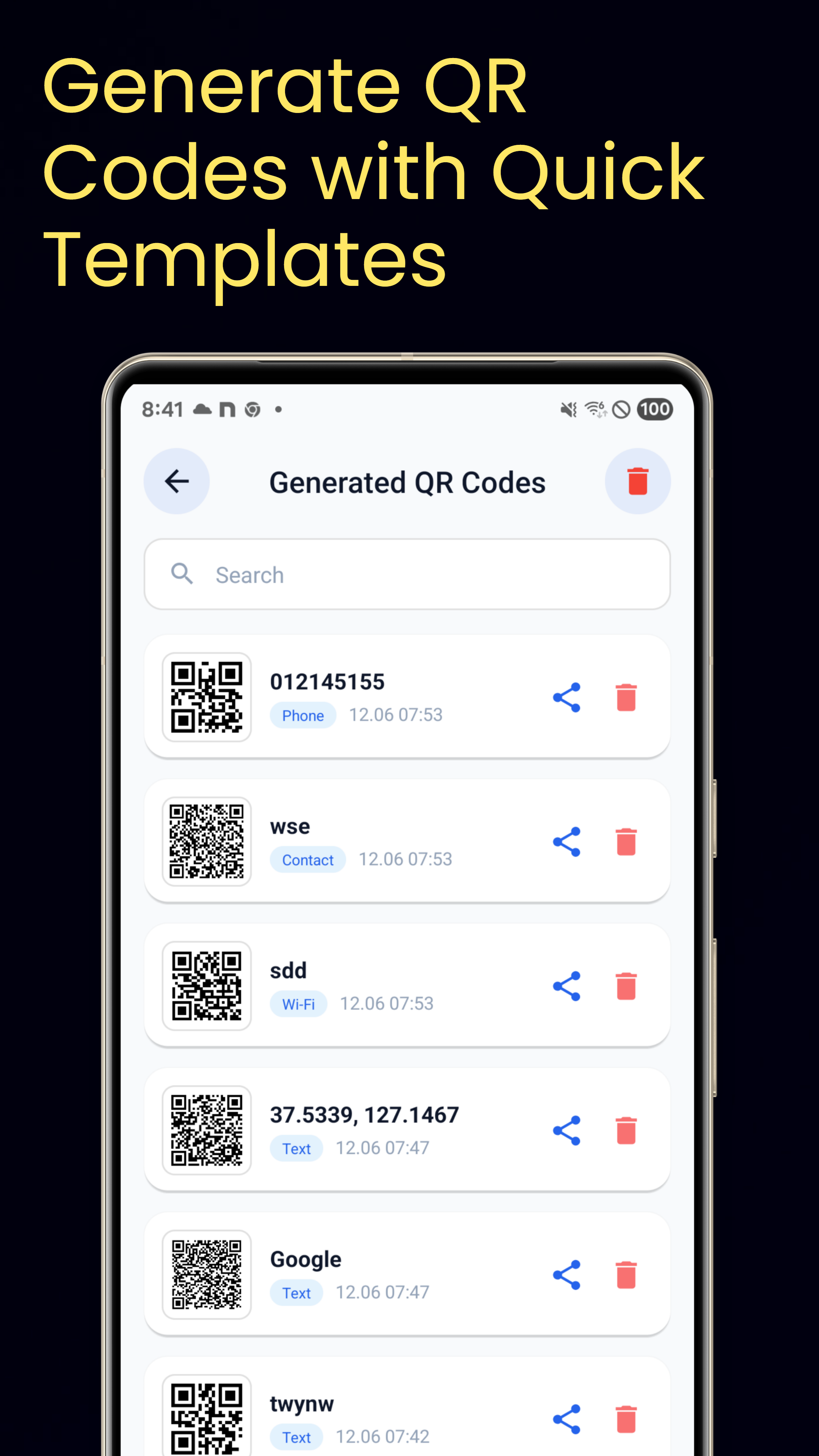
Scan History
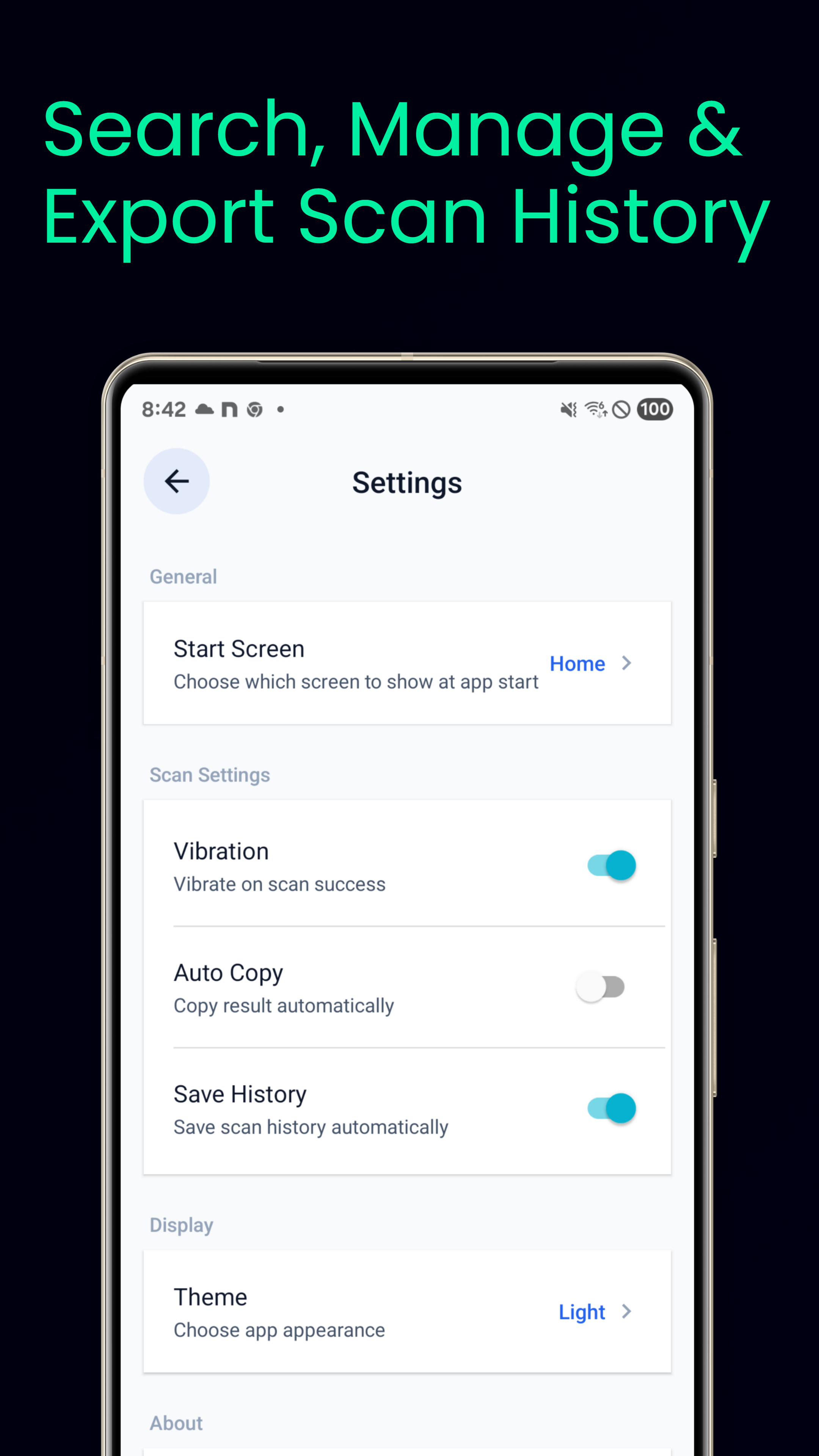
Settings

QR & Barcode Scanner

📷

Instant Scan

Camera activates on launch and recognizes codes in under 1 second. Supports 13 barcode formats including QR, Data Matrix, EAN, UPC, and more.

📱

Batch Scan

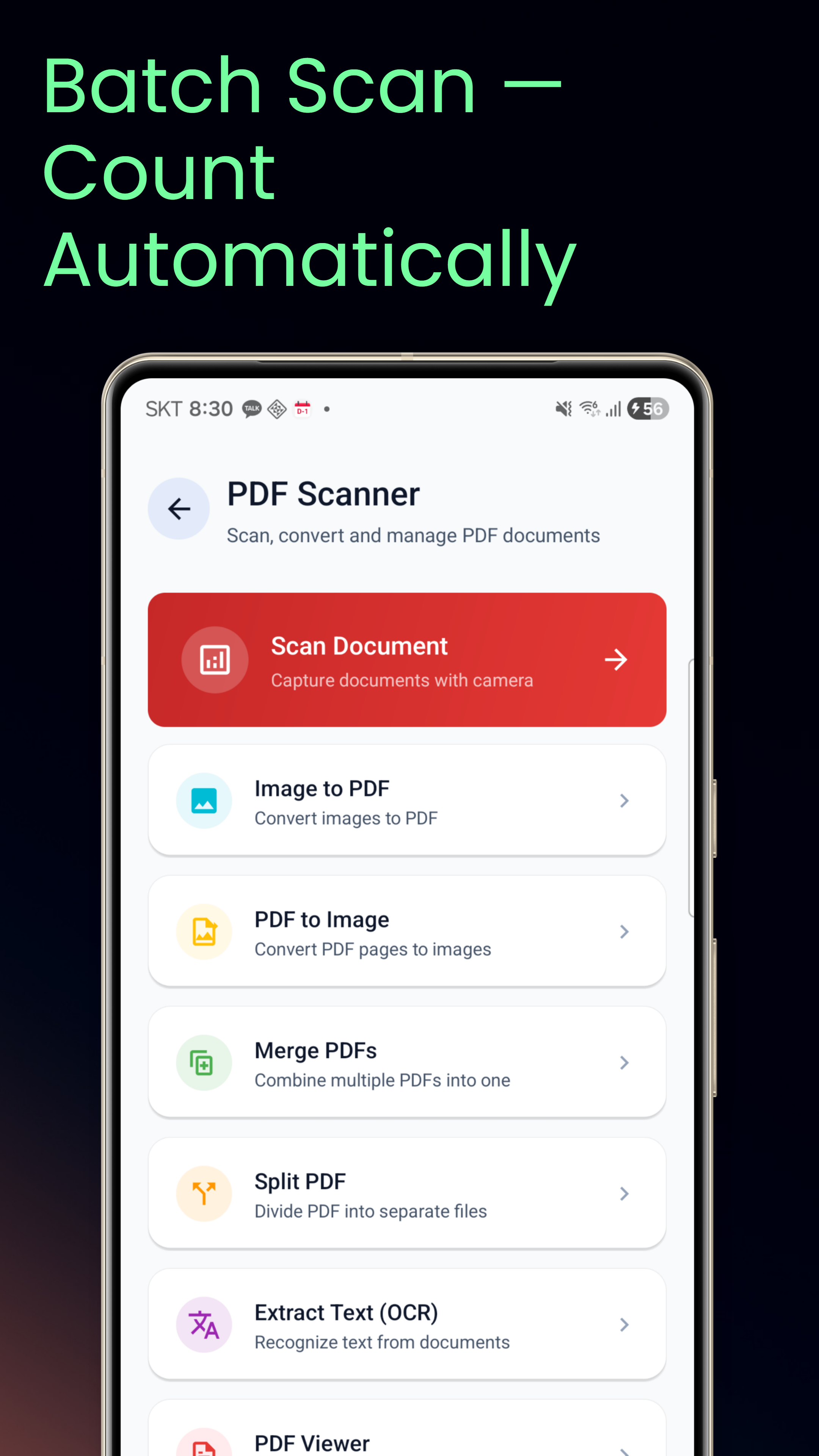
Scan multiple codes continuously with auto-count tracking. Perfect for inventory management.

🖼️

Gallery Scan

Read QR codes from screenshots and saved images. No camera needed.

🌐

Smart Detection

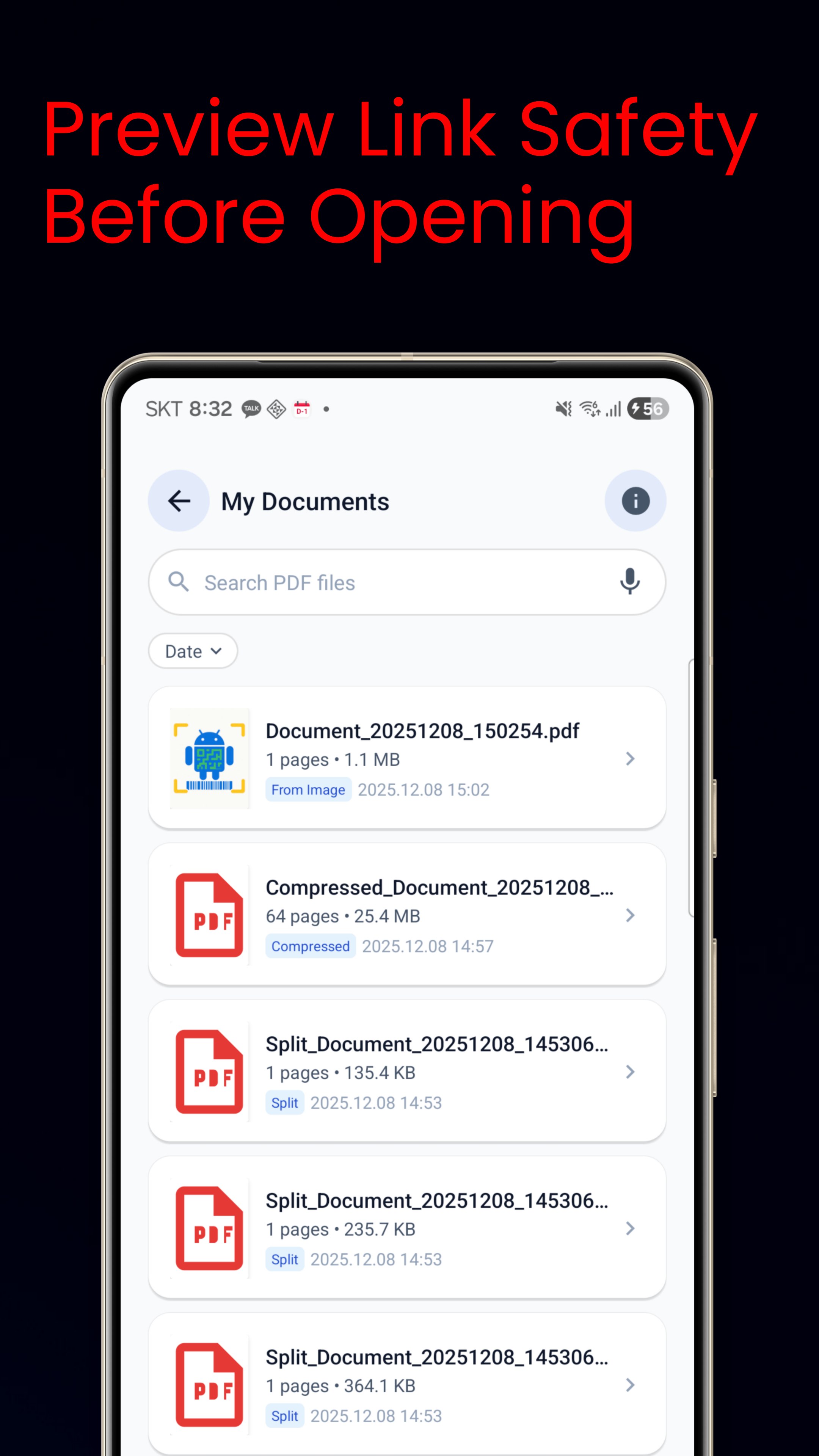
Auto-detect URLs, contacts, Wi-Fi credentials, email, phone numbers with link safety preview.

PDF Document Scanner

📄

Document Scan

AI auto-detect document edges with 5 enhancement presets: Original, B&W, Whiteboard, Receipt, Color Boost.

🔄

PDF Convert & Edit

Image to PDF, PDF merge, split, compress, reorder, rotate, delete pages, add signatures and text.

🔍

OCR Text Extract

Extract text from documents in 5 languages: English, Korean, Chinese, Japanese, Hindi.

💾

PDF to Image

Convert PDF pages to PNG, JPG, or WebP. Smart folders for organized document management.

QR & Barcode Generator

Create QR Codes

Generate custom QR codes for text, URL, Wi-Fi, contacts, email, phone, SMS, and location.

📊

Create Barcodes

Generate EAN-13, EAN-8, UPC-A, Code 128, Code 39, ITF, and Codabar barcodes.

Quick Templates

Save presets like My Wi-Fi, My Contact, My Website for one-tap code generation.

📲

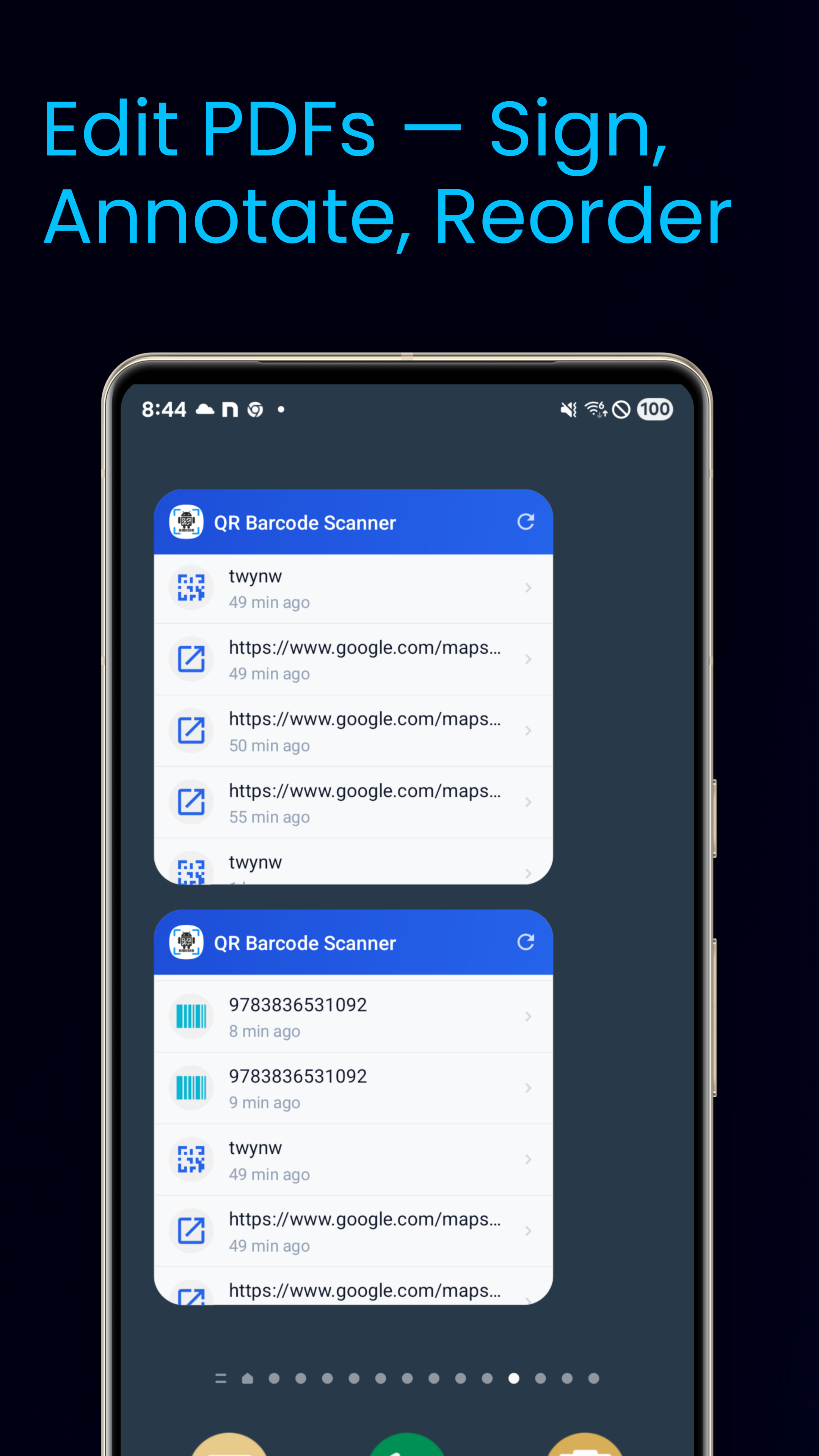
Home Widgets

Quick scan widget and scan history widget for instant access from home screen.

立即下载

在Google Play免费提供。

在Google Play下载

应用权限

此应用可能请求以下权限:

CAMERA READ_EXTERNAL_STORAGE WRITE_EXTERNAL_STORAGE READ_MEDIA_IMAGES

所有权限可在设置 > 应用 > QR Code & PDF Scanner > 权限中管理。