

 File Manager
 Calculator
 Translator
 Notes
 Currency
 Password
 D-Day
 Quick Settings
 Scanner
 GPS Set
 Siren SOS
 Heart Rate
 Smart Brain
 Magnetic Field
 Sound Meter
 Vibration
 Distance
 Travel
 Pedometer
 Piano
 Keycap ASMR
 Smart Alarm
 Beauty Camera
 WoonFull
App Screenshots
Key Features
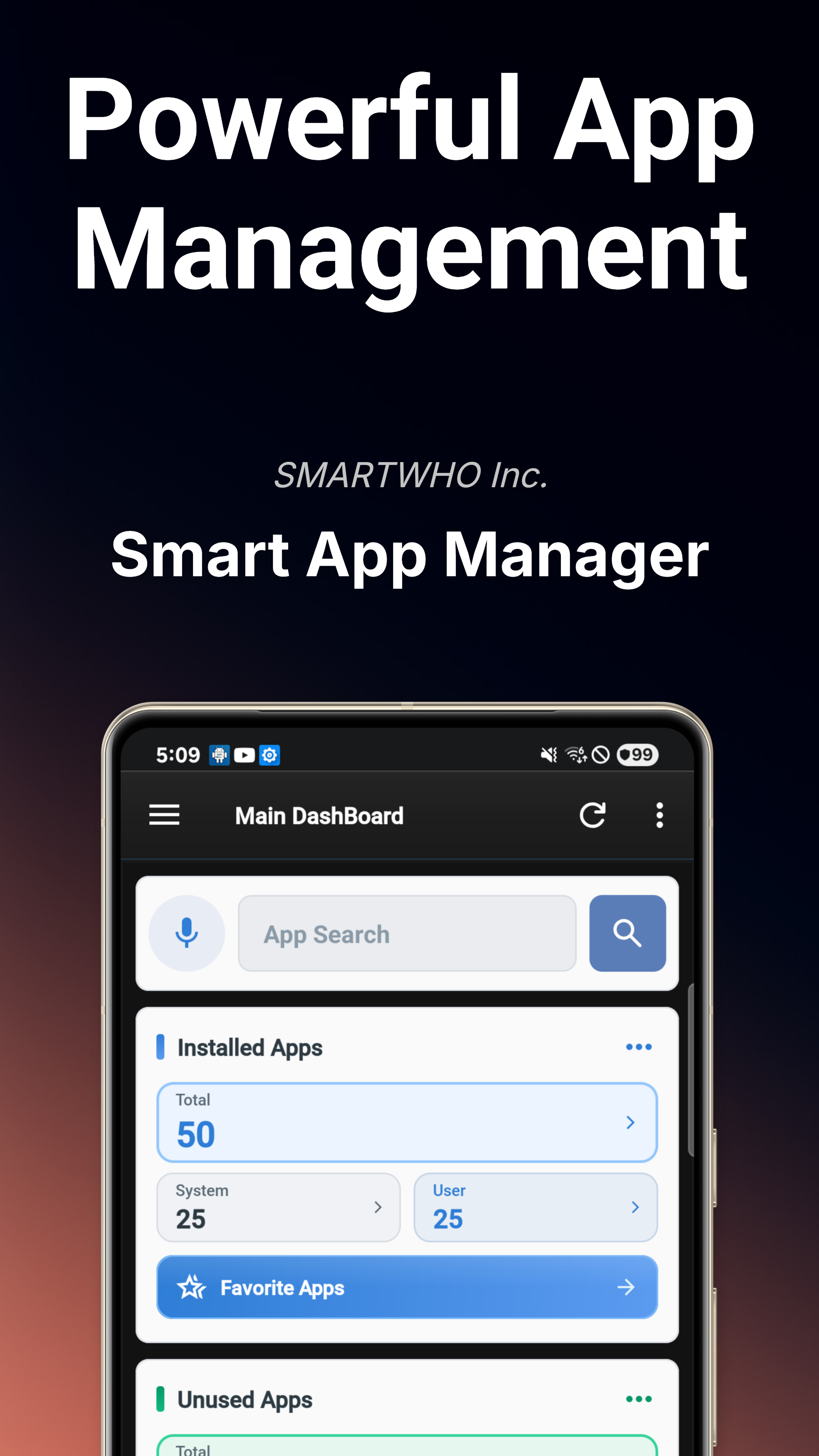
Main Dashboard
Real-time device health overview with system status, security risks, permission audit, and notification trends at a glance.
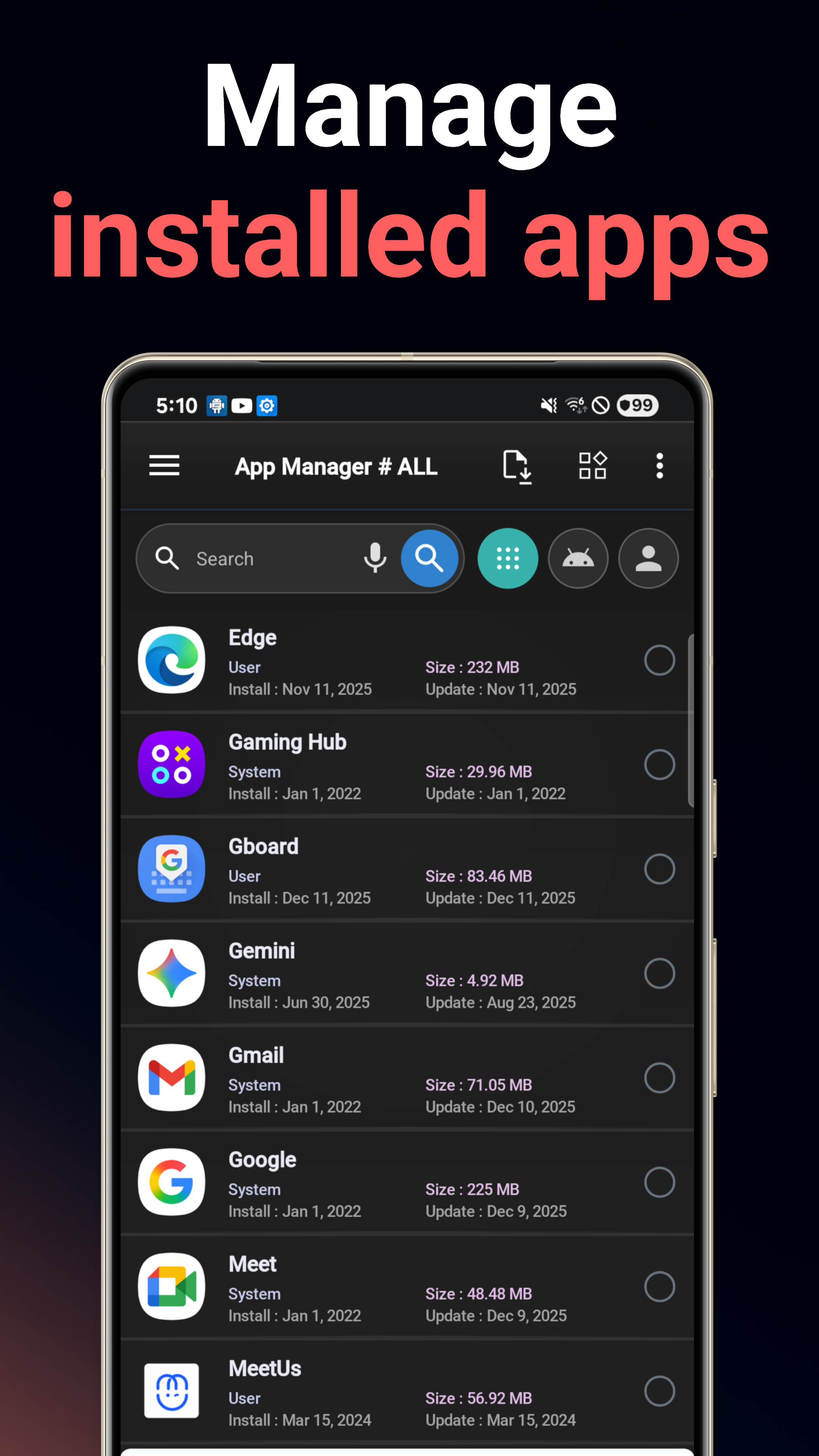
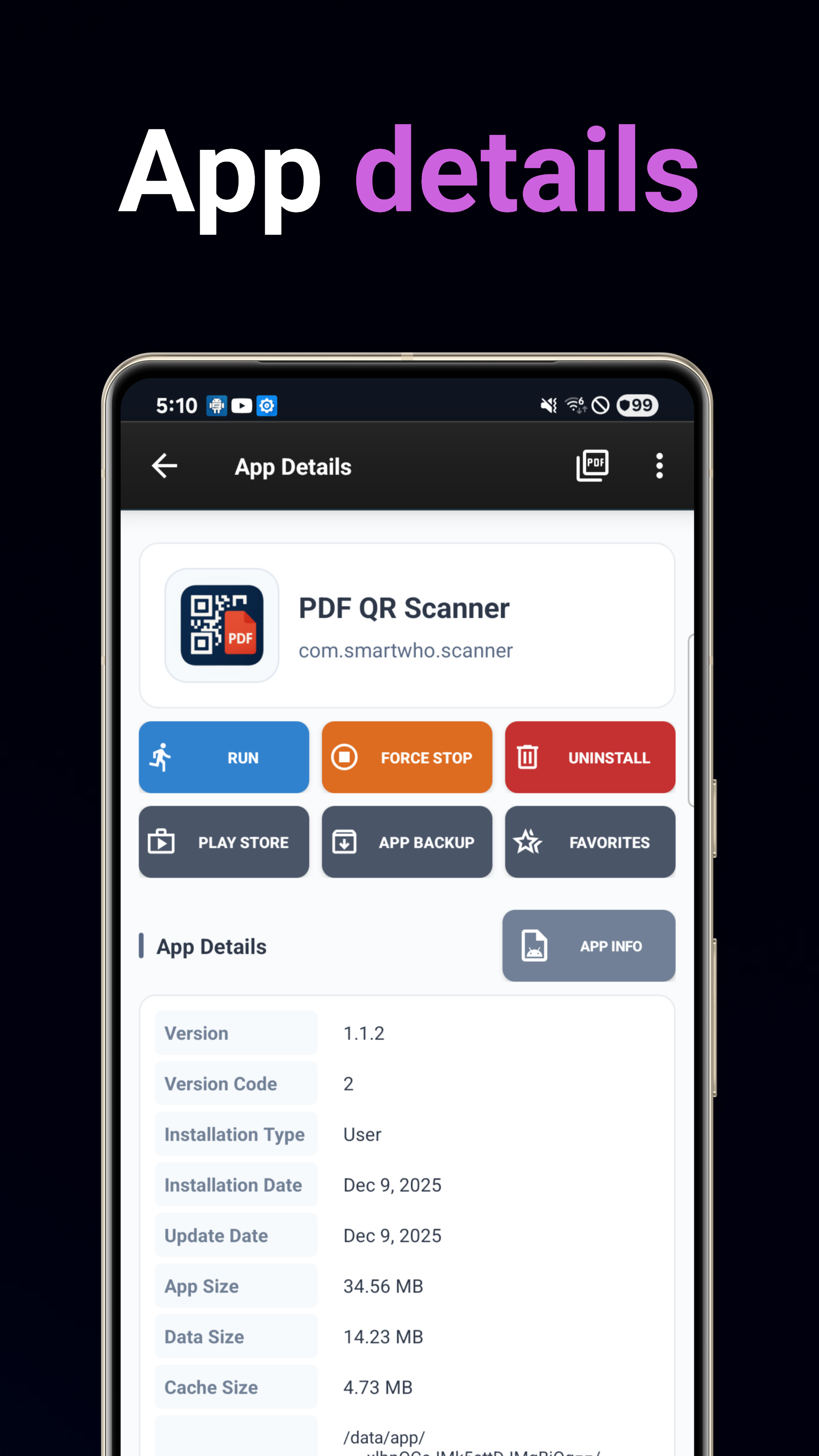
App Manager
Install, uninstall, backup, and restore apps. Advanced search with multi-criteria sorting by name, date, size, or usage.
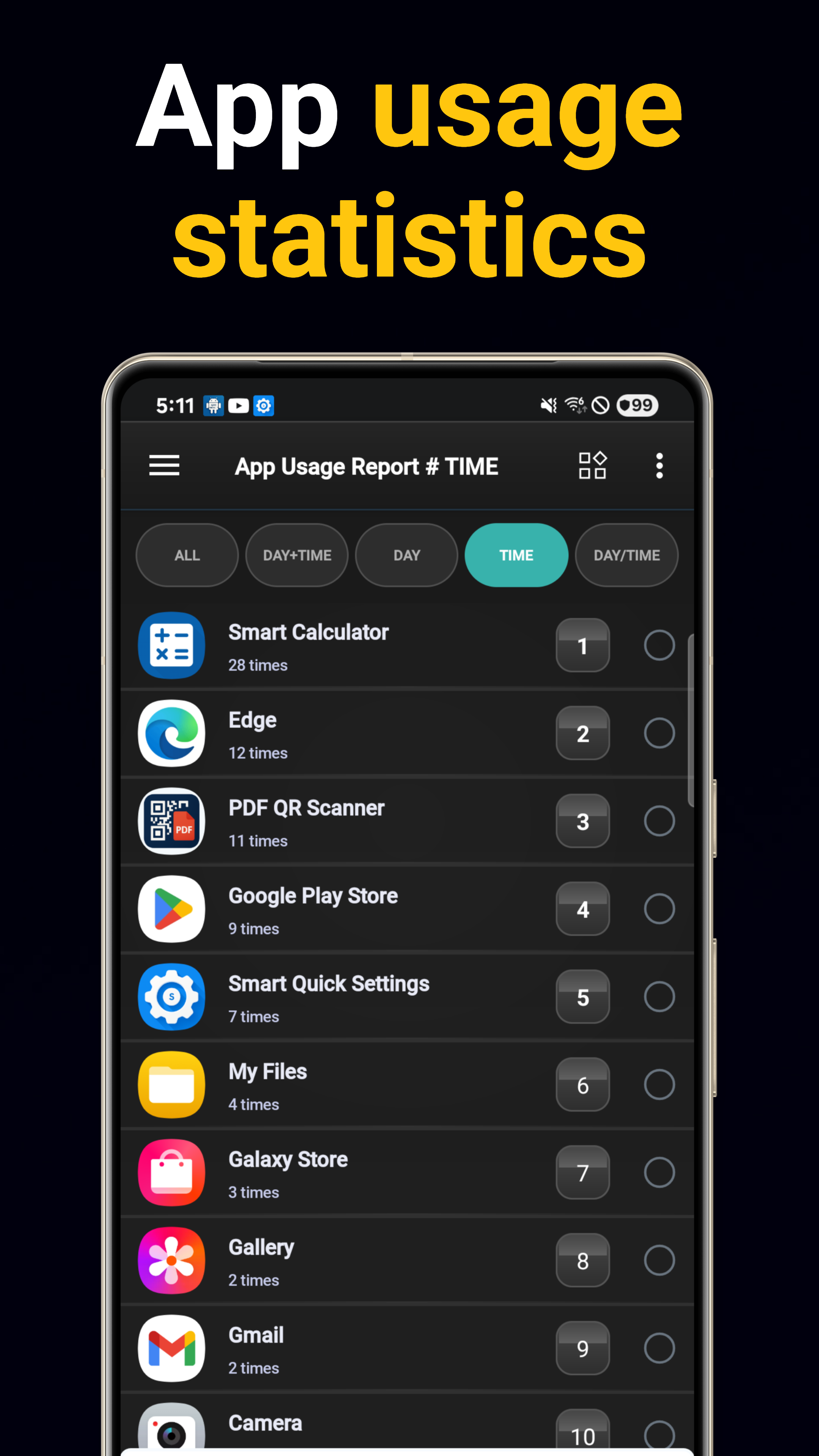
Usage Analytics
Daily and hourly usage reports with app launch frequency tracking. Identify your most-used apps.
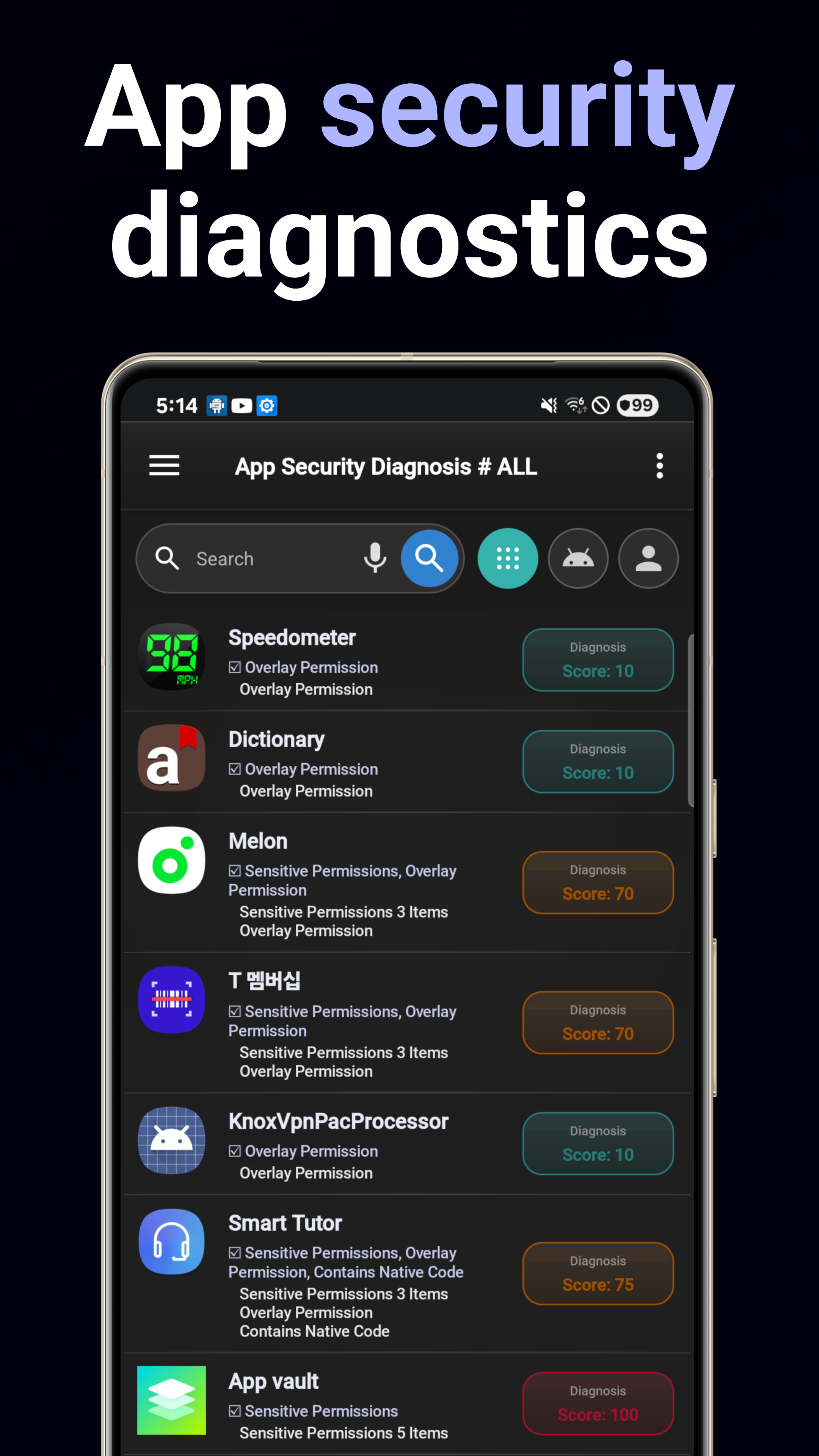
Security Diagnosis
Scan for security risks, vulnerabilities, suspicious behaviors, and tracking capabilities across all installed apps.
Permission Audit
Comprehensive analysis of app permissions. Visual breakdown of sensitive permissions and dangerous combinations.
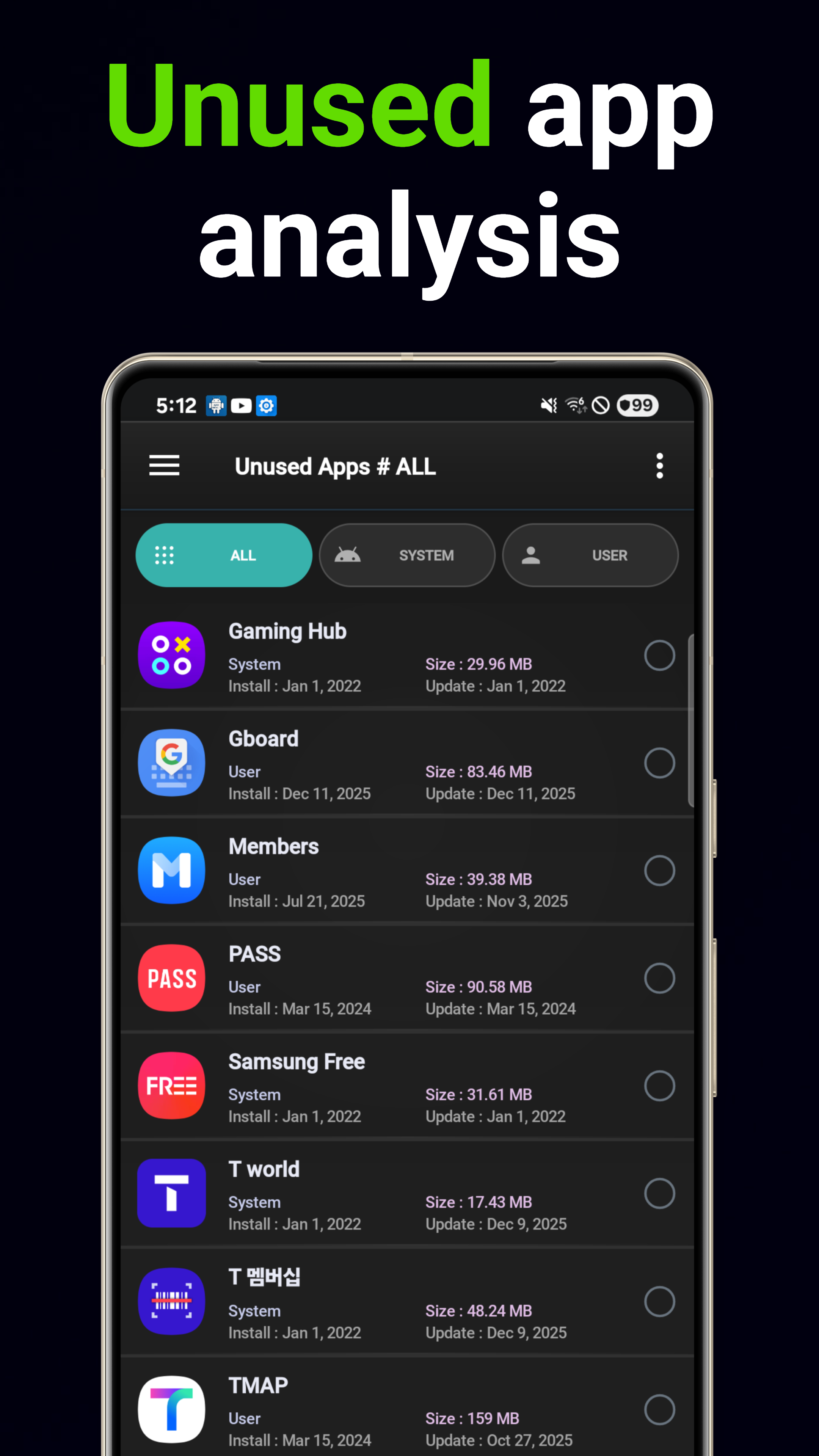
Smart Uninstall
AI-driven deletion recommendations based on usage patterns and storage impact. Find unused apps automatically.
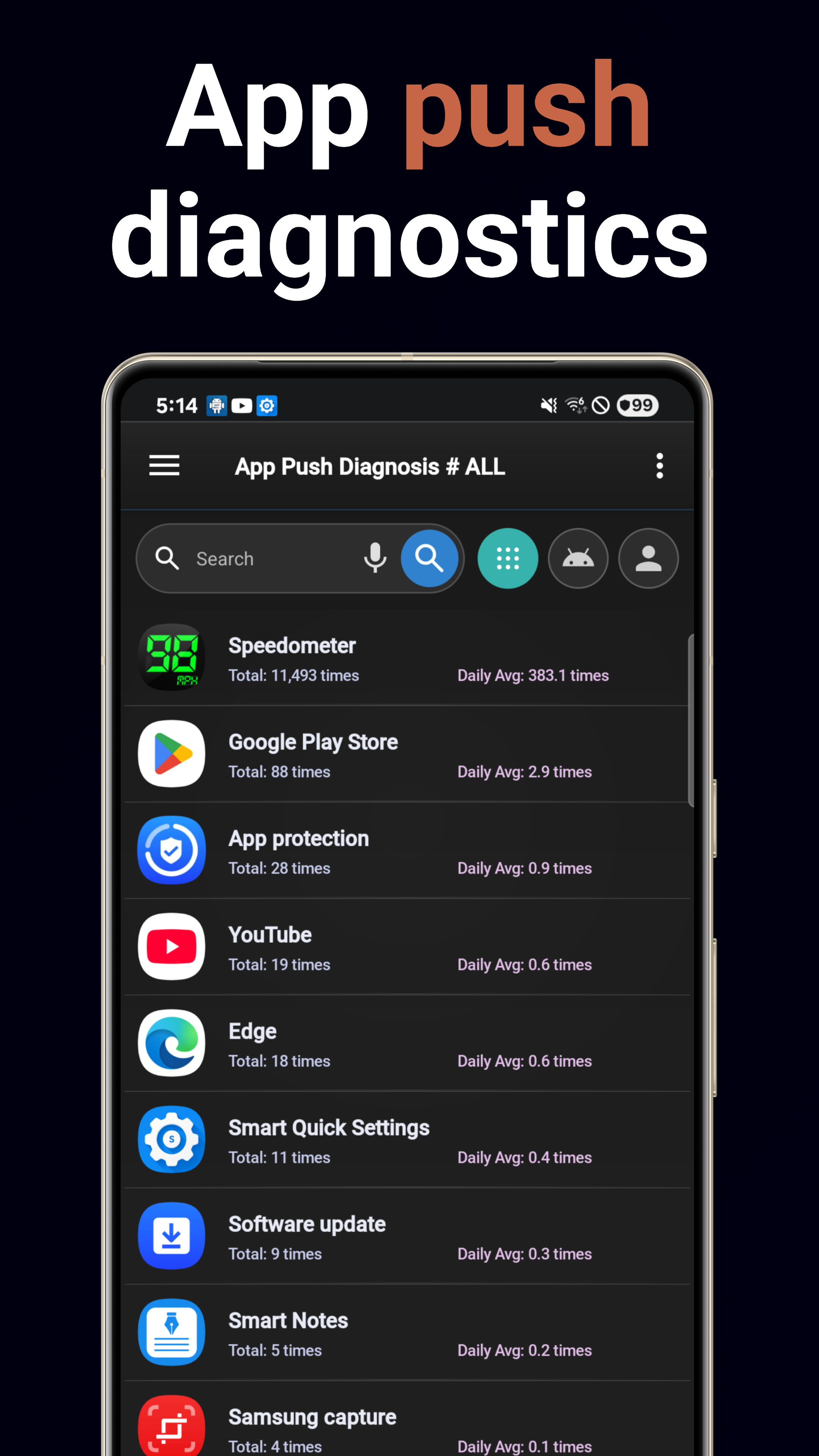
Notification Analytics
Track notification volume per app. Identify noisy apps and understand notification patterns.
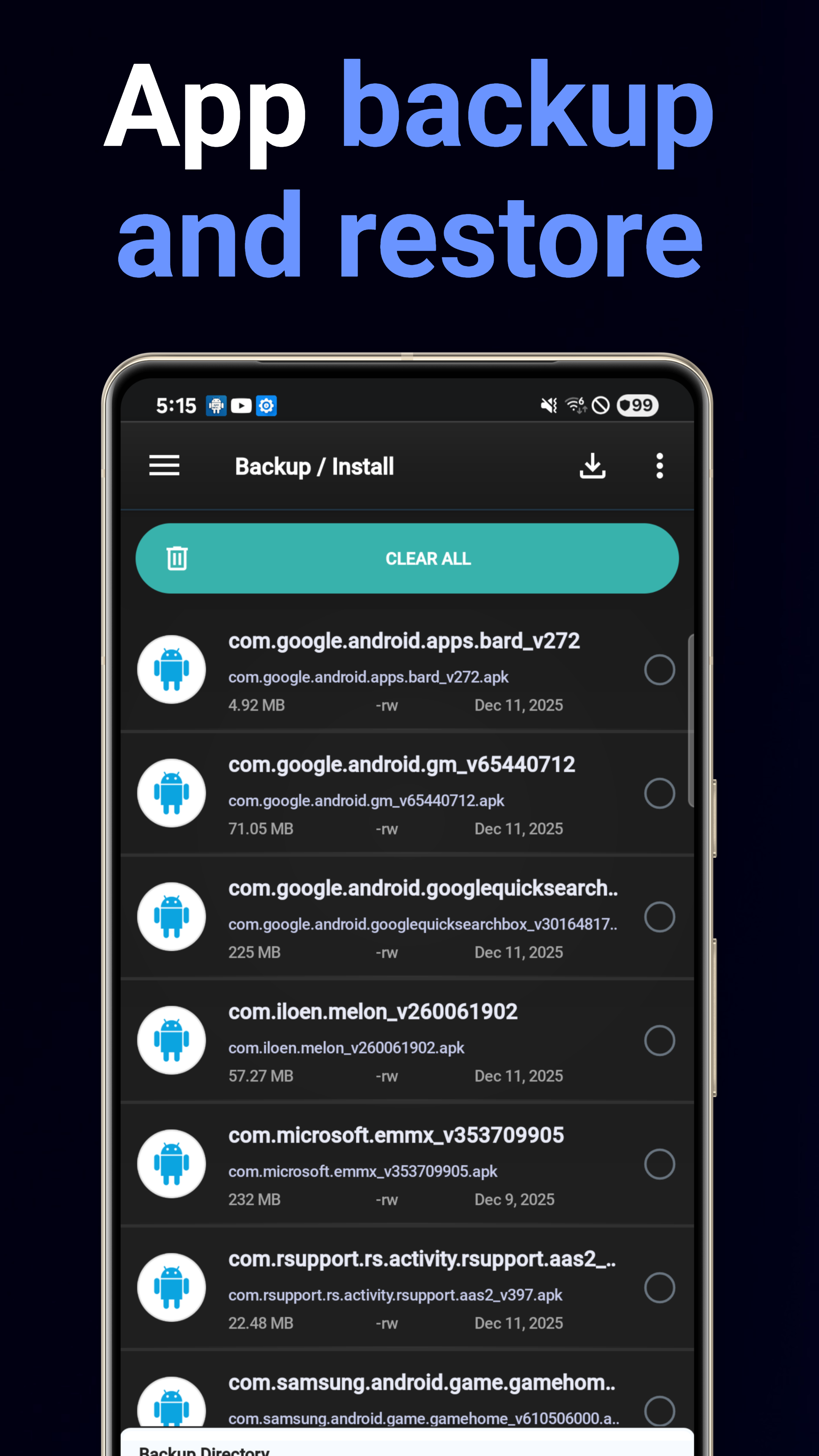
Backup & Restore
Batch APK backup to storage with easy one-tap restoration. Never lose an app again.
System Information
Device specs dashboard: CPU, memory, storage, battery, display details with PDF export capability.
5 Home Screen Widgets
System Details, System Summary, App Advisor, App Search, and Favorites widgets for quick access.
Battery Usage Analyzer
See which apps drain your battery. Per-app battery consumption breakdown with daily trends.
Data Usage Analyzer
Track Wi-Fi and mobile data per app. Identify data-hungry apps and control background usage.
Download Now
Available on Google Play for free.
Get it on Google Play