

 Gestor de archivos
  Calculadora
  Traductor
  Notas
Notas  Divisas
  Contraseña
  Cuenta regresiva
  Gestor de apps
  Ajustes rápidos
  Escáner
  GPS Set
  Sirena SOS
  Frecuencia cardíaca
  Cerebro inteligente
  Campo magnético
  Sonómetro
  Vibración
  Viajes
  Podómetro
  Piano
Piano  Tecla ASMR
 Capturas de Pantalla
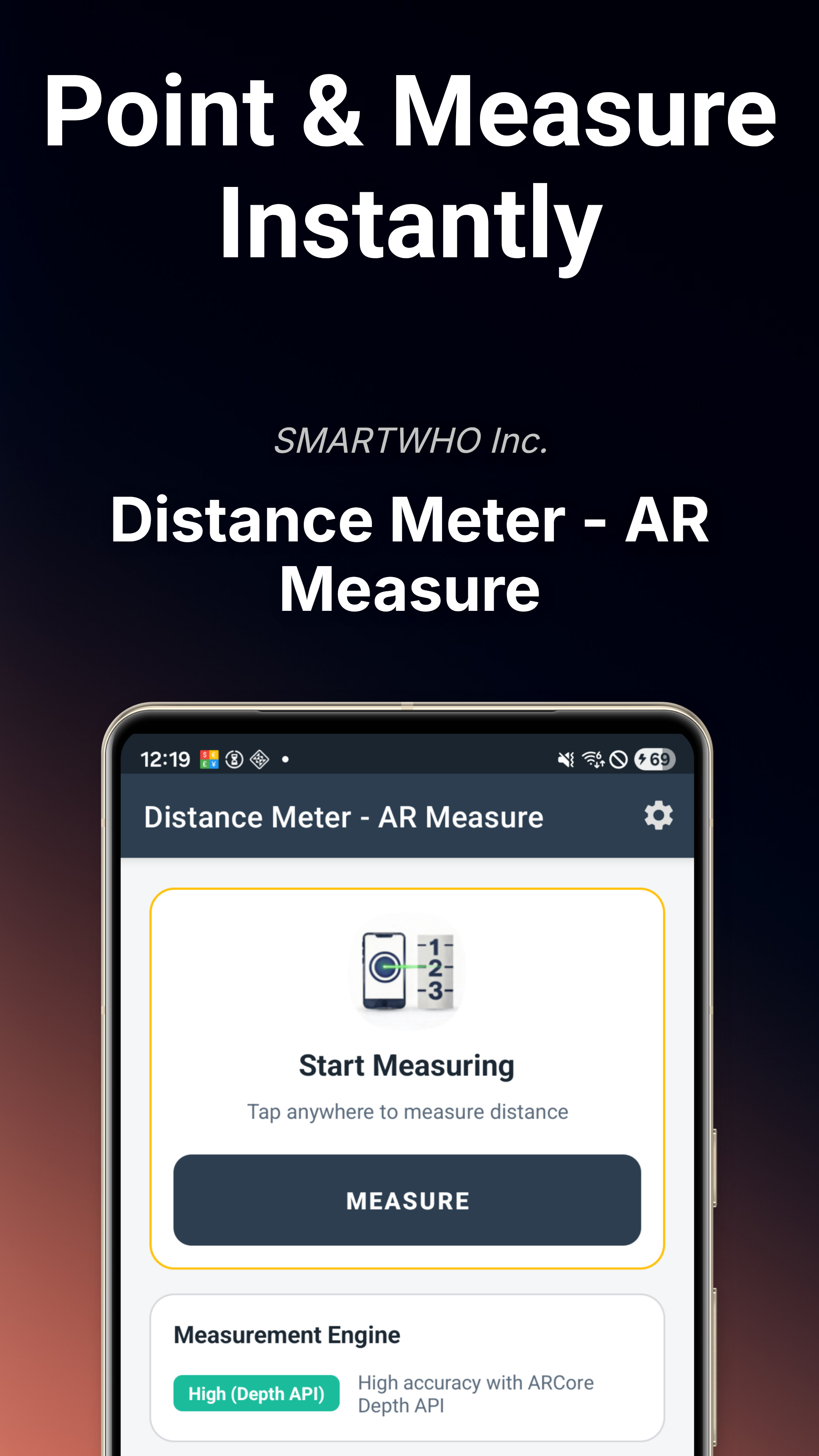
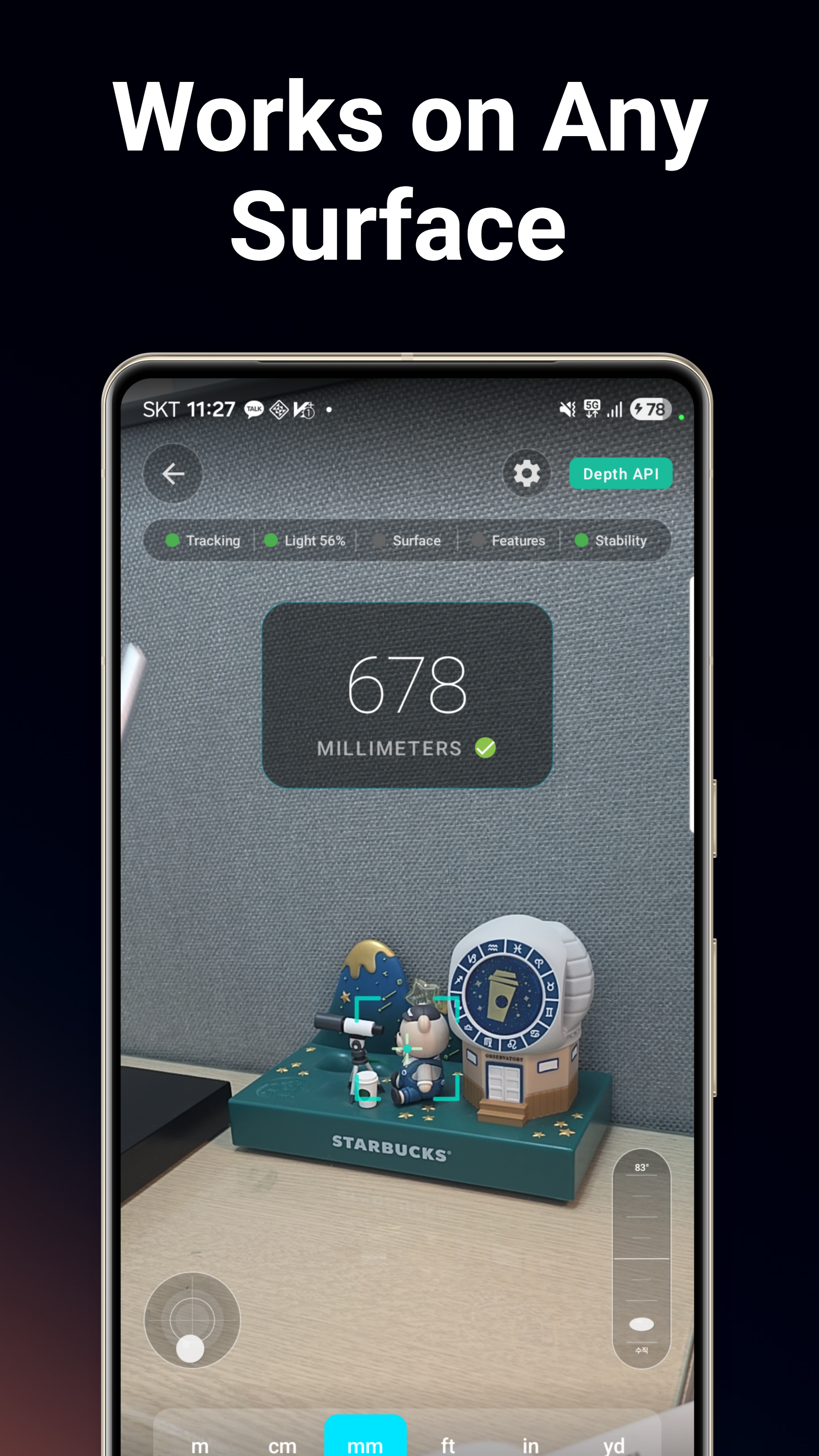
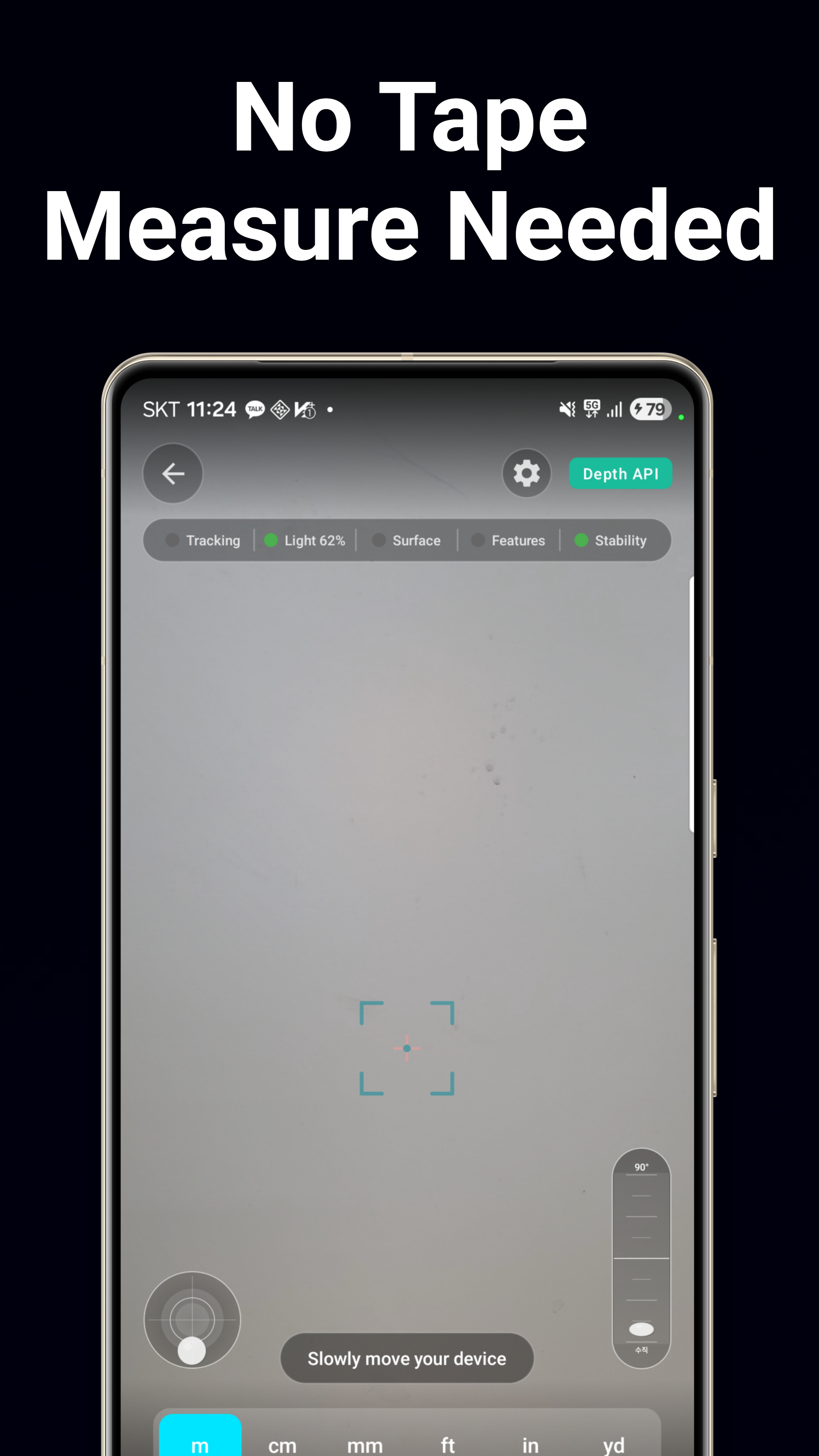
Características Principales
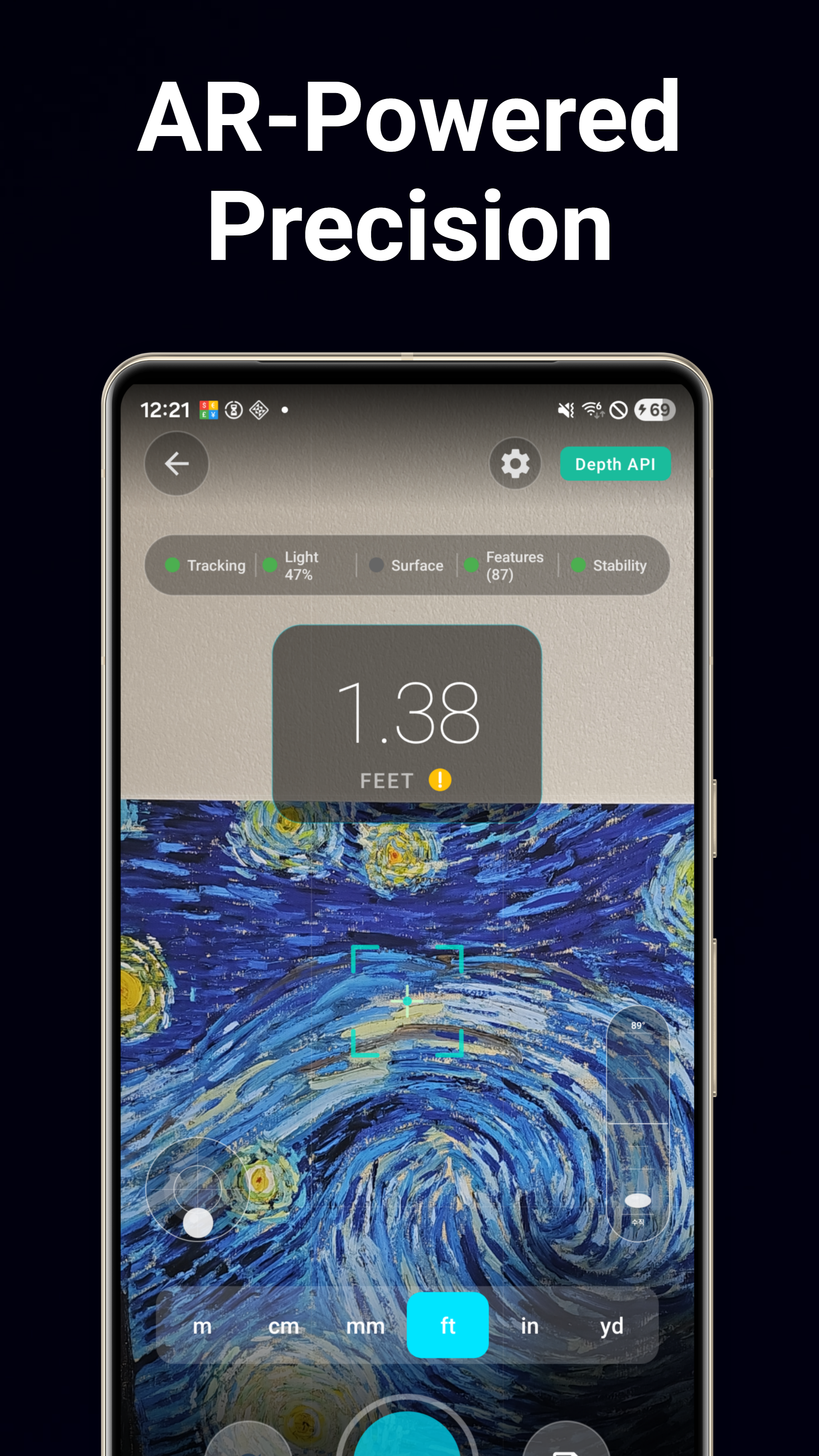
Medición de Distancia AR
Apunta con la cámara y toca para medir distancias al instante. La tecnología de fusión multiestrategia combina datos de profundidad, plano y nube de puntos para una precisión hasta un 30% mejor.
Medidor de Altura
Mide la altura de edificios, personas, muebles y más usando RA. Solo apunta a la base y a la parte superior de cualquier objeto.
Medidor de Dimensiones
Mide ancho y alto en una sola sesión. Perfecto para ajustar muebles, marcos de puertas y medidas de ventanas.
Calculadora de Área
Marca las esquinas de cualquier superficie para calcular la superficie del suelo, el espacio de pared o las dimensiones de una habitación con medición AR multipunto.
Nivel de Burbuja
Nivel de burbuja circular con animación realista en 3D de líquido y burbuja. Comprueba si las superficies están perfectamente horizontales.
Clinómetro
Medidor de pendiente y ángulo de 0° a 180°. Ideal para tejados, rampas y pendientes del terreno, con funciones de retención y calibración.
Plomada
Plomada digital con péndulo basado en la gravedad para comprobaciones precisas de alineación vertical.
Transportador
Medición de ángulos por toque y por sensor de 0° a 180°. Alterna entre el modo táctil manual y el modo de sensor del dispositivo.
Regla de Pantalla
Regla en pantalla en centímetros y pulgadas. Mide objetos pequeños directamente en la pantalla de tu teléfono.
Comprobador de Marcos
Herramienta de alineación de marcos basada en la cámara. Comprueba si los cuadros, televisores y estantes están perfectamente nivelados.
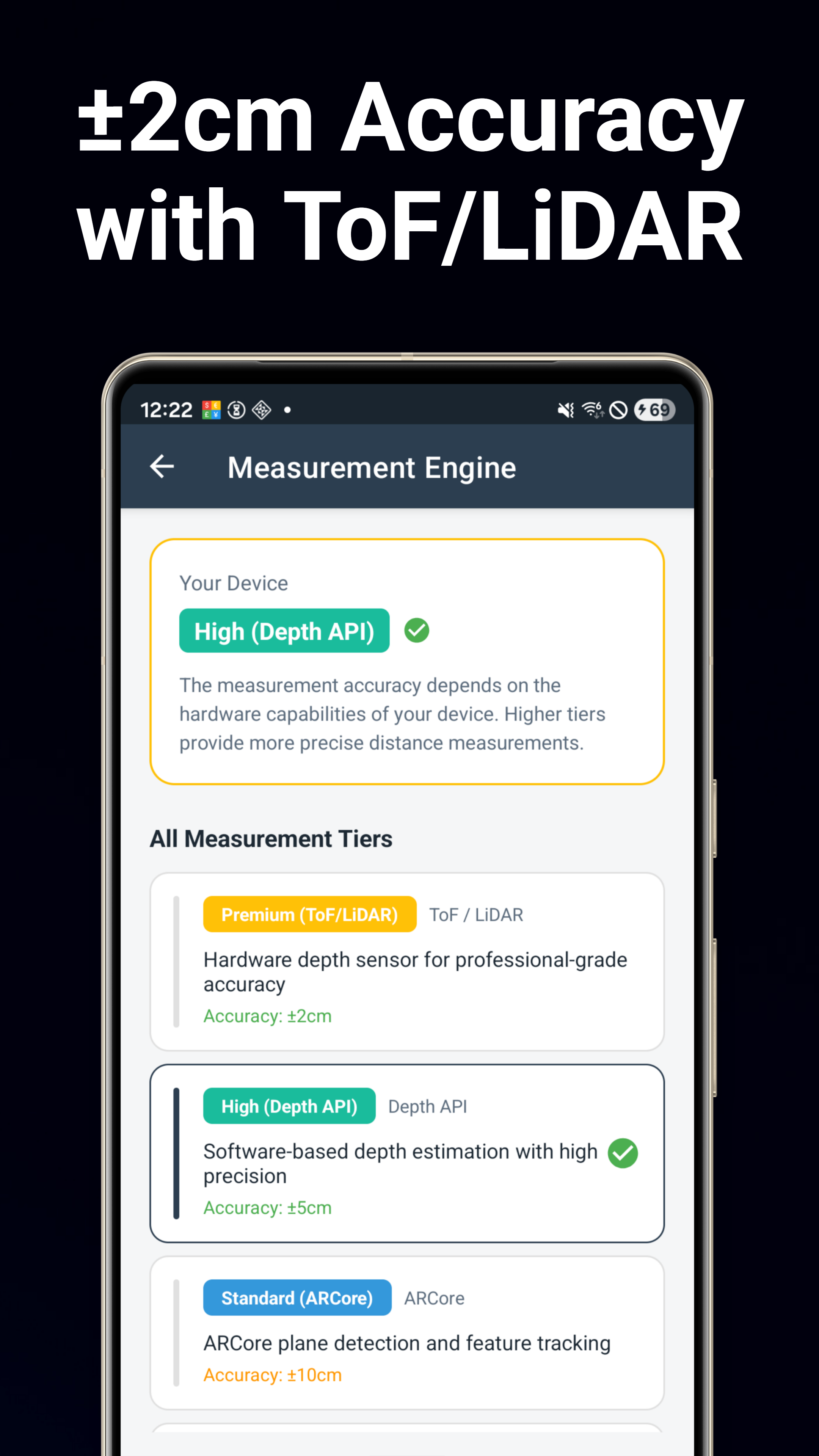
Motor AR Multiestrategia
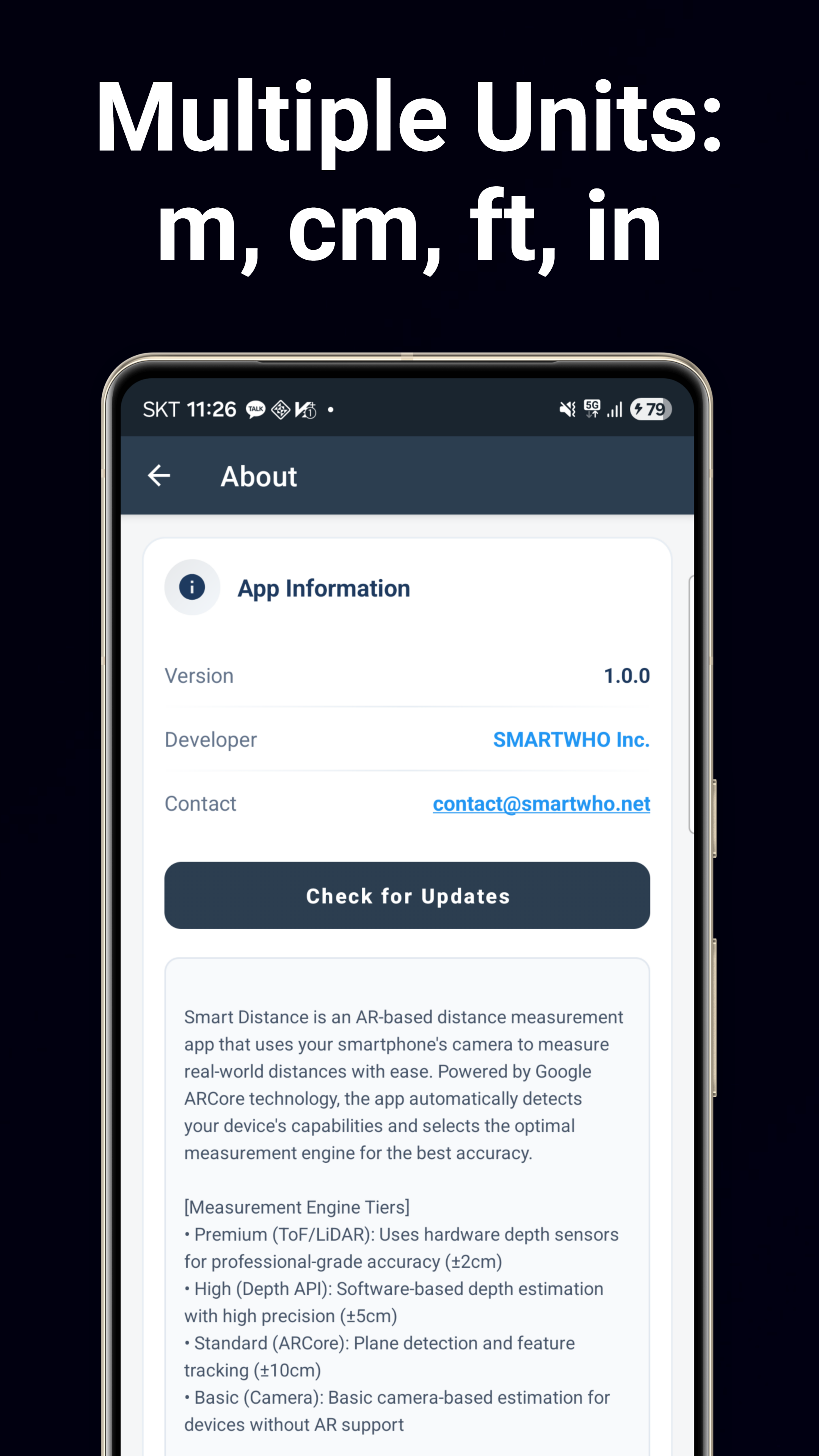
Motor con tecnología Google ARCore que detecta automáticamente tu hardware (ToF/LiDAR/Depth) y selecciona la mejor estrategia de medición para la máxima precisión.
Guardar & Compartir
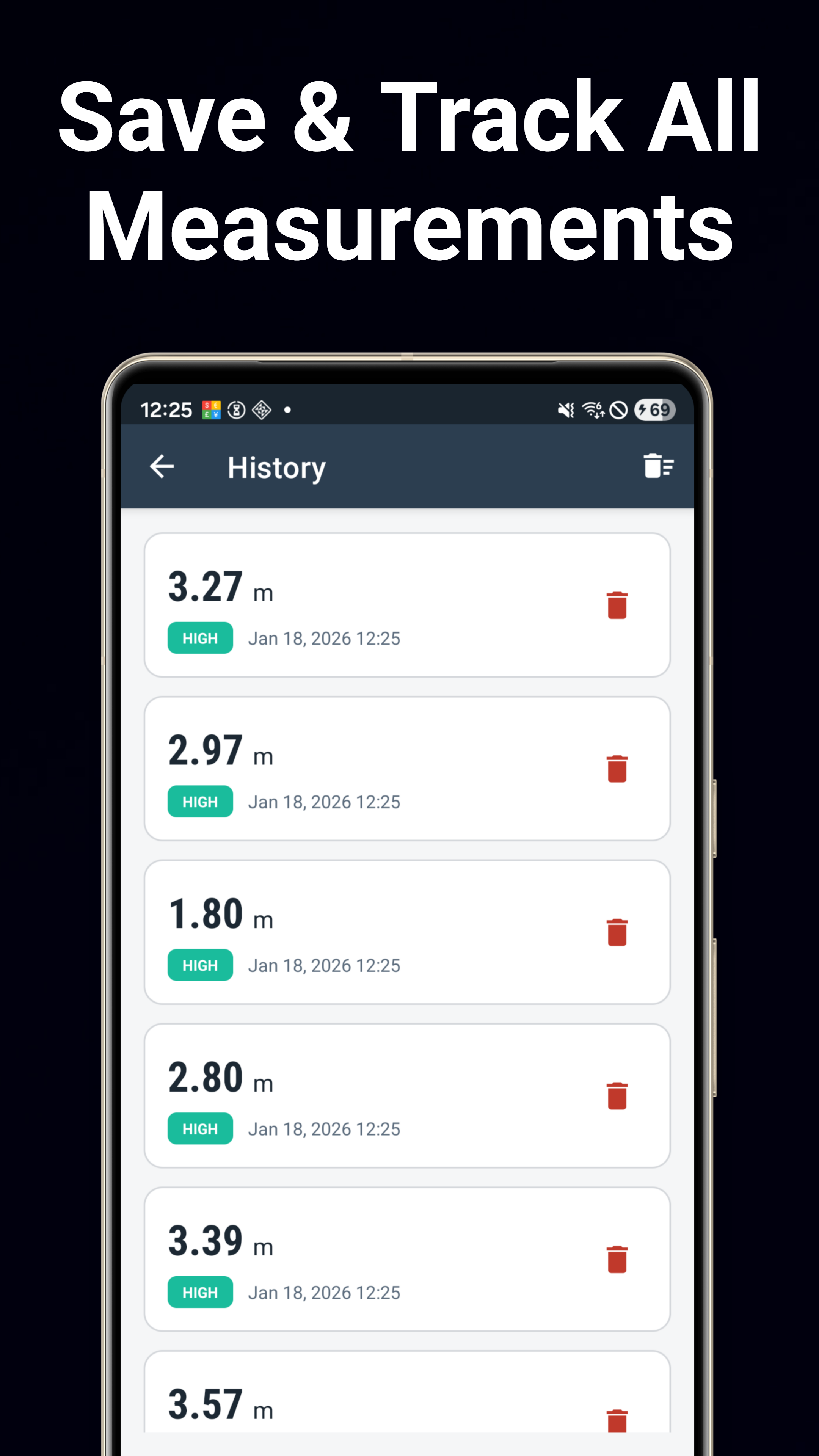
Guarda mediciones con foto, ubicación y notas. Exporta a CSV. Comparte resultados con capturas de pantalla directamente desde cualquier herramienta.
Descargar Ahora
Disponible en Google Play de forma gratuita.
Descargar en Google Play