
 File Manager
  Calculator
  Translator
  Notes
Notes  Currency
  Password
  D-Day
D-Day  App Manager
  Quick Settings
  Scanner
  GPS Set
  Siren SOS
  Heart Rate
  Smart Brain
  Magnetic Field
  Sound Meter
  Vibration
  Distance
  Travel
  Pedometer
  Keycap ASMR
 App Screenshots
Key Features
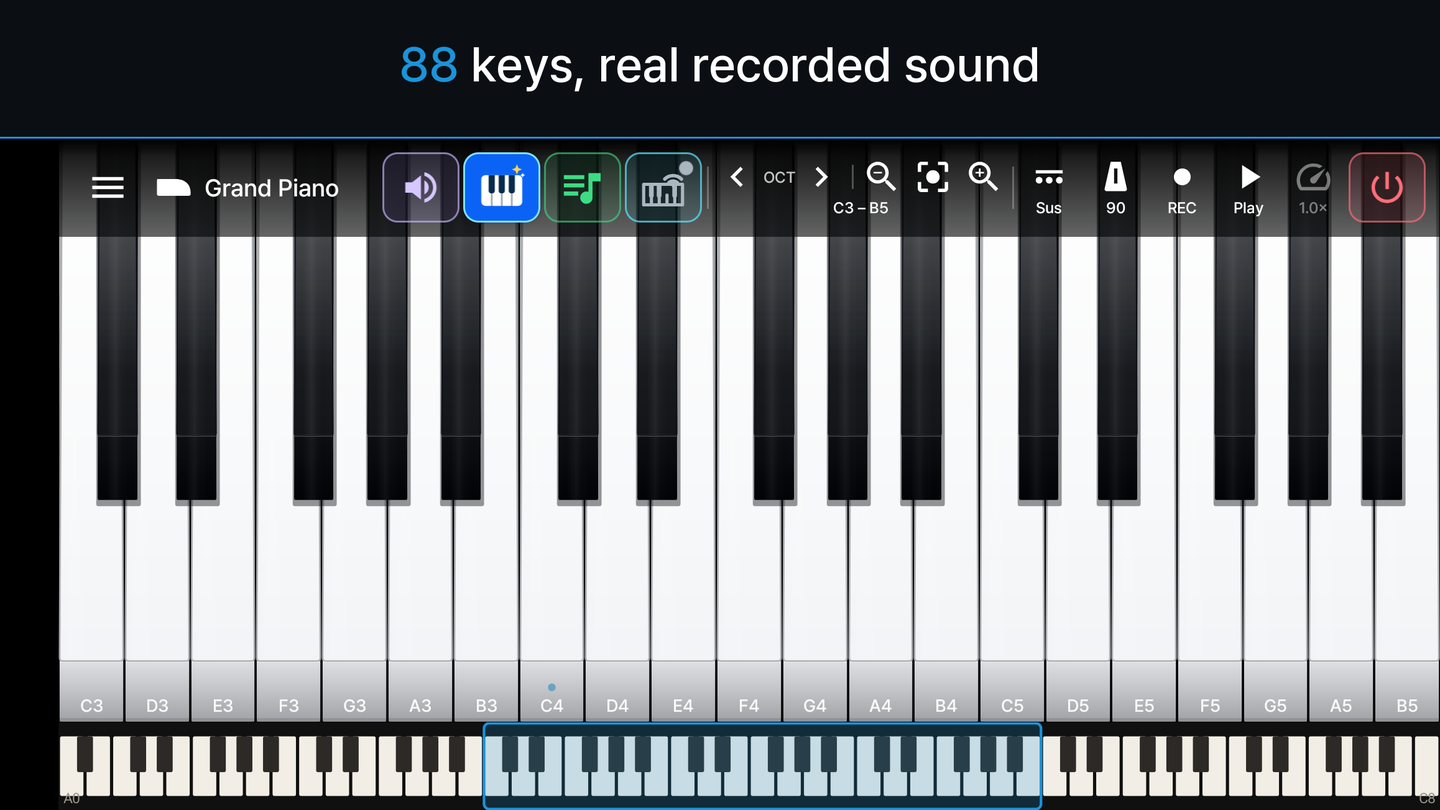
88-Key Piano Keyboard
The full A0 to C8 range, with one finger assigned to one key. Multitouch is built for chords, so up to ten notes sound at the same time. Pinch to resize the keys, shift octaves, or drag the range bar to move anywhere on the keyboard.
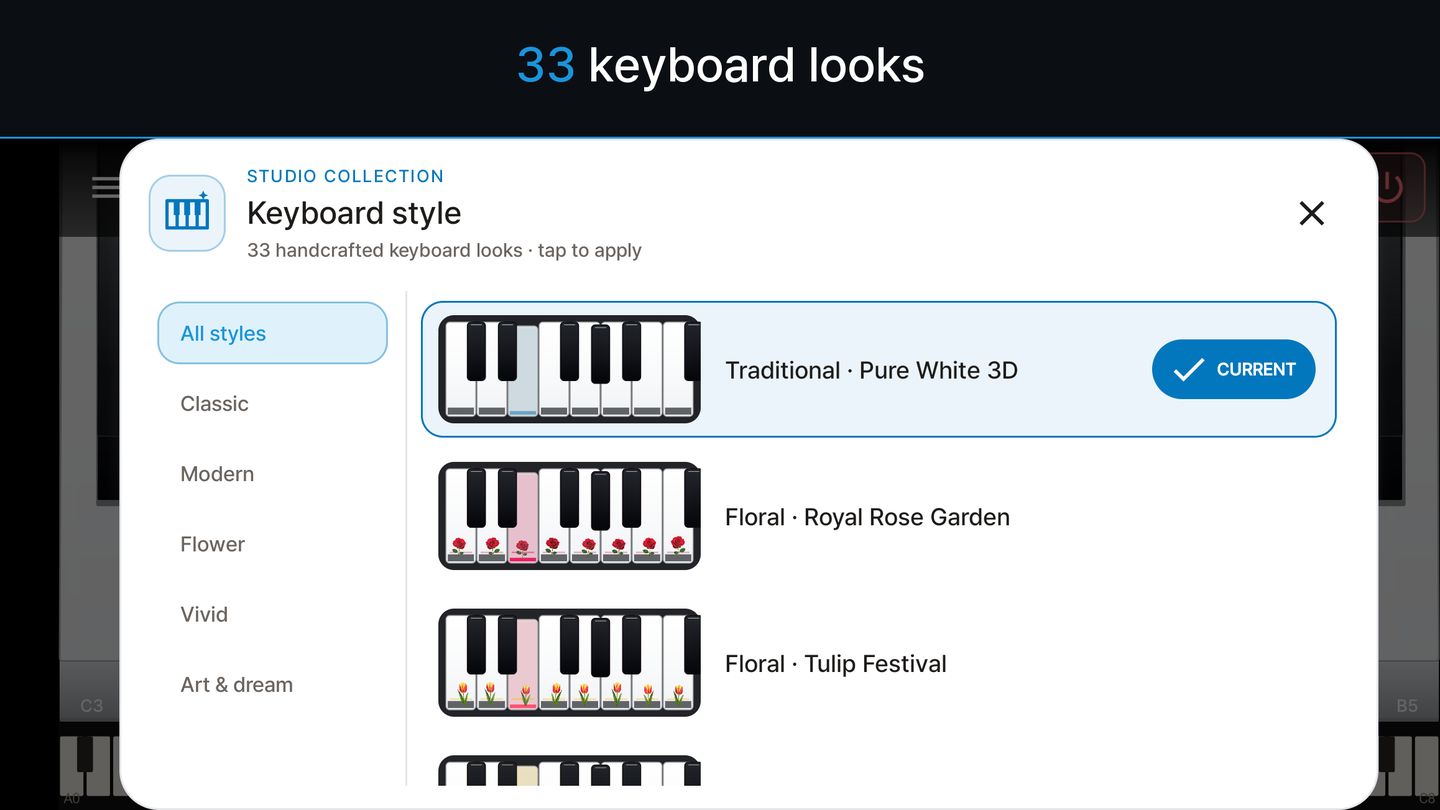
33 Keyboard Styles
Thirty-three handcrafted looks, from clean minimal white to concert ivory, floral and vivid themes. Note names can stay on while you are learning, then go away once you no longer need them.
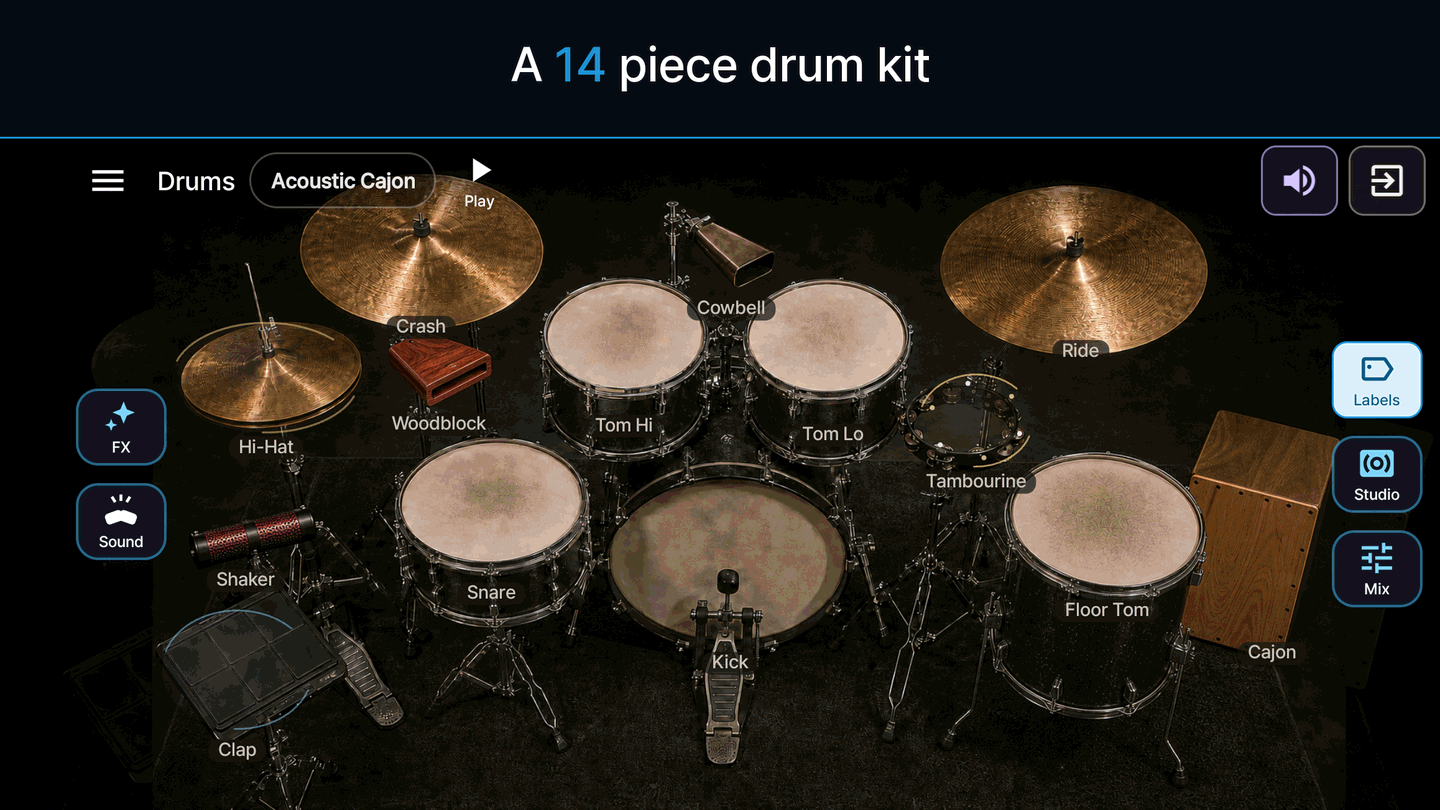
14-Piece Drum Kit
Kick, snare, toms, hi-hat, cymbals, cowbell, tambourine, cajon and more. Every piece is recorded soft, medium and hard so the kit answers the way you hit it, and the volume of each piece can be mixed separately. Three sound modes and sixteen hit effects.
40 Rhythms to Play Along
Forty rhythms across rock, funk, hip-hop, jazz, Latin and world styles. Start one and play over the top of it, or use it to hold the tempo while you learn a part.
Play by Sound
Trigger the drums with claps, taps on the table or your voice instead of the screen. The microphone is used only while this mode is listening, and the audio is analyzed on your device rather than recorded.
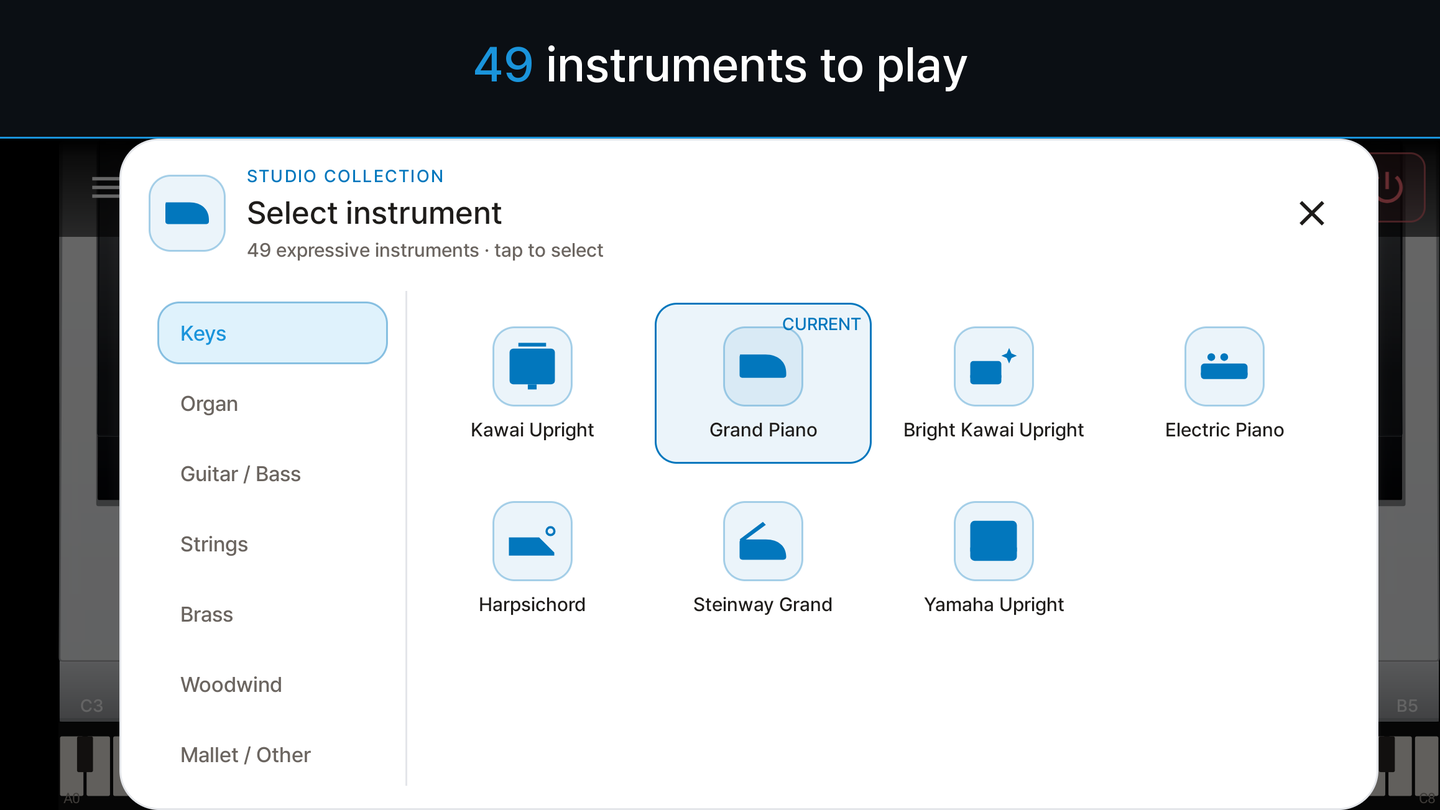
49 Instruments
Pianos, organs, strings, brass, woodwinds, basses, guitars and mallets — 47 recorded instruments and 2 synthesizers. Levels are matched across the collection, so the volume stays even when you switch sounds.
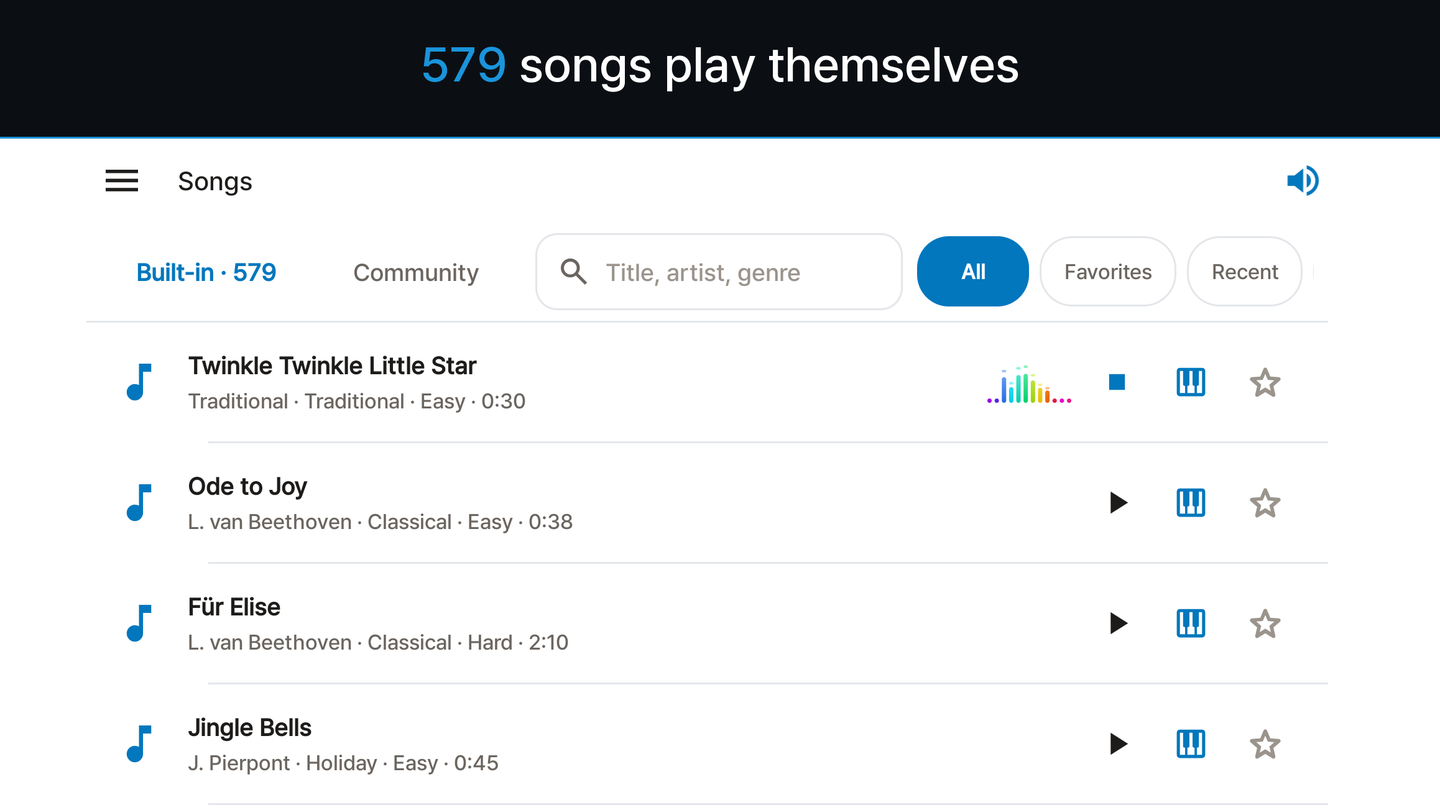
579 Built-In Songs
Classical pieces, carols, hymns, ragtime and traditional melodies. Pick one and the keys light up as it plays with accompaniment. Filter by composer, difficulty, favorites or the songs you played most recently.
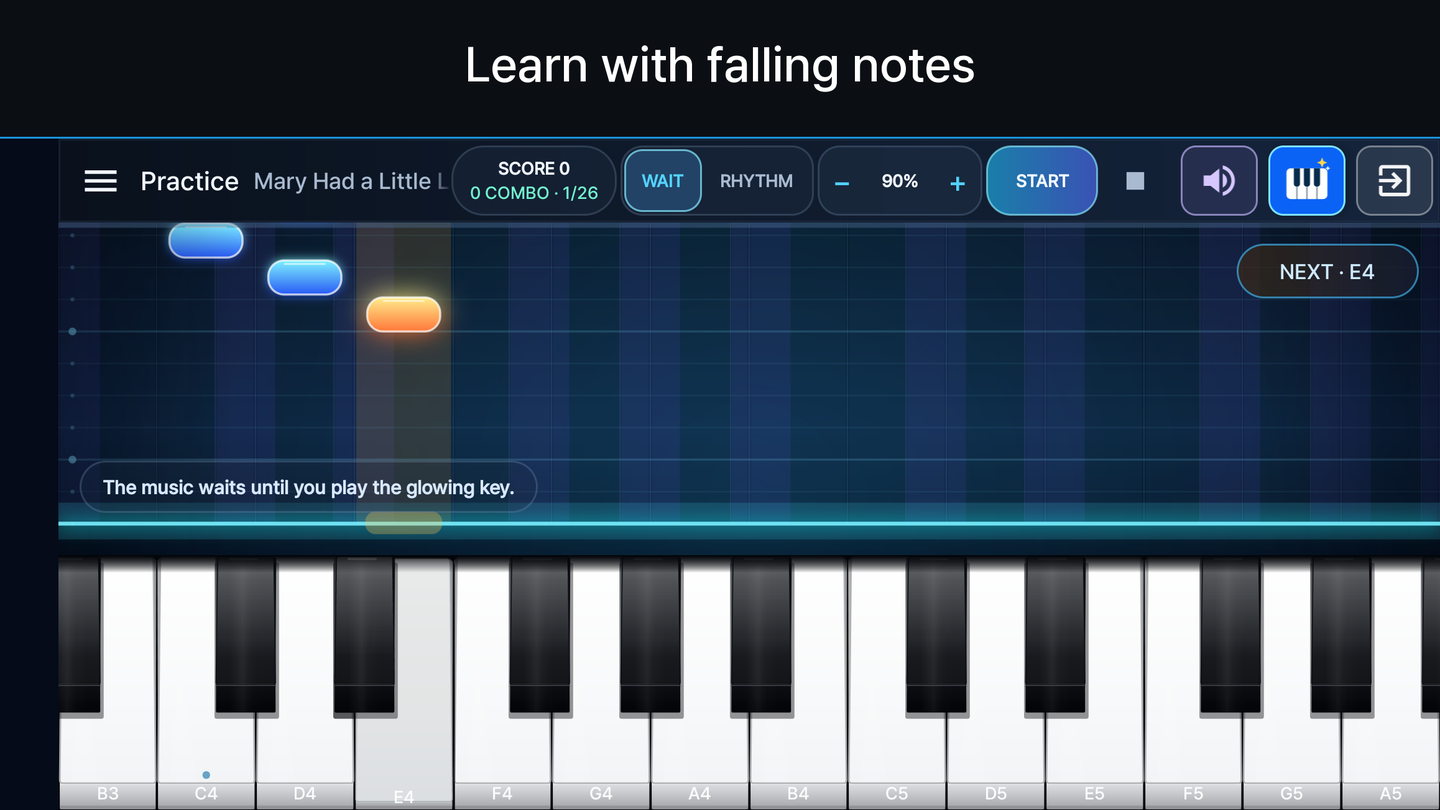
Guided Practice
Notes fall toward the keyboard and, in guided mode, the music waits until you play the glowing key. Rhythm mode keeps time instead. Change the speed from 0.5x to 2x without changing the pitch, and a four-stage learning path remembers how far you have come.
Metronome
Tap tempo, an accent on the first beat and eight metronome sounds. Set the BPM directly or choose a tempo term from Largo to Prestissimo, and keep the metronome running while you play the keyboard.
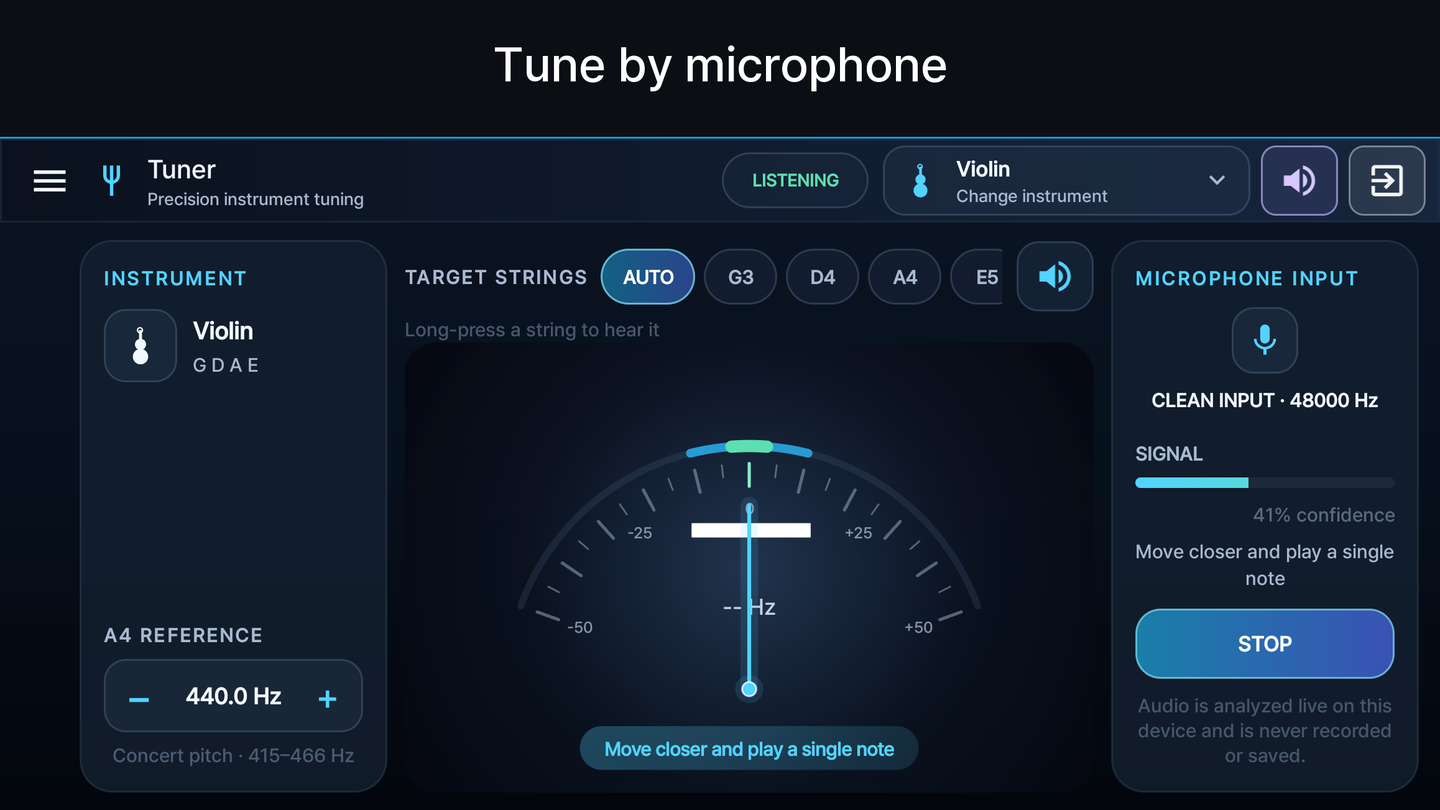
Chromatic Tuner
Thirteen presets for guitar, ukulele, violin and other instruments, with the reference pitch adjustable from 432 to 444 Hz. Audio is analyzed live on the device and is never recorded or saved.
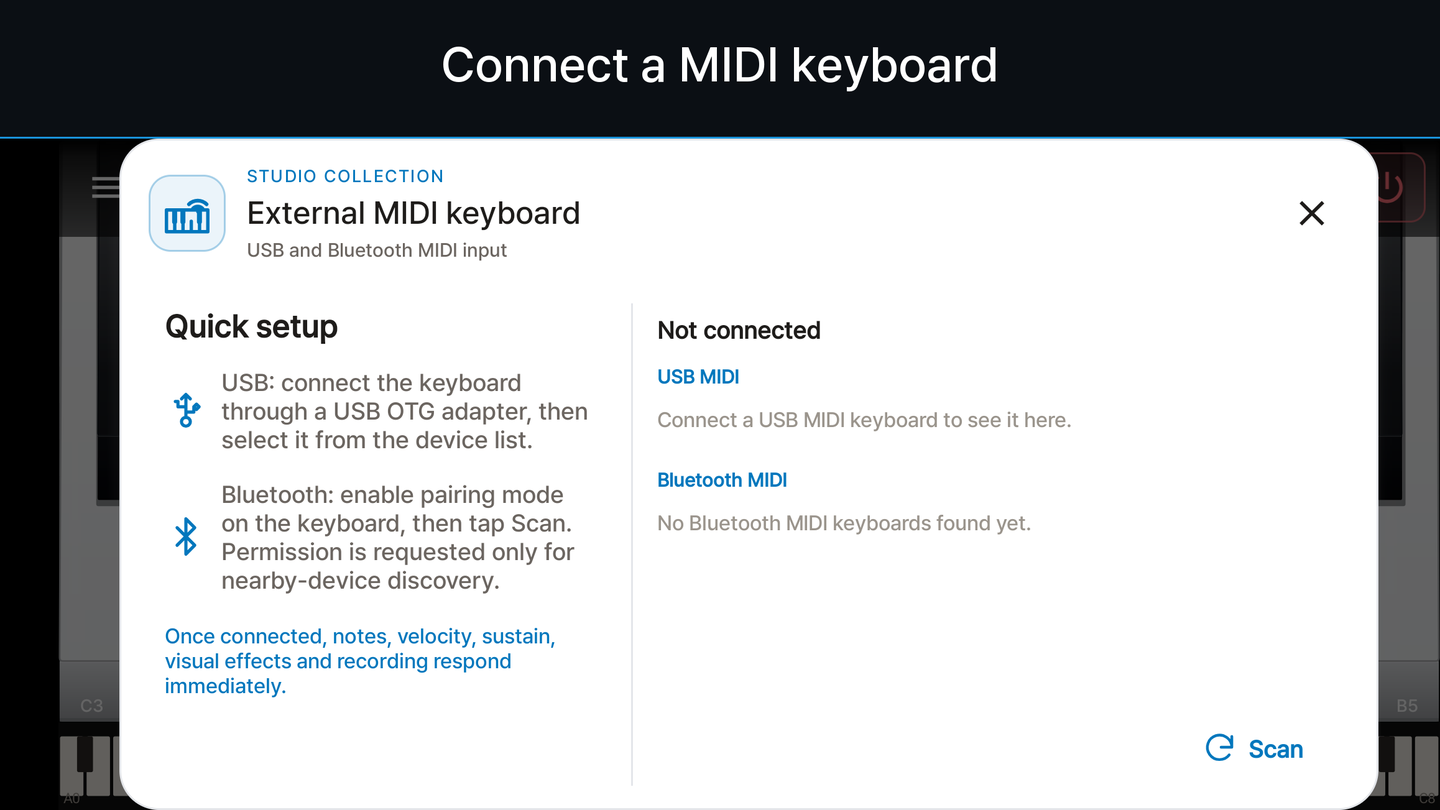
USB and Bluetooth MIDI
Connect a USB MIDI keyboard through an OTG adapter, or scan for a Bluetooth MIDI keyboard and pair it in the app on Android 12 or newer. Velocity and sustain pedal input are reflected on the on-screen keyboard and captured in recordings.
Record and Export MIDI
Record what you play and replay it with animated keys, or record while a built-in song plays to keep the song and your part together. Export a standard MIDI file or share it with another app — recordings store MIDI notes, not microphone audio.
Getting Started
Download Now
Available on Google Play for free.
Get it on Google Play